
yYa_FRaqbC_08_07 - Minecraft Skins & Skin History
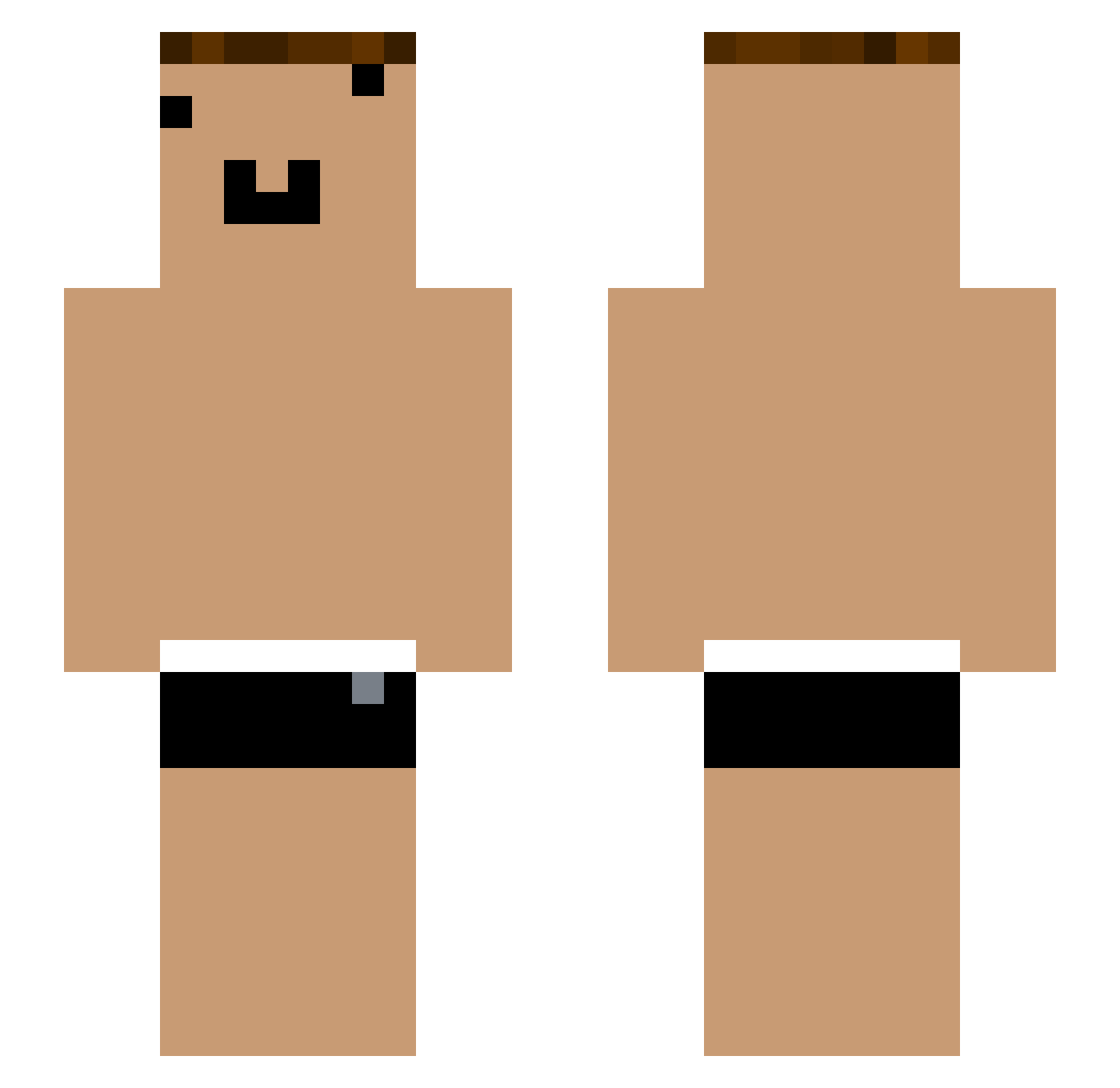
Current Minecraft skin of the player yYa_FRaqbC_08_07, loaded from the official Mojang API. Rotate the 3D model with your mouse or finger, then download the skin as a PNG file and use it in Minecraft: Bedrock Edition or Java Edition for free. When yYa_FRaqbC_08_07 changes their skin, this page updates automatically and the old skin stays in the history below.
Other players with this skin (1056)
yYa_FRaqbC_08_07 was the 219th player we have seen with this skin, first spotted on 15.08.2026. The same skin was seen on these players. Open a nickname to see their current skin and skin history.
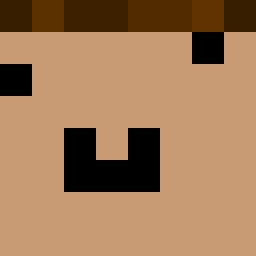 yYa_nwpGR8_05_27 gew_ix4A2D_08_08 che_8wSA1X_05_05 Tzi_tkJfqJ yYa_yR0F3p_05_01 Tom_IZpi2O_05_28 yYa_6pkNzP_05_24 MrAdriiian Tzi_Pmcarc_08_04 pppp8414_2 che_02H67y_05_04 YouTouBe__02H67y Tzi_03a5sq_06_10 Xbi_qC5Etr_05_18 yYa_sJ3Ih7_05_26 yYa_ch9wPi_05_16 _sKBEr8 HY_pDS7hx yYa_ch9wPi_05_17 JMTCHICKEN25 Tzi_8wSA1X_07_25 yYa_vhFHEa_05_06 Xiaokun_clWXSZ Tzi_47ozI9_06_10 xpp_bmspH2_07_17 yYa_nwpGR8_06_17 Tzi_9POXiE_05_07 yYa_GCl9Fo_04_27 Tzi_wqeq5Z_06_07 Tzi_GCl9Fo_06_08 Maxim_VDM Tzi_SN8anK yYa_pDS7hx_04_21 Tzi_Wd7KKQ_06_04 rBoe2U GLD_zW3yZt_07_18 yYa_pYC98B_05_25 Cd_GnhPUb_05_27 YouTouBe__M4BAyx San1223h db_cfw151 Tzi_j01e9d_04_09 yYa_QcqnWw_05_07 ONE_FRaqbC Tzi_jtrSBy_05_28 qe_tqh339 Athrun_17 Tzi_QFcr8m_05_27 yYa_8wSA1X_05_24 yYa_xfE9oh_05_04 yYa_3Zs3Mp_05_02 yYa_lbhsKd_05_29 OIa_1qnWXY Tzi_idcDjo_06_26 Tzi_8wSA1X_07_28 che_8wSA1X_04_27 Tzi_wrblZz_07_18 _0gxapz Tzi_wrblZz_07_10 yYa_9uIIpp_04_28
More Funny Face Minecraft skins
How to install the yYa_FRaqbC_08_07 skin
- Press the Download button above to save the skin as a PNG file.
- Minecraft: Bedrock Edition (PE): open the Dressing Room from the main menu (or tap your character → Edit Character), go to Classic Skins → Owned, press the + (new skin) button, choose the downloaded PNG and pick the Slim (Alex) model. Works on PC and mobile; consoles cannot import custom skins.
- Minecraft: Java Edition: open the Minecraft Launcher, go to the Skins tab, click New Skin, load the PNG, pick the Slim (Alex) model and press Save & Use. You can also upload it at minecraft.net → Profile → Change Skin.
The skin does not show up after import - what should I do?
Restart Minecraft and open the Dressing Room again - imported skins sometimes appear only after a restart. Also make sure you selected the imported skin and picked the Slim (Alex) model.
Which model should I choose, Classic or Slim?
This skin is designed for the Slim (Alex) model. If you pick the wrong model, the arms of the skin will look stretched or squeezed.
Is the skin of yYa_FRaqbC_08_07 free to download?
Yes. Press Download, save the PNG file and use it in Minecraft: Bedrock Edition or Java Edition - no payment or registration needed. The skin also works on multiplayer servers and Realms.
More skins
Looking for more? Go back to all Minecraft skins and check the top skins of the week, month and all time, or find any player's skin by nickname.