
yRiderZ - Minecraft Skins & Skin History
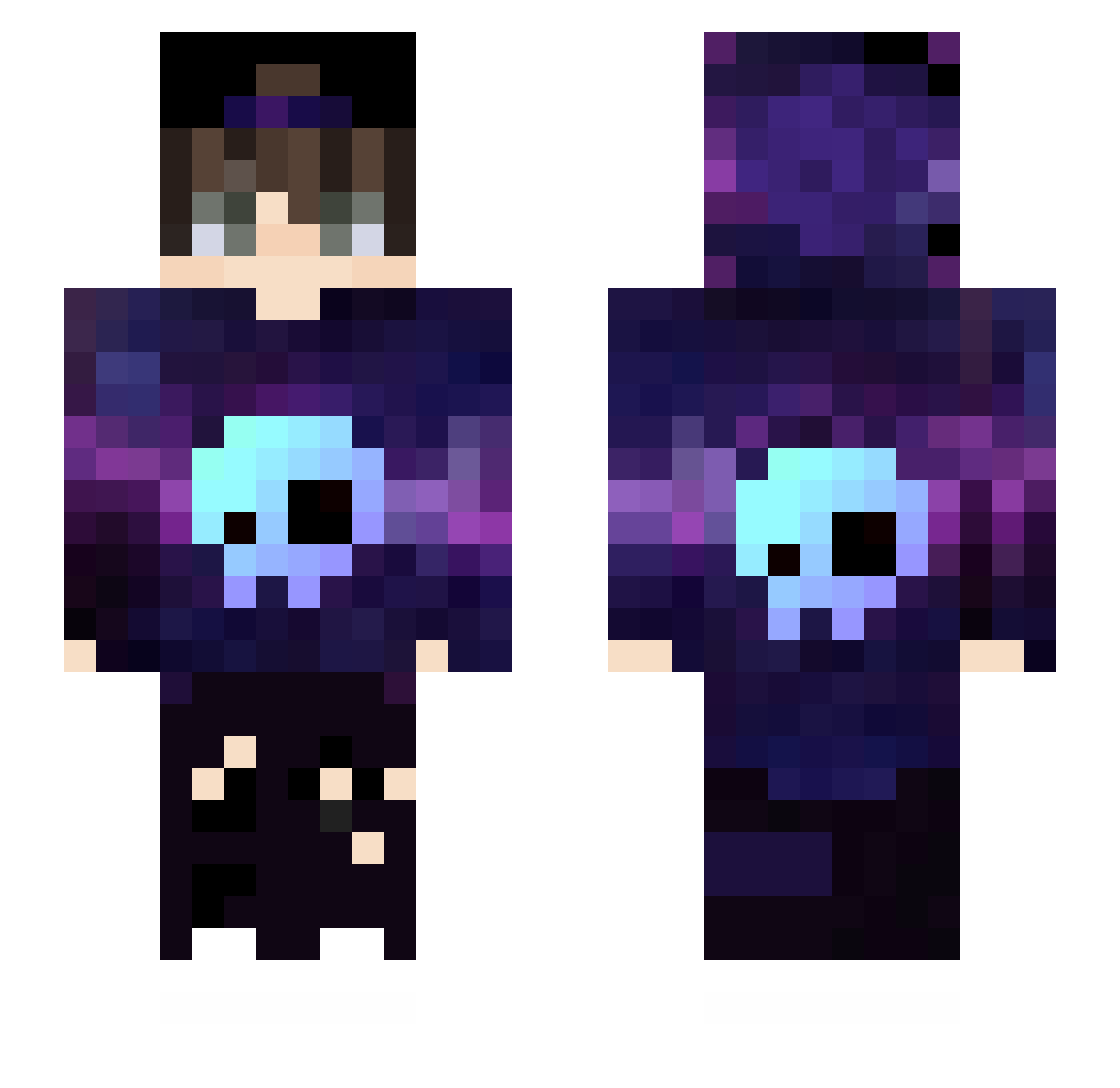
Current Minecraft skin of the player yRiderZ, loaded from the official Mojang API. Rotate the 3D model with your mouse or finger, then download the skin as a PNG file and use it in Minecraft: Bedrock Edition or Java Edition for free. When yRiderZ changes their skin, this page updates automatically and the old skin stays in the history below.
Other players with this skin (432)
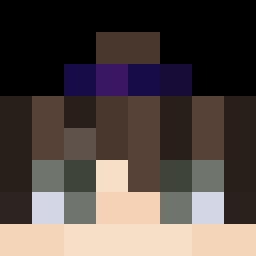
yRiderZ was the 262nd player we have seen with this skin, first spotted on 19.09.2026. The same skin was seen on these players. Open a nickname to see their current skin and skin history.
 PPGGazin petitcub 2539799824 DanielSwc MemoBaba16 GarfieldSima2011 GrandePucito YahikoCz Ender_Tree Valhalla3191 RYUSEICHANNEL Basti0915 soleil_fr leplusbo_ 5led1 fxsyaisyphusc Golden_Glove Rokeexd ErosATK POPJACKP ABREUZINHO1091 YamaSakura2 Dr_Froozy Excilio virajwarrior Chienks_YT VGBatist22 Movarus BanGSo12 Neolio_ Gabriel_Yaros MenBoss Jkl_3 Crypto_Gamer _ZeTn0TecH_ RecoElomix LowP1n6Ace XmaseqTV adamprotoro10 Magic_22xx Neeithan El_Formic _F3NiXx Reps0r DENRY97 Aphaeiel SucessadaDoVd MC_Despair Ssnorker D3wElllw1 qibeiwang Alex201317 Maxx0882 Xiuc GliSpikes Cherrylenmo RonMorgan aryaduta ERR0R07 BitestheDusts
More Skull Minecraft skins
How to install the yRiderZ skin
- Press the Download button above to save the skin as a PNG file.
- Minecraft: Bedrock Edition (PE): open the Dressing Room from the main menu (or tap your character → Edit Character), go to Classic Skins → Owned, press the + (new skin) button, choose the downloaded PNG and pick the Slim (Alex) model. Works on PC and mobile; consoles cannot import custom skins.
- Minecraft: Java Edition: open the Minecraft Launcher, go to the Skins tab, click New Skin, load the PNG, pick the Slim (Alex) model and press Save & Use. You can also upload it at minecraft.net → Profile → Change Skin.
The skin does not show up after import - what should I do?
Restart Minecraft and open the Dressing Room again - imported skins sometimes appear only after a restart. Also make sure you selected the imported skin and picked the Slim (Alex) model.
Which model should I choose, Classic or Slim?
This skin is designed for the Slim (Alex) model. If you pick the wrong model, the arms of the skin will look stretched or squeezed.
Is the skin of yRiderZ free to download?
Yes. Press Download, save the PNG file and use it in Minecraft: Bedrock Edition or Java Edition - no payment or registration needed. The skin also works on multiplayer servers and Realms.
More skins
Looking for more? Go back to all Minecraft skins and check the top skins of the week, month and all time, or find any player's skin by nickname.