
yDeenek - Minecraft Skins & Skin History
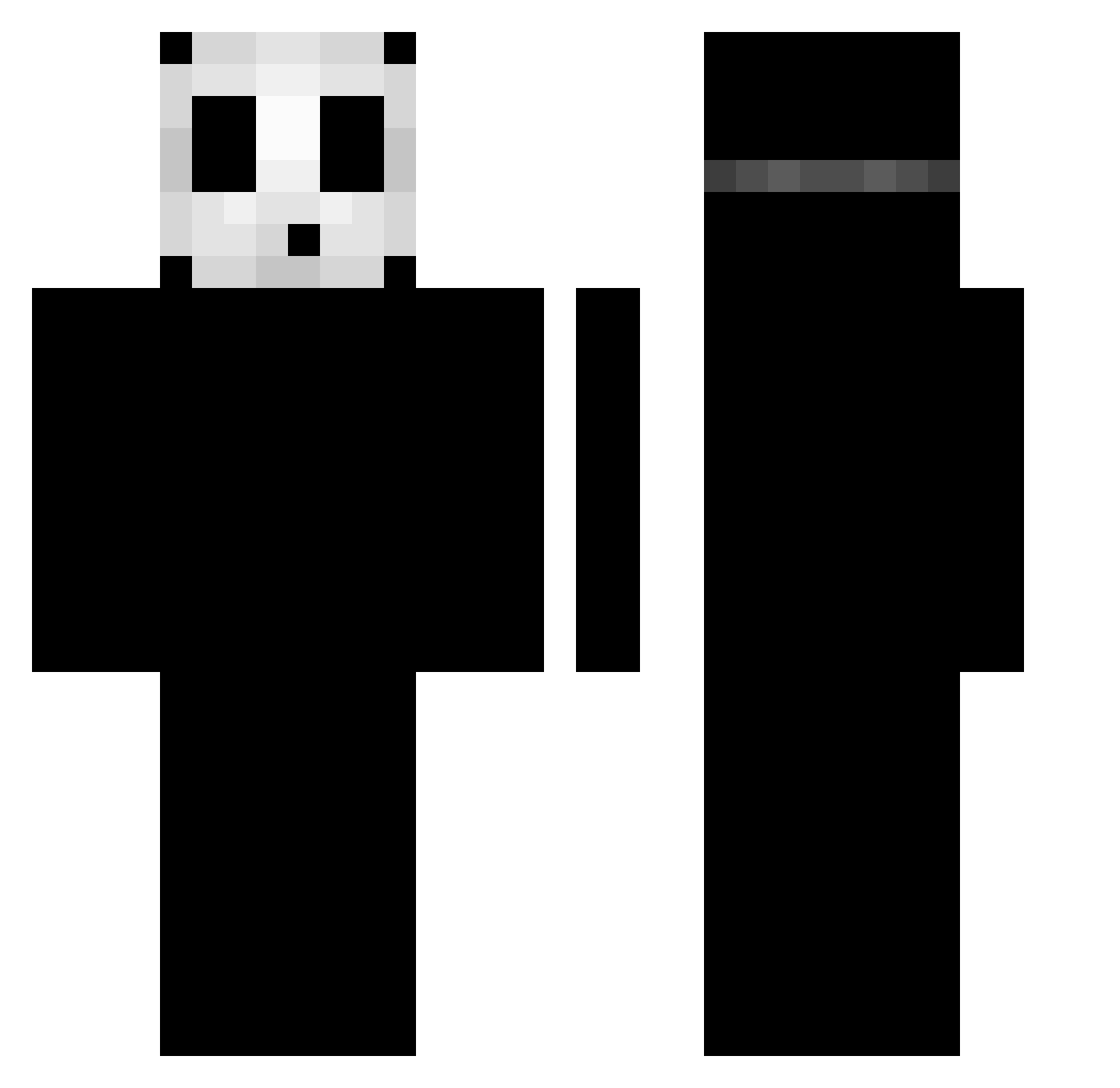
Current Minecraft skin of the player yDeenek, loaded from the official Mojang API. Rotate the 3D model with your mouse or finger, then download the skin as a PNG file and use it in Minecraft: Bedrock Edition or Java Edition for free. When yDeenek changes their skin, this page updates automatically and the old skin stays in the history below.
Other players with this skin (56)
yDeenek was the 14th player we have seen with this skin, first spotted on 21.08.2026. The same skin was seen on these players. Open a nickname to see their current skin and skin history.
 Sha90ff seunghyun623 br1t0_ luhprezzy KZTZ gaimingzi halapenio1212 arurge ladal911 x_x_x_x_x_x_ two_cool TNTChopper JoJo_4711 FTPTomie KingVamp_999 sensei_m247 lolloYT joaolima19 Strxyous MineLover2000 yolzz hab_i omgdixie Furiia oHeLlx wangjungin Shisuix99 D0rozo XBigPickEnergyX Ig_Richhy1x Twi1ightDown_n Cyrelo89 isDrxpz exera2 elkks667 MCSlimeBoy Ralemale RickyHa COSMICHORSE4418 _brat_20 Aenima7178 safiaaaaqlf Cixhy Maqan43 erikthedream Slowzy_x PIERO420 MonterUU devrimkrala sean_0915 manixq Antuhxpp czq4109 Emilian_o ciungu2009 Rain6699
More Shy Guy Minecraft skins
How to install the yDeenek skin
- Press the Download button above to save the skin as a PNG file.
- Minecraft: Bedrock Edition (PE): open the Dressing Room from the main menu (or tap your character → Edit Character), go to Classic Skins → Owned, press the + (new skin) button, choose the downloaded PNG and pick the Classic (Steve) model. Works on PC and mobile; consoles cannot import custom skins.
- Minecraft: Java Edition: open the Minecraft Launcher, go to the Skins tab, click New Skin, load the PNG, pick the Classic (Steve) model and press Save & Use. You can also upload it at minecraft.net → Profile → Change Skin.
The skin does not show up after import - what should I do?
Restart Minecraft and open the Dressing Room again - imported skins sometimes appear only after a restart. Also make sure you selected the imported skin and picked the Classic (Steve) model.
Which model should I choose, Classic or Slim?
This skin is designed for the Classic (Steve) model. If you pick the wrong model, the arms of the skin will look stretched or squeezed.
Is the skin of yDeenek free to download?
Yes. Press Download, save the PNG file and use it in Minecraft: Bedrock Edition or Java Edition - no payment or registration needed. The skin also works on multiplayer servers and Realms.
More skins
Looking for more? Go back to all Minecraft skins and check the top skins of the week, month and all time, or find any player's skin by nickname.