
y4si0 - Minecraft Skins & Skin History
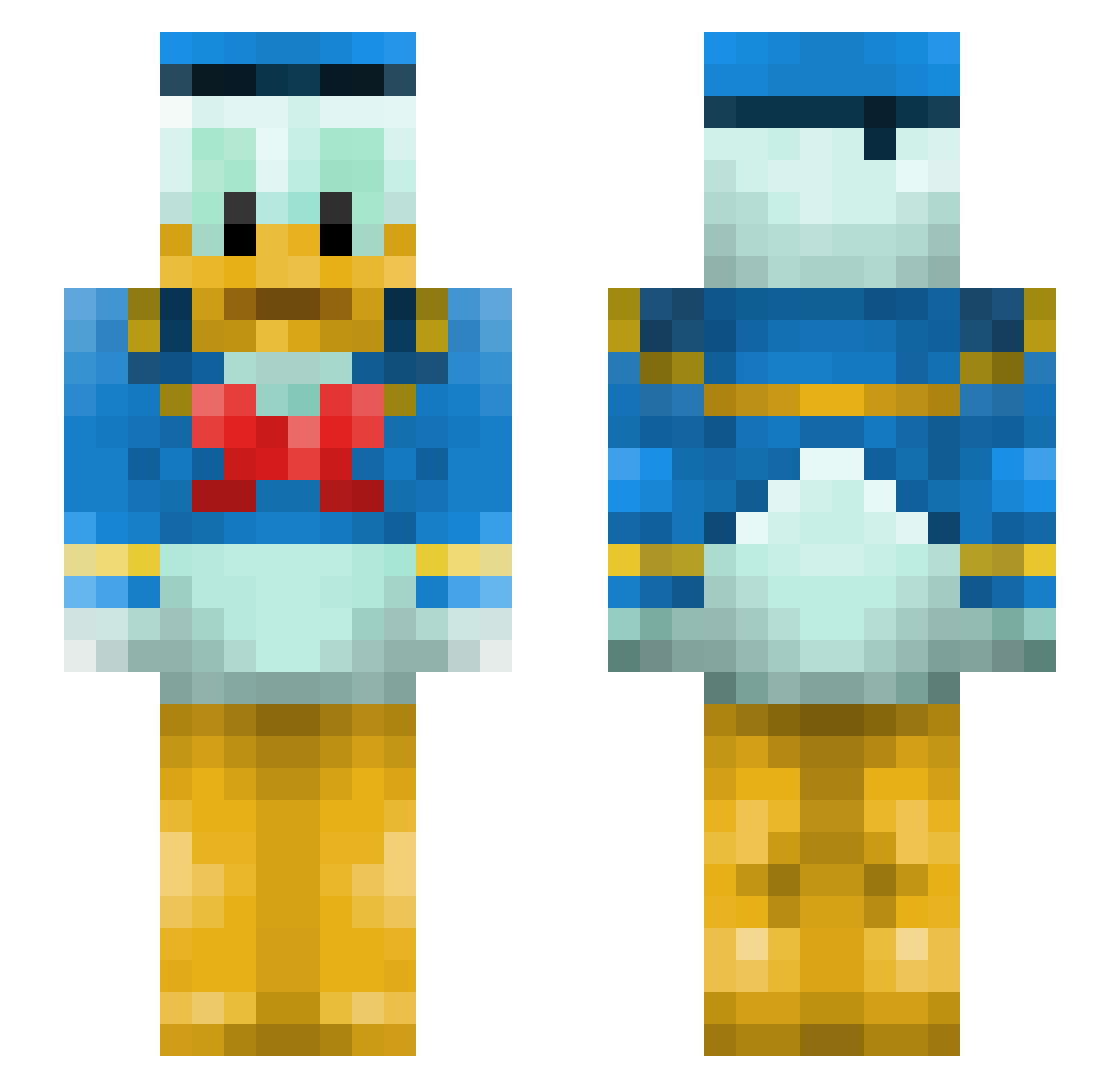
Current Minecraft skin of the player y4si0, loaded from the official Mojang API. Rotate the 3D model with your mouse or finger, then download the skin as a PNG file and use it in Minecraft: Bedrock Edition or Java Edition for free. When y4si0 changes their skin, this page updates automatically and the old skin stays in the history below.
Other players with this skin (182)
y4si0 was the 164th player we have seen with this skin, first spotted on 31.10.2026. The same skin was seen on these players. Open a nickname to see their current skin and skin history.
 damicojake MaxSB Legendarries unm0ist tnk_00 lilbabybighomie Yizezzzz BitofaLiability Look4U Comique Hianethys MaryBonilla carlsbad0920 Nisinonon SimianSimpleton bombay_masala goatgrower EDGE__MAN JMc1908 DUCKATYYYYY tyanpapa momon25 ericknamikaze BOBOBOBOBOOOOOO Manjuu3536 DomDomMegatron Syeeddd fatasduckling JCX761 Axionswell sunnyroad_0216 Vaxo_ Bozi0658 Misidapro qhxf StickmanCM CrucifixNz isviik opfo mennto y4sh0 PhantomLearner RonaldMcddonald Phantom043 LexKD DadKnowsBetter Mnv22 thilospies Daamien no0o KELINHO Mclarensimon02 bealsbaby Roxarem1 kossu_uv KillerheatGaming m1l0s1 Martynekk EKELUNDJENS Nenaal
More Donald Duck Minecraft skins
How to install the y4si0 skin
- Press the Download button above to save the skin as a PNG file.
- Minecraft: Bedrock Edition (PE): open the Dressing Room from the main menu (or tap your character → Edit Character), go to Classic Skins → Owned, press the + (new skin) button, choose the downloaded PNG and pick the Slim (Alex) model. Works on PC and mobile; consoles cannot import custom skins.
- Minecraft: Java Edition: open the Minecraft Launcher, go to the Skins tab, click New Skin, load the PNG, pick the Slim (Alex) model and press Save & Use. You can also upload it at minecraft.net → Profile → Change Skin.
The skin does not show up after import - what should I do?
Restart Minecraft and open the Dressing Room again - imported skins sometimes appear only after a restart. Also make sure you selected the imported skin and picked the Slim (Alex) model.
Which model should I choose, Classic or Slim?
This skin is designed for the Slim (Alex) model. If you pick the wrong model, the arms of the skin will look stretched or squeezed.
Is the skin of y4si0 free to download?
Yes. Press Download, save the PNG file and use it in Minecraft: Bedrock Edition or Java Edition - no payment or registration needed. The skin also works on multiplayer servers and Realms.
More skins
Looking for more? Go back to all Minecraft skins and check the top skins of the week, month and all time, or find any player's skin by nickname.