
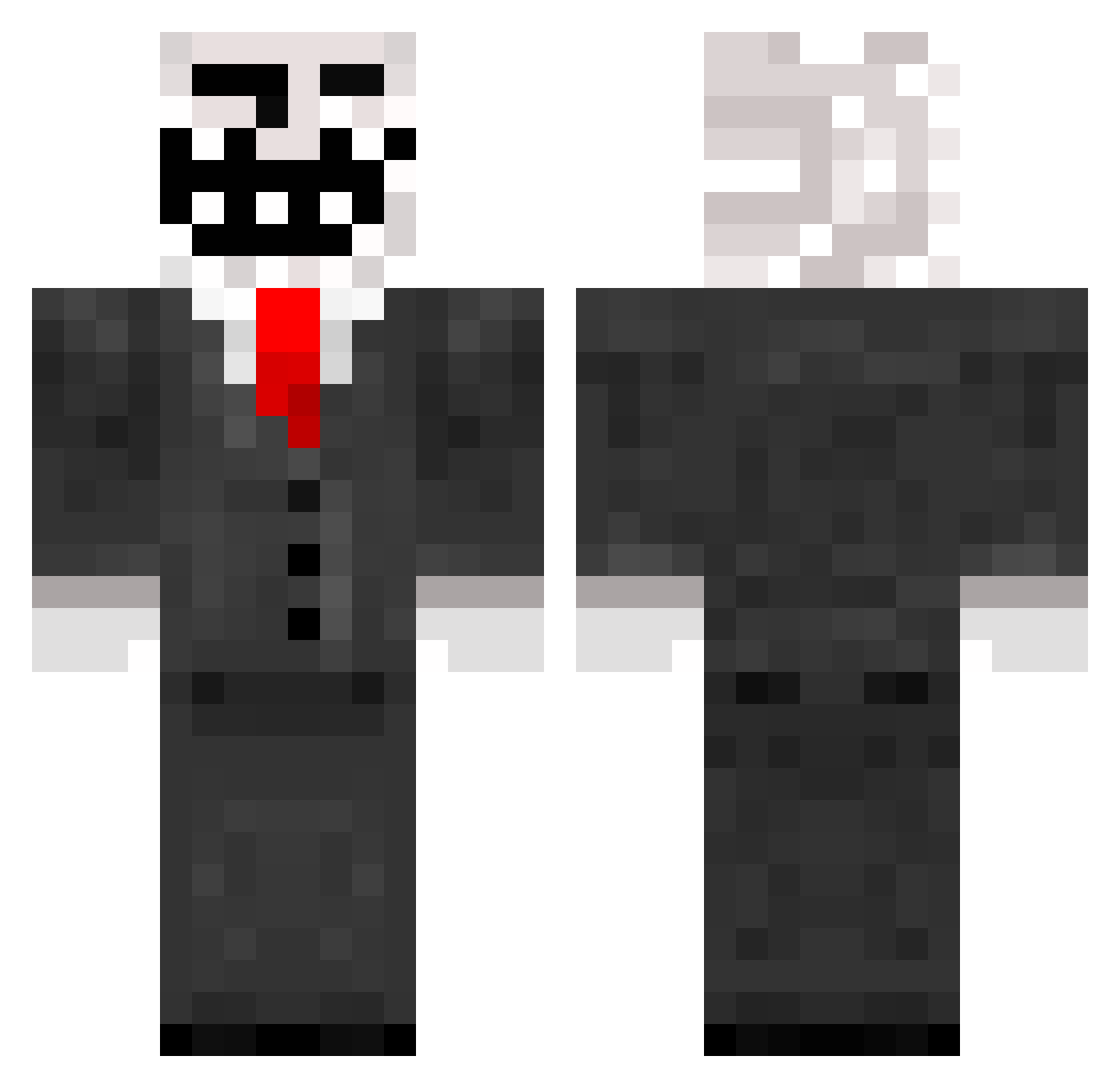
Current Minecraft skin of the player xxXthetrollXxx, loaded from the official Mojang API. Rotate the 3D model with your mouse or finger, then download the skin as a PNG file and use it in Minecraft: Bedrock Edition or Java Edition for free. When xxXthetrollXxx changes their skin, this page updates automatically and the old skin stays in the history below.
Other players with this skin (638)
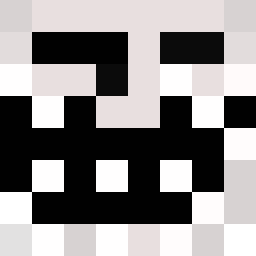
xxXthetrollXxx was the 50th player we have seen with this skin, first spotted on 30.07.2026. The same skin was seen on these players. Open a nickname to see their current skin and skin history.
 Cloudreborn DA_GATOR Sydro sparky25900 ArcherSet15 Arcadi20 LukesterRooster RichardNL jazy98 qdua Blaf7 beanbag4 sparky1241 badlehead59 talos100 Sweeny22 pev3 hags4 godbeastman THELASTLEGEND1 AZLO12 Eternal1337 wingerboy44 luolasto wolleman megamine98 Snowkiller Tucken St1lrus shane0219 jbjb47 smacko99 RJ310 Zenjul tristancole4273 Gely Yurif Rkellycraft samminecraft4 Bambuszek123 Calimera15 Tomik3 Michael_Lee142 picknickimzenit achmed4561 VictorMartinez zarRubin mauijuggler sabrelicious BAMF13 INQQQQQ kmlime edimonni TrollFace0 MadFatalist Bleast Little_Slime Soypinaa Jakewins77 MrMoustashio
More Trollface Minecraft skins
How to install the xxXthetrollXxx skin
- Press the Download button above to save the skin as a PNG file.
- Minecraft: Bedrock Edition (PE): open the Dressing Room from the main menu (or tap your character → Edit Character), go to Classic Skins → Owned, press the + (new skin) button, choose the downloaded PNG and pick the Classic (Steve) model. Works on PC and mobile; consoles cannot import custom skins.
- Minecraft: Java Edition: open the Minecraft Launcher, go to the Skins tab, click New Skin, load the PNG, pick the Classic (Steve) model and press Save & Use. You can also upload it at minecraft.net → Profile → Change Skin.
The skin does not show up after import - what should I do?
Restart Minecraft and open the Dressing Room again - imported skins sometimes appear only after a restart. Also make sure you selected the imported skin and picked the Classic (Steve) model.
Which model should I choose, Classic or Slim?
This skin is designed for the Classic (Steve) model. If you pick the wrong model, the arms of the skin will look stretched or squeezed.
Is the skin of xxXthetrollXxx free to download?
Yes. Press Download, save the PNG file and use it in Minecraft: Bedrock Edition or Java Edition - no payment or registration needed. The skin also works on multiplayer servers and Realms.
More skins
Looking for more? Go back to all Minecraft skins and check the top skins of the week, month and all time, or find any player's skin by nickname.