
xneneashow - Minecraft Skins & Skin History
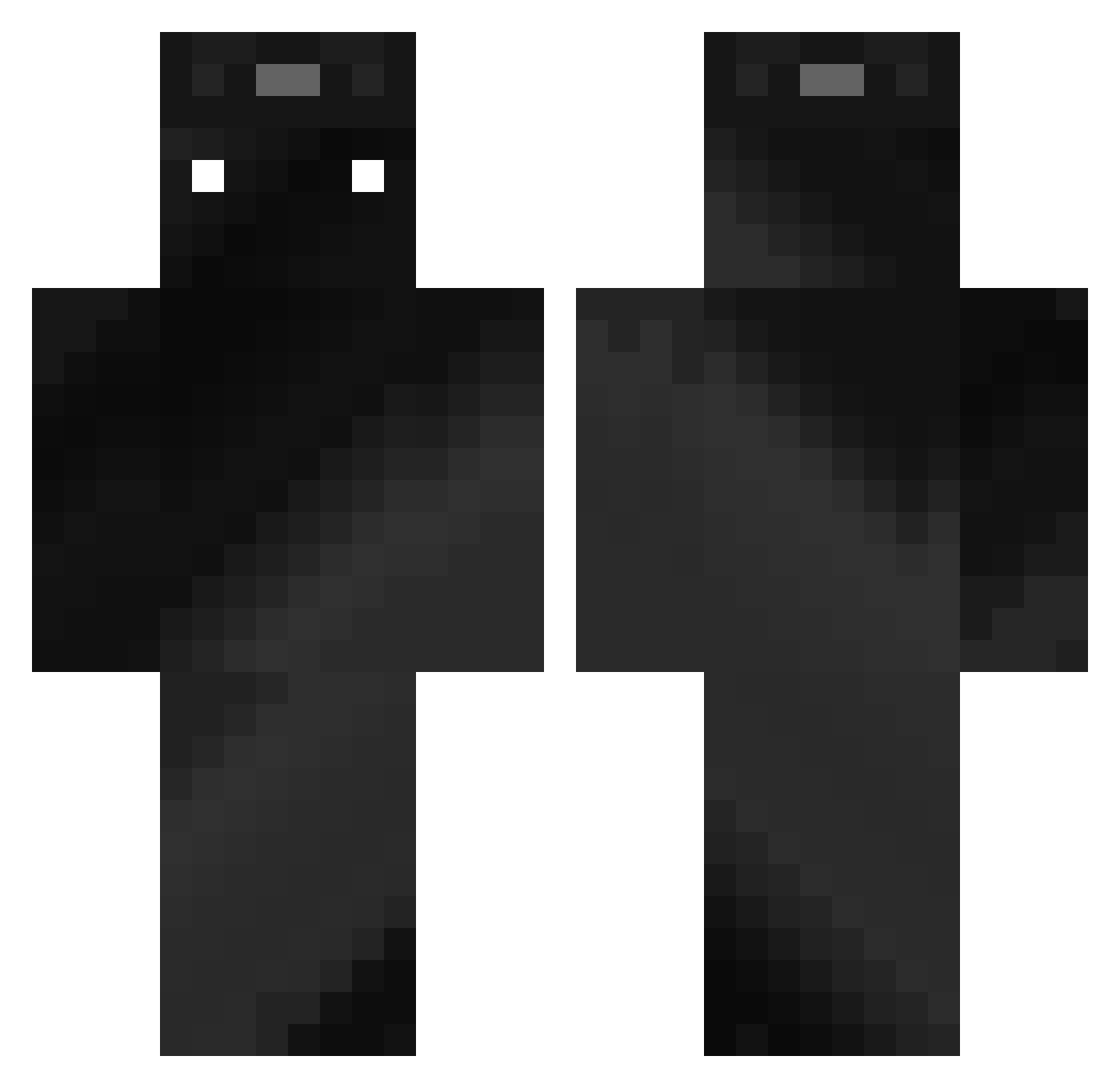
Current Minecraft skin of the player xneneashow, loaded from the official Mojang API. Rotate the 3D model with your mouse or finger, then download the skin as a PNG file and use it in Minecraft: Bedrock Edition or Java Edition for free. When xneneashow changes their skin, this page updates automatically and the old skin stays in the history below.
Other players with this skin (485)
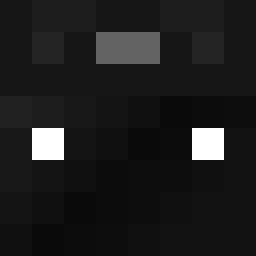
xneneashow was the 456th player we have seen with this skin, first spotted on 13.11.2026. The same skin was seen on these players. Open a nickname to see their current skin and skin history.
 V0ID_1123 jobap_ oficial_gerg ElEl_4 Mugitya19 Sehraan thomas_ld Ghost35108 omkh777 Tivo12 incubuswolf324 BenZecKK SR0726 nebelsoesen xky151 JED667 mryh0409 Joshy3 EldenLords Ziolixx Czesiook AfatPerson SUSP3CTZ tijdelijkheid Wadauel LoganLove1313 glitchking987 Bennypalma bhoisaho Odin_22 Akiplay_games14 Ola04 TotallyACoolGuy wrich94 Rodrigo_ra kingsigma1 Nime197 ZippyAlston ThunderDropX pizzaguy3312 chwng Jquiros91 K0NVlCT DarkRayan1337 han9891 Vakdon_ KirbleSensei ayumu827 p1nci Shimalo43 UpL100 bmxlat x_alex201 Unseen_Acoustics XXahiRR3821 PandaLi003 HakooProogamer SurlitPL Cameron_J Skyudmlol
How to install the xneneashow skin
- Press the Download button above to save the skin as a PNG file.
- Minecraft: Bedrock Edition (PE): open the Dressing Room from the main menu (or tap your character → Edit Character), go to Classic Skins → Owned, press the + (new skin) button, choose the downloaded PNG and pick the Classic (Steve) model. Works on PC and mobile; consoles cannot import custom skins.
- Minecraft: Java Edition: open the Minecraft Launcher, go to the Skins tab, click New Skin, load the PNG, pick the Classic (Steve) model and press Save & Use. You can also upload it at minecraft.net → Profile → Change Skin.
The skin does not show up after import - what should I do?
Restart Minecraft and open the Dressing Room again - imported skins sometimes appear only after a restart. Also make sure you selected the imported skin and picked the Classic (Steve) model.
Which model should I choose, Classic or Slim?
This skin is designed for the Classic (Steve) model. If you pick the wrong model, the arms of the skin will look stretched or squeezed.
Is the skin of xneneashow free to download?
Yes. Press Download, save the PNG file and use it in Minecraft: Bedrock Edition or Java Edition - no payment or registration needed. The skin also works on multiplayer servers and Realms.
More skins
Looking for more? Go back to all Minecraft skins and check the top skins of the week, month and all time, or find any player's skin by nickname.