
xiaozhang520hhhh - Minecraft Skins & Skin History
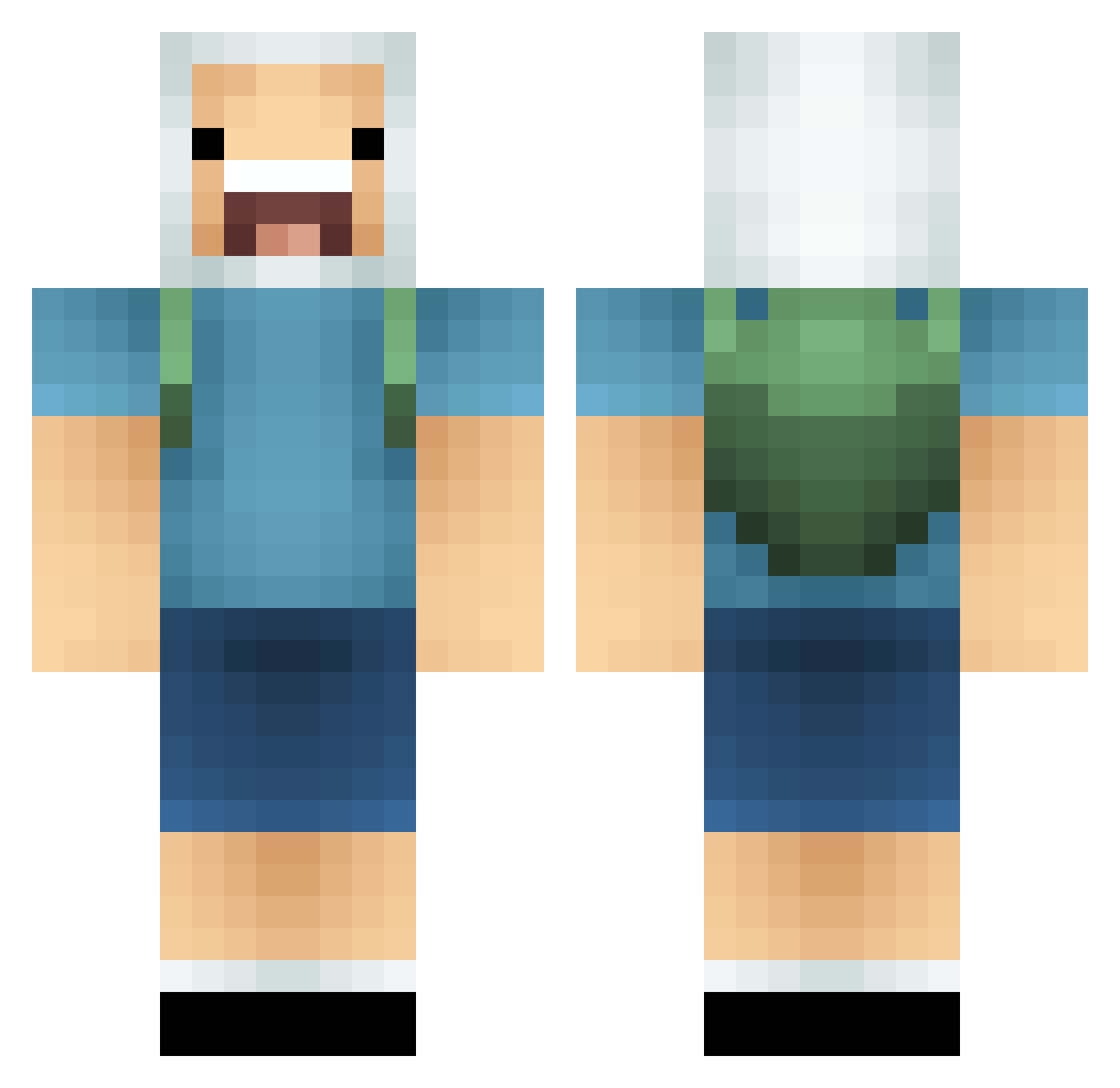
Current Minecraft skin of the player xiaozhang520hhhh, loaded from the official Mojang API. Rotate the 3D model with your mouse or finger, then download the skin as a PNG file and use it in Minecraft: Bedrock Edition or Java Edition for free. When xiaozhang520hhhh changes their skin, this page updates automatically and the old skin stays in the history below.
Other players with this skin (85)
xiaozhang520hhhh was the 16th player we have seen with this skin, first spotted on 11.08.2026. The same skin was seen on these players. Open a nickname to see their current skin and skin history.
 melteddrippy DaCutz kangsan25 Flokkondneige Saltinbanque Casyopee jay_roamer EndOfSouls aharmlessbaby Bubby158 eelklke Gronglo ElsBury kimjae12 danisadean69
 Ex0TiC224 whgusgh xiaopang8787 egecelikci
 superduy975 Trulsus2007 GGqwq Seong_won Cruxed_Fgkk_ icein Daruin02 lokibrucelee Awkpup SniperMask69 Osulis DVictor_ TingShuen StarKwei ArcTic_Bu1lds dxrkdxrik TurtIeOverlord seojin3574 Macik77 hun0130 yodatanpo KxKaijo Redemption86 WernerVS Namusen CrisGoth71 TacticalTuna9 rvt9 LilMuhamed AnyeNight JohnNR29 bo3zom RoK_s CptFlappyPants dagul Jaxter27 zSimoonx Lukayyyy quokka0823 yuusolein N4do_
More Finn The Human Minecraft skins
See all 444 Finn The Human skins
How to install the xiaozhang520hhhh skin
- Press the Download button above to save the skin as a PNG file.
- Minecraft: Bedrock Edition (PE): open the Dressing Room from the main menu (or tap your character → Edit Character), go to Classic Skins → Owned, press the + (new skin) button, choose the downloaded PNG and pick the Classic (Steve) model. Works on PC and mobile; consoles cannot import custom skins.
- Minecraft: Java Edition: open the Minecraft Launcher, go to the Skins tab, click New Skin, load the PNG, pick the Classic (Steve) model and press Save & Use. You can also upload it at minecraft.net → Profile → Change Skin.
The skin does not show up after import - what should I do?
Restart Minecraft and open the Dressing Room again - imported skins sometimes appear only after a restart. Also make sure you selected the imported skin and picked the Classic (Steve) model.
Which model should I choose, Classic or Slim?
This skin is designed for the Classic (Steve) model. If you pick the wrong model, the arms of the skin will look stretched or squeezed.
Is the skin of xiaozhang520hhhh free to download?
Yes. Press Download, save the PNG file and use it in Minecraft: Bedrock Edition or Java Edition - no payment or registration needed. The skin also works on multiplayer servers and Realms.
More skins
Looking for more? Go back to all Minecraft skins and check the top skins of the week, month and all time, or find any player's skin by nickname.