
xiaomuyua - Minecraft Skins & Skin History
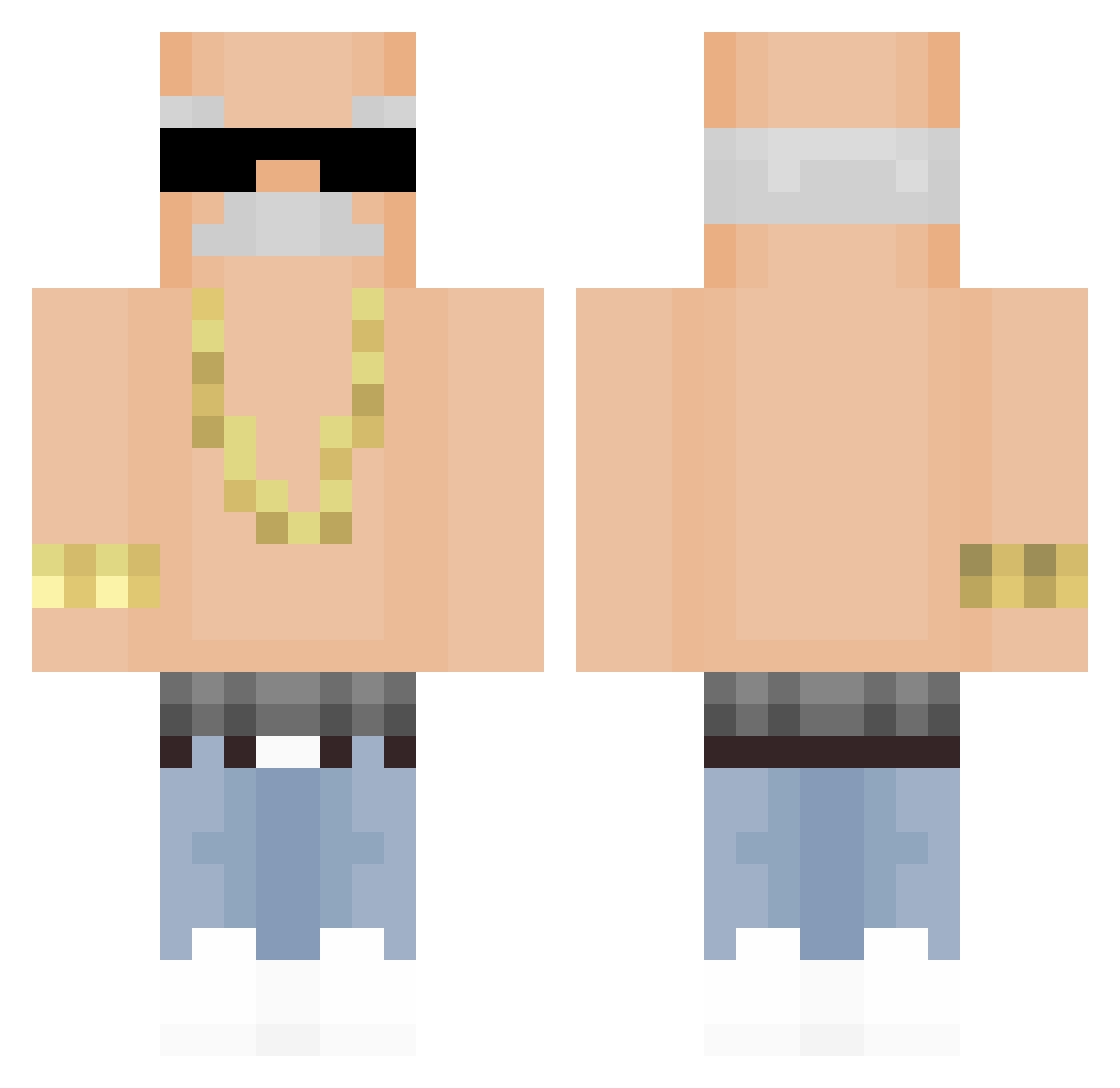
Current Minecraft skin of the player xiaomuyua, loaded from the official Mojang API. Rotate the 3D model with your mouse or finger, then download the skin as a PNG file and use it in Minecraft: Bedrock Edition or Java Edition for free. When xiaomuyua changes their skin, this page updates automatically and the old skin stays in the history below.
Other players with this skin (309)
xiaomuyua was the 109th player we have seen with this skin, first spotted on 26.08.2026. The same skin was seen on these players. Open a nickname to see their current skin and skin history.
 Monky33 Venom95476 markewans Kouns KuroShef Victor132mannen Tomer531 bookshelf123 bixnchi songyijia Automaticity welldone930 Awodibu1337 Italian_pl0 Ricik rudals5 cvrg_ Frostzinn_ EfeSezer RizzzV alexanderbah DerSamenspender LeeDjinn miguelzin2013 NoriTenori shinononononono Biancaahc eltulon123 Mayposadas WatchMkr76 Fornaiter_Svg RYZENfe 0ji3 membvr EBIQUE LC_Gin IfJASON Cupler Pabloteee IchKnowYourMama Flash_B xxKH33 killz4677 BarnabyOnTop suwerkd SeaForever AshhC DerGeileDieter alalalti vas3l1ne __ElmataViejas__ DziadekDAwidxd12 dingo_Diablo_ BigUncGary Buurman20 Digmoo florz1nha lardventus Berna0_0 skibiditoilet999
More Grandpa Minecraft skins
How to install the xiaomuyua skin
- Press the Download button above to save the skin as a PNG file.
- Minecraft: Bedrock Edition (PE): open the Dressing Room from the main menu (or tap your character → Edit Character), go to Classic Skins → Owned, press the + (new skin) button, choose the downloaded PNG and pick the Classic (Steve) model. Works on PC and mobile; consoles cannot import custom skins.
- Minecraft: Java Edition: open the Minecraft Launcher, go to the Skins tab, click New Skin, load the PNG, pick the Classic (Steve) model and press Save & Use. You can also upload it at minecraft.net → Profile → Change Skin.
The skin does not show up after import - what should I do?
Restart Minecraft and open the Dressing Room again - imported skins sometimes appear only after a restart. Also make sure you selected the imported skin and picked the Classic (Steve) model.
Which model should I choose, Classic or Slim?
This skin is designed for the Classic (Steve) model. If you pick the wrong model, the arms of the skin will look stretched or squeezed.
Is the skin of xiaomuyua free to download?
Yes. Press Download, save the PNG file and use it in Minecraft: Bedrock Edition or Java Edition - no payment or registration needed. The skin also works on multiplayer servers and Realms.
More skins
Looking for more? Go back to all Minecraft skins and check the top skins of the week, month and all time, or find any player's skin by nickname.