
xandsome - Minecraft Skins & Skin History
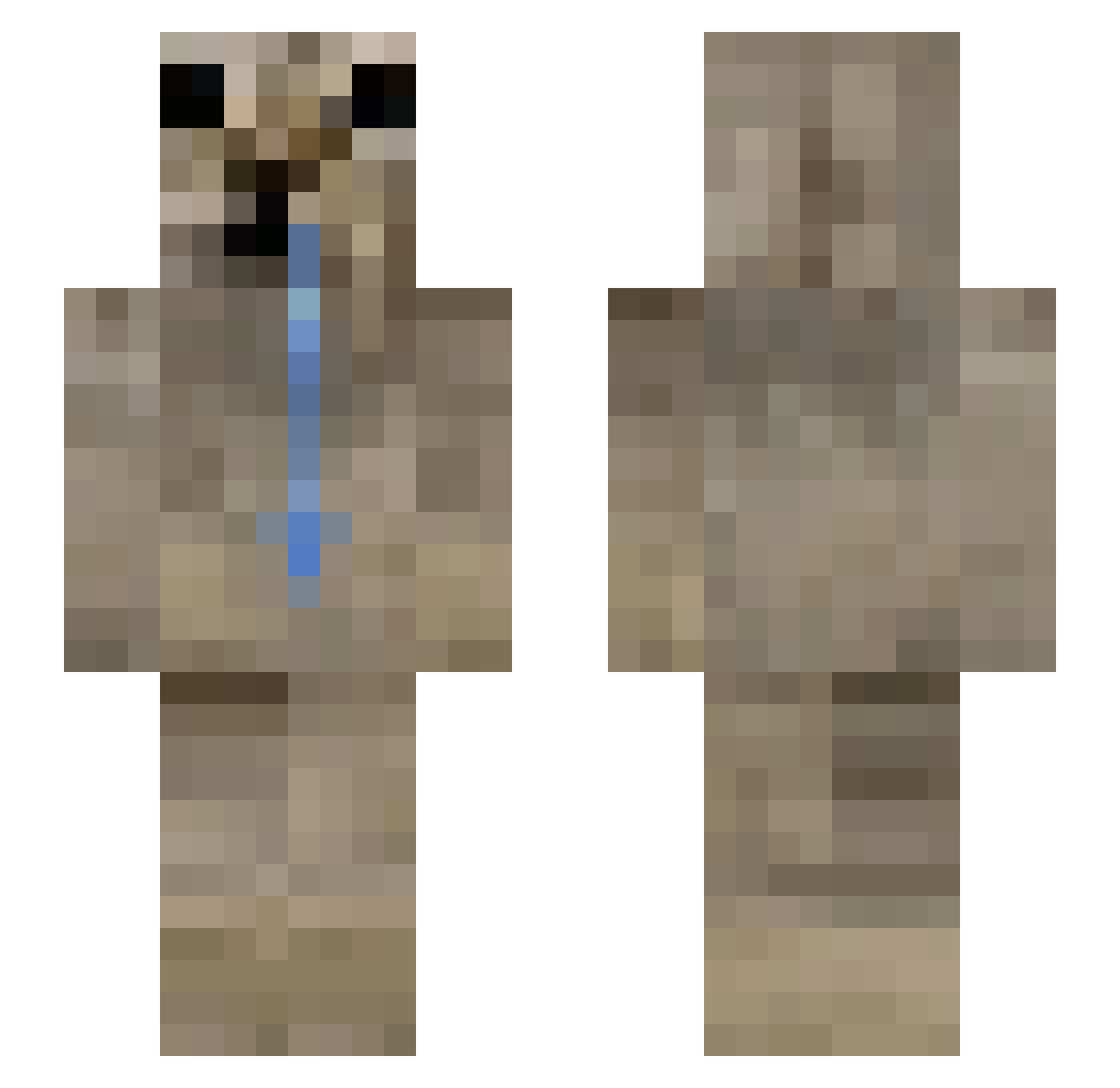
Current Minecraft skin of the player xandsome, loaded from the official Mojang API. Rotate the 3D model with your mouse or finger, then download the skin as a PNG file and use it in Minecraft: Bedrock Edition or Java Edition for free. When xandsome changes their skin, this page updates automatically and the old skin stays in the history below.
Other players with this skin (185)
xandsome was the 133rd player we have seen with this skin, first spotted on 06.10.2026. The same skin was seen on these players. Open a nickname to see their current skin and skin history.
 Curros Saylss shxmn WavedLettuce923 billyrrom qozx_ GamaR1995 DarkSamurai5 foxdox2022 FrancysiFlow GXBB3R_08 4_liferr eejq chuubaker 22Maciek10 BerkeBas lalomanca69 WSC06 trannies _Watermelon TheLifeSnake0 Azraelzs IoannesLv Tenshieru Tottoryto EDENSZERIA meatpopsicles ObsilionMiCasita santi_111xdee xcinity Drozzyhearts RealFralla 9010 Th0masJ0shua TimiTermit1337 retawax Vanszo Magimass xXKosmaXx shue17 Fr0styy__ RednaxVEVO TUTUAM18 guganarjun_12 lorism2014 naopagoimpostos BrodyBunch trussikorchid DOGE_SAN alduuku MXG8 AmineWallah MiloWeeper Awras Kuronkuu Yessirski12 orizzonteciolone pandashere Zeesgo Emc2Emc2
More Appa Minecraft skins
How to install the xandsome skin
- Press the Download button above to save the skin as a PNG file.
- Minecraft: Bedrock Edition (PE): open the Dressing Room from the main menu (or tap your character → Edit Character), go to Classic Skins → Owned, press the + (new skin) button, choose the downloaded PNG and pick the Slim (Alex) model. Works on PC and mobile; consoles cannot import custom skins.
- Minecraft: Java Edition: open the Minecraft Launcher, go to the Skins tab, click New Skin, load the PNG, pick the Slim (Alex) model and press Save & Use. You can also upload it at minecraft.net → Profile → Change Skin.
The skin does not show up after import - what should I do?
Restart Minecraft and open the Dressing Room again - imported skins sometimes appear only after a restart. Also make sure you selected the imported skin and picked the Slim (Alex) model.
Which model should I choose, Classic or Slim?
This skin is designed for the Slim (Alex) model. If you pick the wrong model, the arms of the skin will look stretched or squeezed.
Is the skin of xandsome free to download?
Yes. Press Download, save the PNG file and use it in Minecraft: Bedrock Edition or Java Edition - no payment or registration needed. The skin also works on multiplayer servers and Realms.
More skins
Looking for more? Go back to all Minecraft skins and check the top skins of the week, month and all time, or find any player's skin by nickname.