
xXShinyReaperXx - Minecraft Skins & Skin History
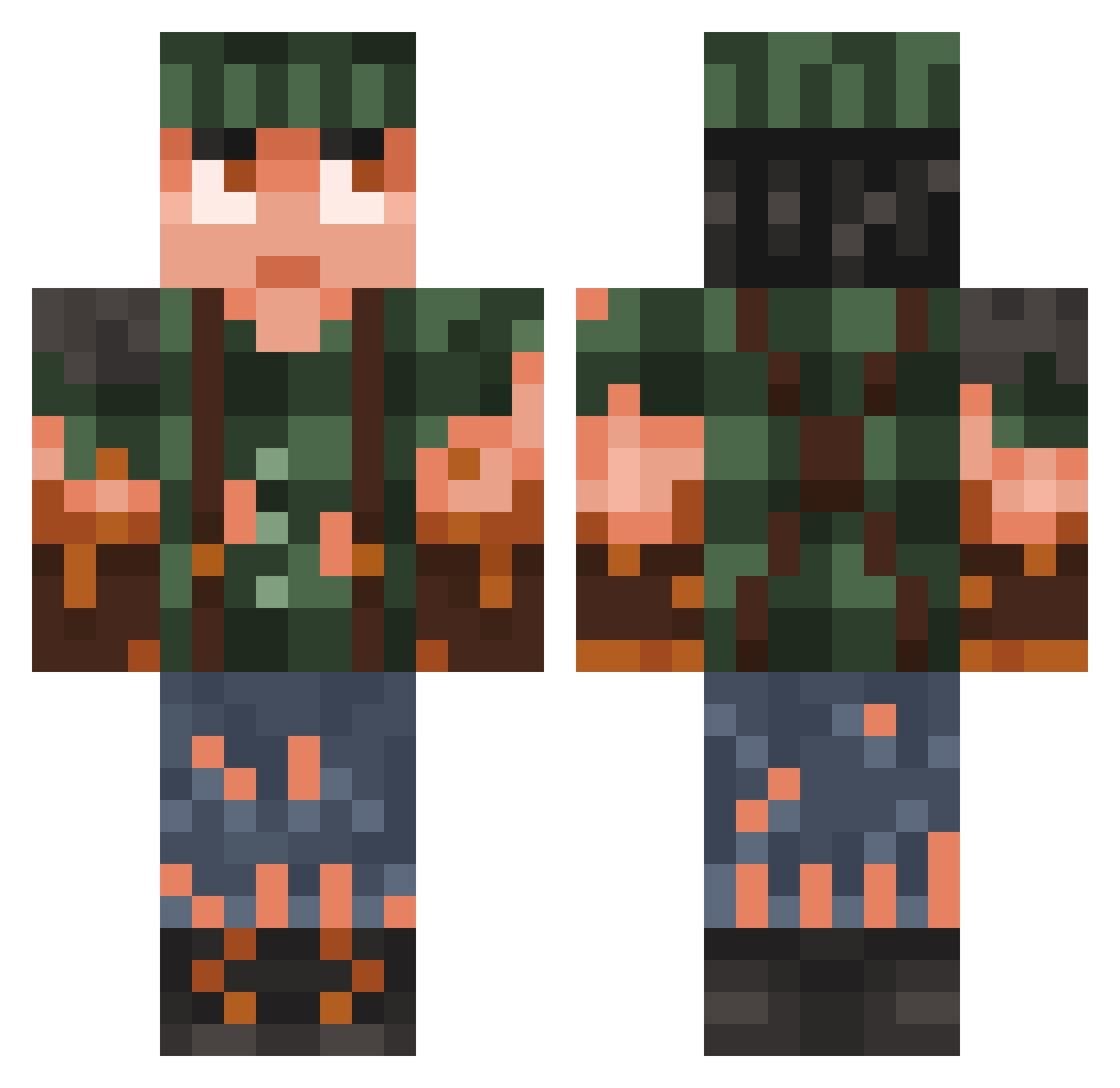
Current Minecraft skin of the player xXShinyReaperXx, loaded from the official Mojang API. Rotate the 3D model with your mouse or finger, then download the skin as a PNG file and use it in Minecraft: Bedrock Edition or Java Edition for free. When xXShinyReaperXx changes their skin, this page updates automatically and the old skin stays in the history below.
Other players with this skin (778)
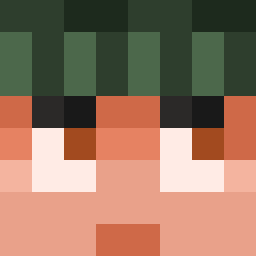
xXShinyReaperXx was the 107th player we have seen with this skin, first spotted on 09.08.2026. The same skin was seen on these players. Open a nickname to see their current skin and skin history.
 gggg123123 Shadowhawk14 TheErrow Skogsmelker Lc_1130 Odrinus Tommyts Valli1808 Xandalf1 Psynexs kittensobs itsmeny okoisin2 Zellogi_ Orvalo Piranas ItzSugarz_ year6million angelontop2 treepointspacer Swankier Crofty200 RuinsOfDax FatherofNations elik1266 GrogBelcher TanicaIlTastiere Ceyric
 _toxq DanderZander Panamanian6 harybalsonya69 WhippedVirus Dimoaxe Krille4ever yokoyuta22 ItsCloudyo Ziriem V8ncent Nxlsbsm theswank64 P0rtiz Borkata5 Timlooijen MacOffline xigmaboy Feras_a
 ibohprofaxe
 Spendik1 Wilde_Hilde69 Lukazinnnn TableTennisEnez SouppieG fredo_games1 TiredTomato Asull soviet56 Lukiluke312 TheRGOK Dewolfus
More Survivor Minecraft skins
How to install the xXShinyReaperXx skin
- Press the Download button above to save the skin as a PNG file.
- Minecraft: Bedrock Edition (PE): open the Dressing Room from the main menu (or tap your character → Edit Character), go to Classic Skins → Owned, press the + (new skin) button, choose the downloaded PNG and pick the Classic (Steve) model. Works on PC and mobile; consoles cannot import custom skins.
- Minecraft: Java Edition: open the Minecraft Launcher, go to the Skins tab, click New Skin, load the PNG, pick the Classic (Steve) model and press Save & Use. You can also upload it at minecraft.net → Profile → Change Skin.
The skin does not show up after import - what should I do?
Restart Minecraft and open the Dressing Room again - imported skins sometimes appear only after a restart. Also make sure you selected the imported skin and picked the Classic (Steve) model.
Which model should I choose, Classic or Slim?
This skin is designed for the Classic (Steve) model. If you pick the wrong model, the arms of the skin will look stretched or squeezed.
Is the skin of xXShinyReaperXx free to download?
Yes. Press Download, save the PNG file and use it in Minecraft: Bedrock Edition or Java Edition - no payment or registration needed. The skin also works on multiplayer servers and Realms.
More skins
Looking for more? Go back to all Minecraft skins and check the top skins of the week, month and all time, or find any player's skin by nickname.