
xKurbzz - Minecraft Skins & Skin History
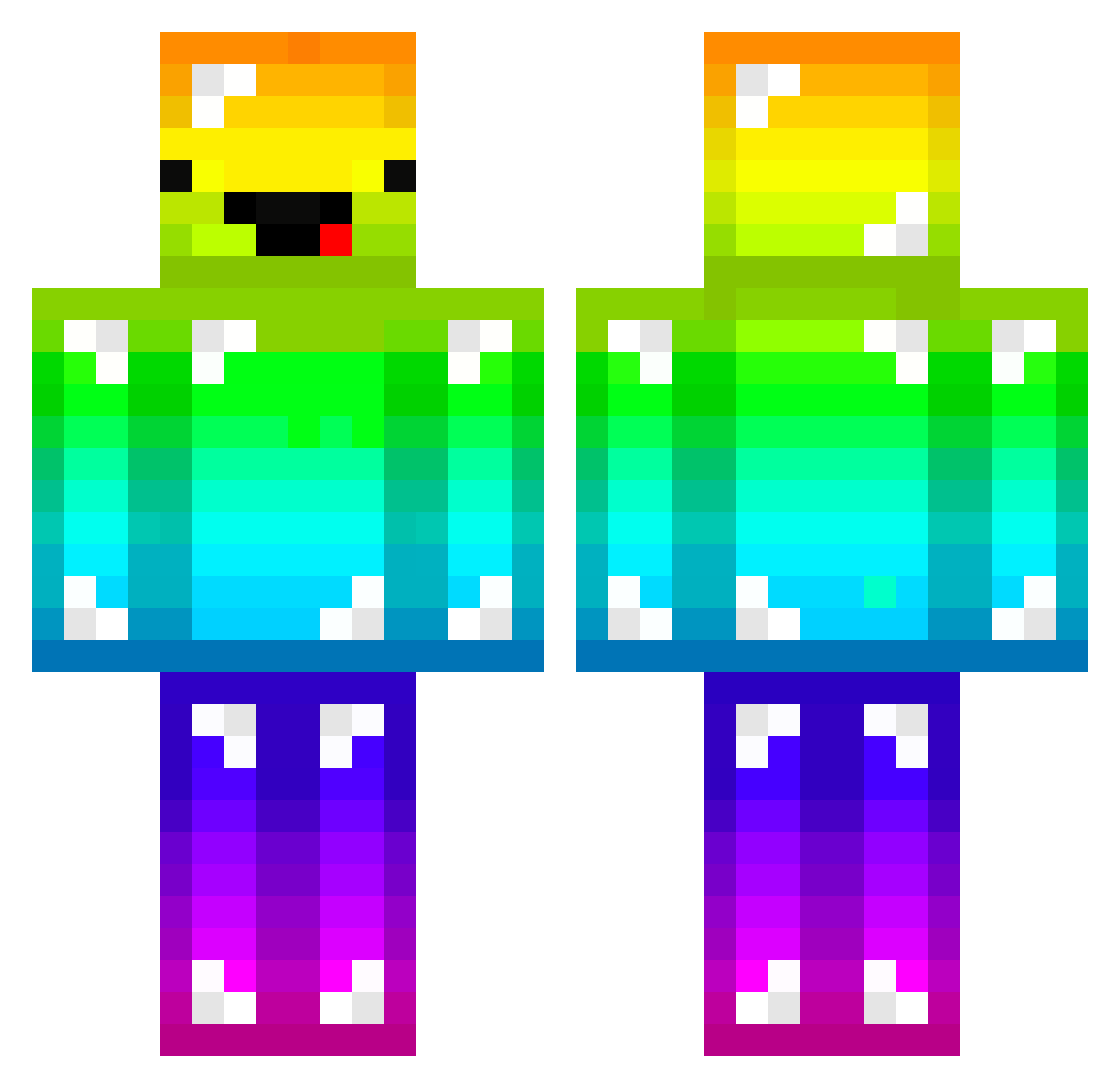
Current Minecraft skin of the player xKurbzz, loaded from the official Mojang API. Rotate the 3D model with your mouse or finger, then download the skin as a PNG file and use it in Minecraft: Bedrock Edition or Java Edition for free. When xKurbzz changes their skin, this page updates automatically and the old skin stays in the history below.
Other players with this skin (165)
xKurbzz was the 133rd player we have seen with this skin, first spotted on 14.10.2026. The same skin was seen on these players. Open a nickname to see their current skin and skin history.
 MALSOONYEE SwimShark1 namtiddiess LOAHZ_ Zephyr_2020 lvPokka jaffari Raahul6 genoEX 52xuzzzzy kookie02 The_zzb Joeburger rominou75 FZREQ nabais88 lemony1487 oosakatakoyakima Tumble_Weed_ MaiteC20 cncn2009 LisiYang2008 herjaewon oTSG IMHuman2020 chao6 kazuma39 heeseok R1ck19 Melonaiz Matt_0_6 yeran305 BigMilk789 hoangvinh06kk kentarou0726 sspal2 MrFoxerbaz Angelosdaddy loca974 natu_kvothe M4n1ek96 epjx Nanchoba Nullifii_ Paneer6 KR_screw_bar rjsdn234 Bio_MEAL MushroomZeus7 youseo012 jiangjiang114 KINGKAN_kk7758 _CH4R0N_ PinchSteak41925 Luck2120 HecticPlayer915 RohChest LINooo_ PoProstuTori A12399
More Diamond Armor Minecraft skins
See all 275 Diamond Armor skins
How to install the xKurbzz skin
- Press the Download button above to save the skin as a PNG file.
- Minecraft: Bedrock Edition (PE): open the Dressing Room from the main menu (or tap your character → Edit Character), go to Classic Skins → Owned, press the + (new skin) button, choose the downloaded PNG and pick the Classic (Steve) model. Works on PC and mobile; consoles cannot import custom skins.
- Minecraft: Java Edition: open the Minecraft Launcher, go to the Skins tab, click New Skin, load the PNG, pick the Classic (Steve) model and press Save & Use. You can also upload it at minecraft.net → Profile → Change Skin.
The skin does not show up after import - what should I do?
Restart Minecraft and open the Dressing Room again - imported skins sometimes appear only after a restart. Also make sure you selected the imported skin and picked the Classic (Steve) model.
Which model should I choose, Classic or Slim?
This skin is designed for the Classic (Steve) model. If you pick the wrong model, the arms of the skin will look stretched or squeezed.
Is the skin of xKurbzz free to download?
Yes. Press Download, save the PNG file and use it in Minecraft: Bedrock Edition or Java Edition - no payment or registration needed. The skin also works on multiplayer servers and Realms.
More skins
Looking for more? Go back to all Minecraft skins and check the top skins of the week, month and all time, or find any player's skin by nickname.