
xFlexer_ - Minecraft Skins & Skin History
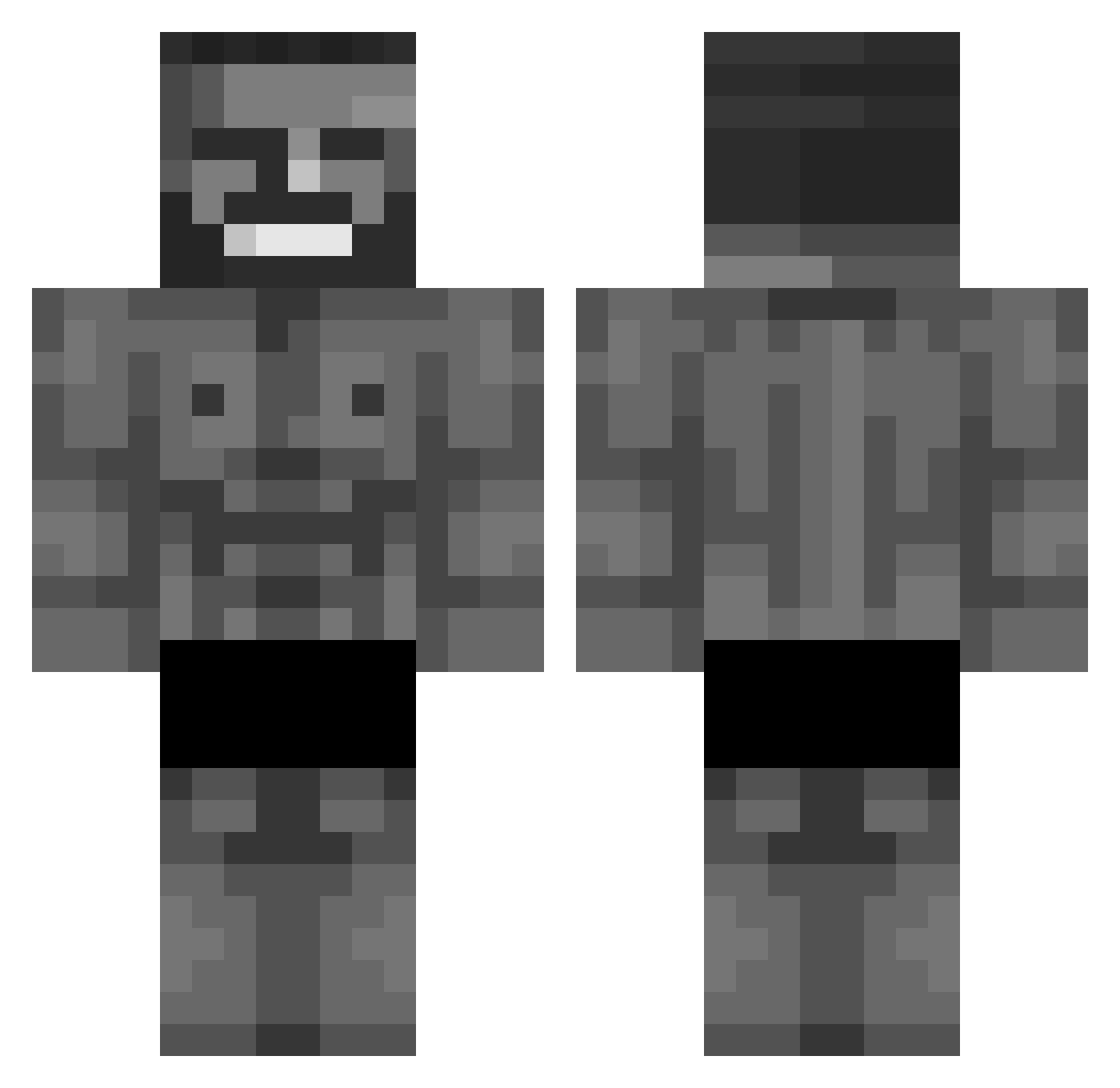
Current Minecraft skin of the player xFlexer_, loaded from the official Mojang API. Rotate the 3D model with your mouse or finger, then download the skin as a PNG file and use it in Minecraft: Bedrock Edition or Java Edition for free. When xFlexer_ changes their skin, this page updates automatically and the old skin stays in the history below.
Other players with this skin (768)
xFlexer_ was the 93rd player we have seen with this skin, first spotted on 06.08.2026. The same skin was seen on these players. Open a nickname to see their current skin and skin history.
 excelibous Ticklemeinpickle KenZ_mc Gonggg__ __Nxckk__ casalino11 OssiPap 1000luke pwqp stallyism Berubest Leonito447 trmo_wtf Raffy126 Brosiebros Aqu3n Klimuch Stachu239 JoeKrister earFe multiplay21 HAKIDOO CraCra2011 denizeren312 dwarfkiller2 Yariktopa rahaz GameEvening4763 RavenBeastt TypKappa Zakspace Dorwai Baroiste35 JeSuisTwixx nahh3 TruxRoyal kizerpks CaptainWispFace Xyrule_ Lavablue luxx502 Apex_HD wolfjoker Vyck36 JoyKai1981 superpol Andrexer240 1BillyHarington speedycat900 Milnage KX_enjoyer hdkg313741 GoYun Til_1212 mesls22 ventscrewsarents KingOfSkyrim Ttszlon Mikatchu9 xXOliwierX
More Gigachad Minecraft skins
How to install the xFlexer_ skin
- Press the Download button above to save the skin as a PNG file.
- Minecraft: Bedrock Edition (PE): open the Dressing Room from the main menu (or tap your character → Edit Character), go to Classic Skins → Owned, press the + (new skin) button, choose the downloaded PNG and pick the Classic (Steve) model. Works on PC and mobile; consoles cannot import custom skins.
- Minecraft: Java Edition: open the Minecraft Launcher, go to the Skins tab, click New Skin, load the PNG, pick the Classic (Steve) model and press Save & Use. You can also upload it at minecraft.net → Profile → Change Skin.
The skin does not show up after import - what should I do?
Restart Minecraft and open the Dressing Room again - imported skins sometimes appear only after a restart. Also make sure you selected the imported skin and picked the Classic (Steve) model.
Which model should I choose, Classic or Slim?
This skin is designed for the Classic (Steve) model. If you pick the wrong model, the arms of the skin will look stretched or squeezed.
Is the skin of xFlexer_ free to download?
Yes. Press Download, save the PNG file and use it in Minecraft: Bedrock Edition or Java Edition - no payment or registration needed. The skin also works on multiplayer servers and Realms.
More skins
Looking for more? Go back to all Minecraft skins and check the top skins of the week, month and all time, or find any player's skin by nickname.