
xFRONEE - Minecraft Skins & Skin History
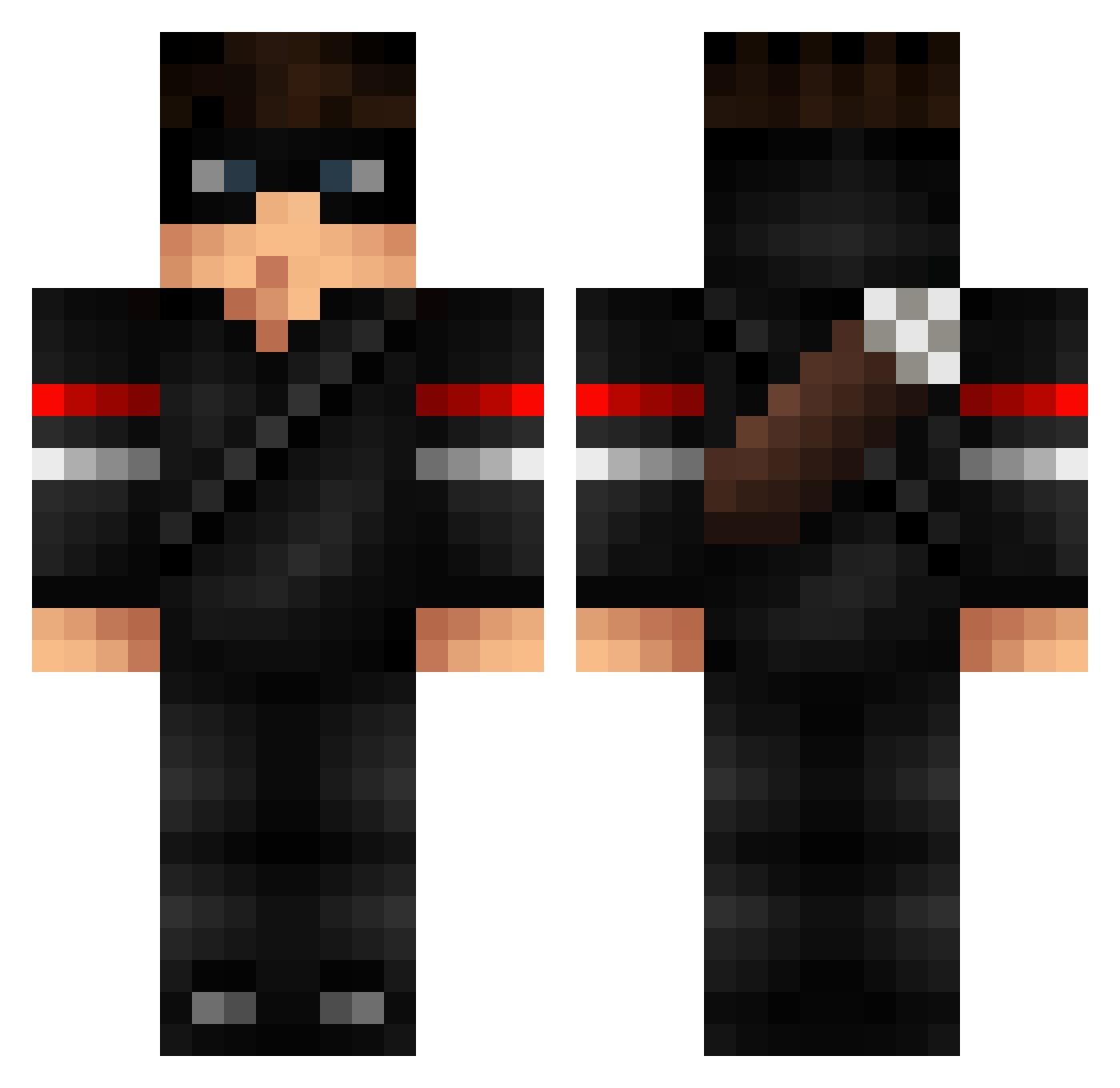
Current Minecraft skin of the player xFRONEE, loaded from the official Mojang API. Rotate the 3D model with your mouse or finger, then download the skin as a PNG file and use it in Minecraft: Bedrock Edition or Java Edition for free. When xFRONEE changes their skin, this page updates automatically and the old skin stays in the history below.
Other players with this skin (94)
xFRONEE was the 94th player we have seen with this skin, first spotted on 15.11.2026. The same skin was seen on these players. Open a nickname to see their current skin and skin history.
 CapsLockGG OverBridge HijoDeFALOPA oBraziii CiganskiHuahwi xdfurries J1JO Ccvele Lauchaaa STRAFILE Mengs_00 masoncyt Lv_MAKURA marinn_ ragefillled TheSenseii Mobevicha Renosserus NoHacksJustEos Jesuitically RicardoHakan SGQ123 l3xxa_brt Rebollxrr NaturalGod losdos2007 Tonkn athusse0 _cr9 Ankjo imsorrybruh Locustic deadlycat94 PhattLoad_ SheldorTheConque Tiimmiboy GLad2SeeU YeezyShoes_ hihihi325234 Charliesmakingme Pun1sher12 LuckyLuc_____ ryan72ftw Ozdeniz SKESAVAN 5TFN snapplesuncle emreus04 Dabali Rakalkira Tinkqa irtazahaider egem1923 SayDox_ KwazyFX Luigi_Brandi GioGamers CensativeeOG Algrate ThekittenMC
More Thief Minecraft skins
How to install the xFRONEE skin
- Press the Download button above to save the skin as a PNG file.
- Minecraft: Bedrock Edition (PE): open the Dressing Room from the main menu (or tap your character → Edit Character), go to Classic Skins → Owned, press the + (new skin) button, choose the downloaded PNG and pick the Classic (Steve) model. Works on PC and mobile; consoles cannot import custom skins.
- Minecraft: Java Edition: open the Minecraft Launcher, go to the Skins tab, click New Skin, load the PNG, pick the Classic (Steve) model and press Save & Use. You can also upload it at minecraft.net → Profile → Change Skin.
The skin does not show up after import - what should I do?
Restart Minecraft and open the Dressing Room again - imported skins sometimes appear only after a restart. Also make sure you selected the imported skin and picked the Classic (Steve) model.
Which model should I choose, Classic or Slim?
This skin is designed for the Classic (Steve) model. If you pick the wrong model, the arms of the skin will look stretched or squeezed.
Is the skin of xFRONEE free to download?
Yes. Press Download, save the PNG file and use it in Minecraft: Bedrock Edition or Java Edition - no payment or registration needed. The skin also works on multiplayer servers and Realms.
More skins
Looking for more? Go back to all Minecraft skins and check the top skins of the week, month and all time, or find any player's skin by nickname.