
xDizzyTwo - Minecraft Skins & Skin History
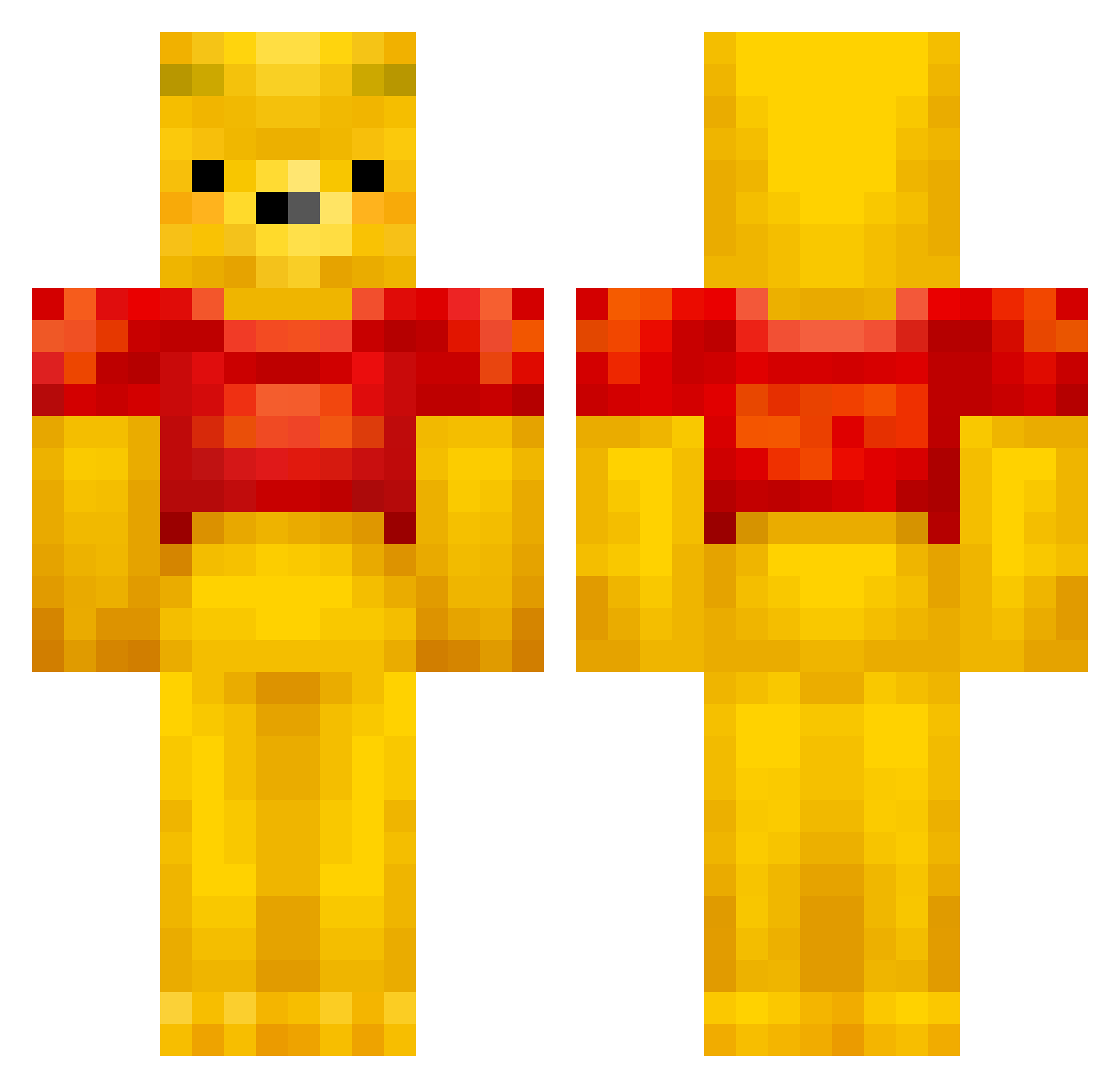
Current Minecraft skin of the player xDizzyTwo, loaded from the official Mojang API. Rotate the 3D model with your mouse or finger, then download the skin as a PNG file and use it in Minecraft: Bedrock Edition or Java Edition for free. When xDizzyTwo changes their skin, this page updates automatically and the old skin stays in the history below.
Other players with this skin (432)
xDizzyTwo was the 386th player we have seen with this skin, first spotted on 15.10.2026. The same skin was seen on these players. Open a nickname to see their current skin and skin history.
 Godius_ Corni8105 Esteban_Lliria BigPimpinPete koppahattunen f0ntiv aznfool Halic808 Nexxo01 Einf_timon YummyBeje MaximeLeCoquin Teemo26978 arlovefr RiseVp Eageni Love_PVP_GOOD_ Yonesensei HyggeKontoen isaac_vaughan H3d4 Gimmiebrains yujjining celesteemp teNy12345 KieTli420 LukaJaaks oKlvn Suhuhu Choco_BlackOwO PhotoKoen _XxGothGirlxX_ TalentedMankey sharknugget39 Beeenny gunu1220 siiiiiuuu ZindoIsTilted KillaSarg Sheilaunicornio Diamentowy2137 OwenB14 gayplayer1 puqkn noeskere Mazi_is_cool licyo SemDeBerenKlem Hobess Yasuke_02 RichHomiTony BCKTHUNDR cubvv Panpeach BenzIsHere HYH354 Ltpdks ___Pooh___ usagiura 1Rinrin
More Winnie The Pooh Minecraft skins
See all 302 Winnie The Pooh skins
How to install the xDizzyTwo skin
- Press the Download button above to save the skin as a PNG file.
- Minecraft: Bedrock Edition (PE): open the Dressing Room from the main menu (or tap your character → Edit Character), go to Classic Skins → Owned, press the + (new skin) button, choose the downloaded PNG and pick the Classic (Steve) model. Works on PC and mobile; consoles cannot import custom skins.
- Minecraft: Java Edition: open the Minecraft Launcher, go to the Skins tab, click New Skin, load the PNG, pick the Classic (Steve) model and press Save & Use. You can also upload it at minecraft.net → Profile → Change Skin.
The skin does not show up after import - what should I do?
Restart Minecraft and open the Dressing Room again - imported skins sometimes appear only after a restart. Also make sure you selected the imported skin and picked the Classic (Steve) model.
Which model should I choose, Classic or Slim?
This skin is designed for the Classic (Steve) model. If you pick the wrong model, the arms of the skin will look stretched or squeezed.
Is the skin of xDizzyTwo free to download?
Yes. Press Download, save the PNG file and use it in Minecraft: Bedrock Edition or Java Edition - no payment or registration needed. The skin also works on multiplayer servers and Realms.
More skins
Looking for more? Go back to all Minecraft skins and check the top skins of the week, month and all time, or find any player's skin by nickname.