
x3rtox_ - Minecraft Skins & Skin History
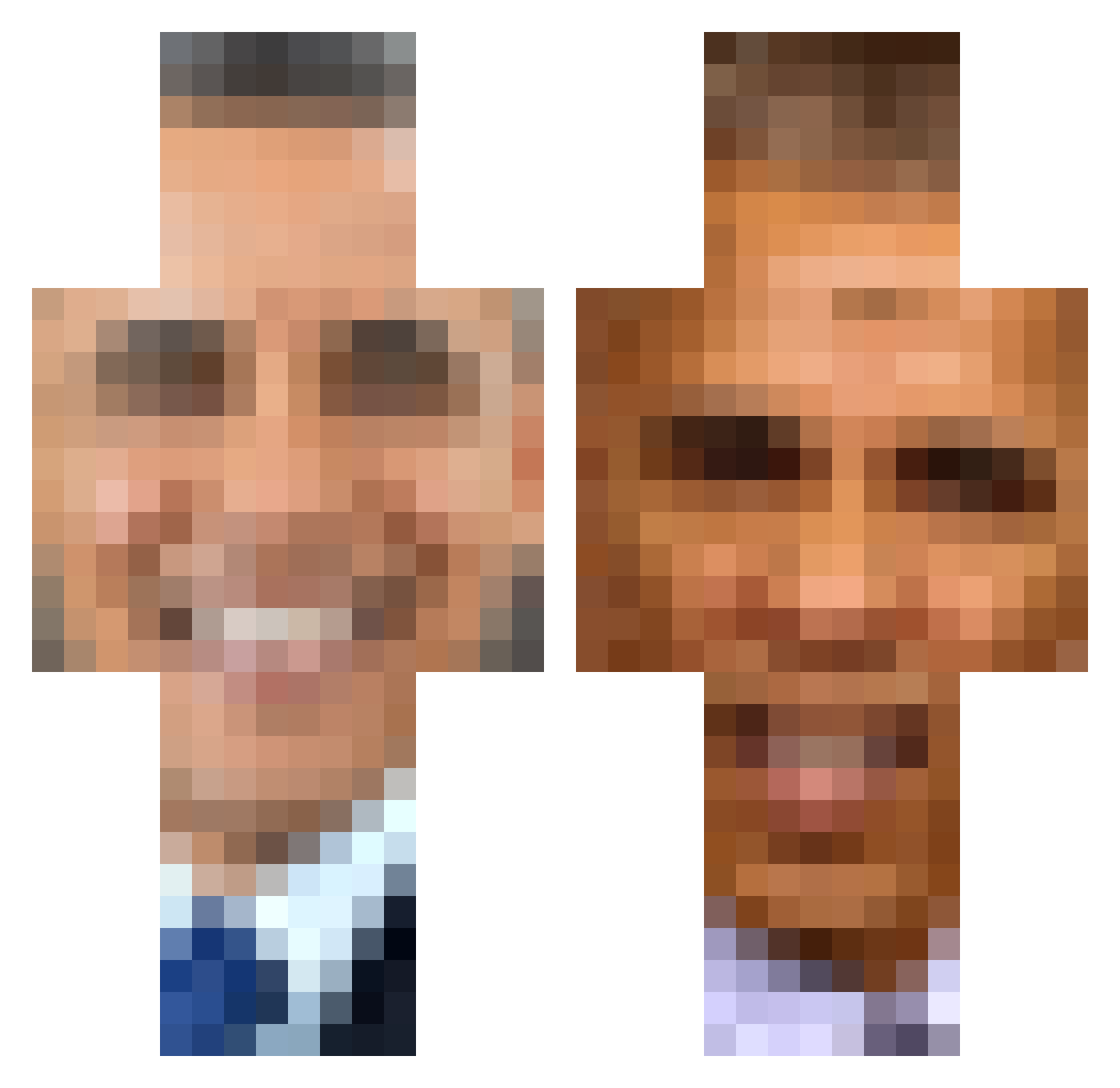
Current Minecraft skin of the player x3rtox_, loaded from the official Mojang API. Rotate the 3D model with your mouse or finger, then download the skin as a PNG file and use it in Minecraft: Bedrock Edition or Java Edition for free. When x3rtox_ changes their skin, this page updates automatically and the old skin stays in the history below.
Other players with this skin (487)
x3rtox_ was the 481st player we have seen with this skin, first spotted on 18.11.2026. The same skin was seen on these players. Open a nickname to see their current skin and skin history.
 Obama_3131 CillitBang1 POOPOOPOOPPEEPEE blinkerhg rongetstuff anyasdad MeOkMe TumahElPatron Oceantrees LauchusMajorus Powerstyle33 Nocas_011 uwucww iDrakel leafmachine donkeyhorse_ yaboybumble Nestle_666 Citronic29 makkermatthias Waflestomp BigMackBigSack SecretJerry Comrad_Monke heartfiend plumpynuts BabYsAuceHD Flohs Vegecurry sdb204 MissHuxley Ian12387 yarosslavsyd babaganoush___ souhtpark Mpikachu100 DUNGL roadmancal Minsc34 poopsock1224 JabbaTheBlunt Nathan1141 Axiomz ItsVex1 Glockin619 RaoufLaFouf pro_gamer10 kdgbober5389 ghhostieroll BiotinYT hiimriaN notivec Ray_Pieste ritianliu Bendus BigGrits TheMcKaagi G8MDFK_XD FestusX1 fl1n77
More Barack Obama Minecraft skins
See all 294 Barack Obama skins
How to install the x3rtox_ skin
- Press the Download button above to save the skin as a PNG file.
- Minecraft: Bedrock Edition (PE): open the Dressing Room from the main menu (or tap your character → Edit Character), go to Classic Skins → Owned, press the + (new skin) button, choose the downloaded PNG and pick the Classic (Steve) model. Works on PC and mobile; consoles cannot import custom skins.
- Minecraft: Java Edition: open the Minecraft Launcher, go to the Skins tab, click New Skin, load the PNG, pick the Classic (Steve) model and press Save & Use. You can also upload it at minecraft.net → Profile → Change Skin.
The skin does not show up after import - what should I do?
Restart Minecraft and open the Dressing Room again - imported skins sometimes appear only after a restart. Also make sure you selected the imported skin and picked the Classic (Steve) model.
Which model should I choose, Classic or Slim?
This skin is designed for the Classic (Steve) model. If you pick the wrong model, the arms of the skin will look stretched or squeezed.
Is the skin of x3rtox_ free to download?
Yes. Press Download, save the PNG file and use it in Minecraft: Bedrock Edition or Java Edition - no payment or registration needed. The skin also works on multiplayer servers and Realms.
More skins
Looking for more? Go back to all Minecraft skins and check the top skins of the week, month and all time, or find any player's skin by nickname.