
wtrbug - Minecraft Skins & Skin History
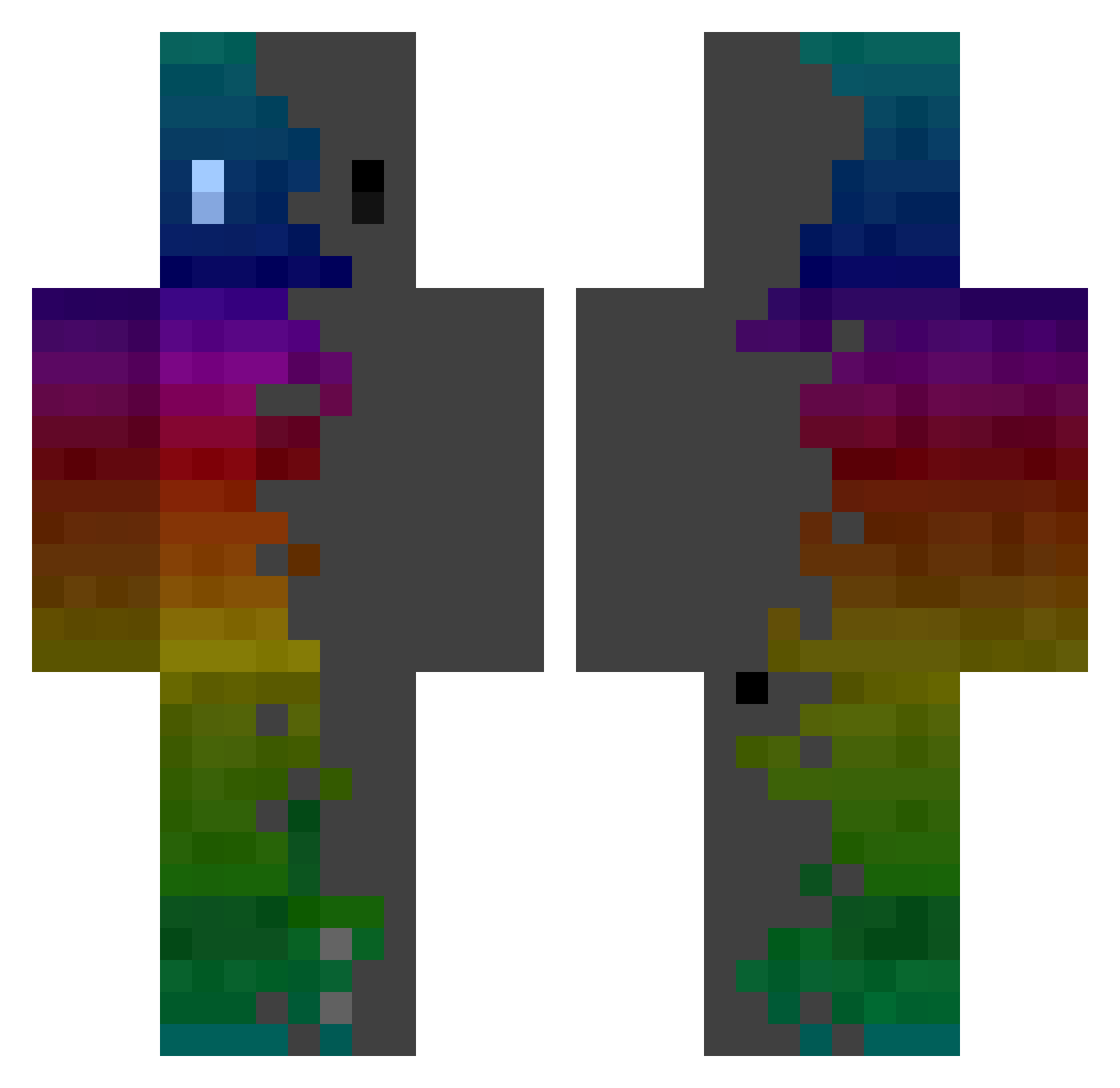
Current Minecraft skin of the player wtrbug, loaded from the official Mojang API. Rotate the 3D model with your mouse or finger, then download the skin as a PNG file and use it in Minecraft: Bedrock Edition or Java Edition for free. When wtrbug changes their skin, this page updates automatically and the old skin stays in the history below.
Other players with this skin (364)
wtrbug was the 173rd player we have seen with this skin, first spotted on 20.09.2026. The same skin was seen on these players. Open a nickname to see their current skin and skin history.
 JRcrafterLIVE qwp0123456789 Voiduxs Dioguin192 O5noth _wobr_ dsadool IRLephant ChaChaFish R0zeK0ek Reintjuuuuh MIKKL JS2022 7popo7 Damp_tongue YD_EG Goldacre80 NeevieWonder Pringchips jojo28ars redbean323 daribo Nocdock Wenigr 69pey Trepanned Kyks69 Sweepinn GiusTechHD amazingzlac Ianisonce Craflocks emiratesxand SnowMane64 zelmeleq Antichrist0666 Kinyo1107 Sammich_291 3geezdan Malllde13 davutbor TOUD1 Tobeswol _YucaFrita Bojack_C Every_Yun Over_Dozed Staarkyyy SummyNew ___Friendly___ plhrmt00 EverydayWeekends RJBB87 Domo881 XshadowstormY IDyamondz SmonPatron nagomimasune753 RRR3510 iam_a_noob1746
How to install the wtrbug skin
- Press the Download button above to save the skin as a PNG file.
- Minecraft: Bedrock Edition (PE): open the Dressing Room from the main menu (or tap your character → Edit Character), go to Classic Skins → Owned, press the + (new skin) button, choose the downloaded PNG and pick the Classic (Steve) model. Works on PC and mobile; consoles cannot import custom skins.
- Minecraft: Java Edition: open the Minecraft Launcher, go to the Skins tab, click New Skin, load the PNG, pick the Classic (Steve) model and press Save & Use. You can also upload it at minecraft.net → Profile → Change Skin.
The skin does not show up after import - what should I do?
Restart Minecraft and open the Dressing Room again - imported skins sometimes appear only after a restart. Also make sure you selected the imported skin and picked the Classic (Steve) model.
Which model should I choose, Classic or Slim?
This skin is designed for the Classic (Steve) model. If you pick the wrong model, the arms of the skin will look stretched or squeezed.
Is the skin of wtrbug free to download?
Yes. Press Download, save the PNG file and use it in Minecraft: Bedrock Edition or Java Edition - no payment or registration needed. The skin also works on multiplayer servers and Realms.
More skins
Looking for more? Go back to all Minecraft skins and check the top skins of the week, month and all time, or find any player's skin by nickname.