
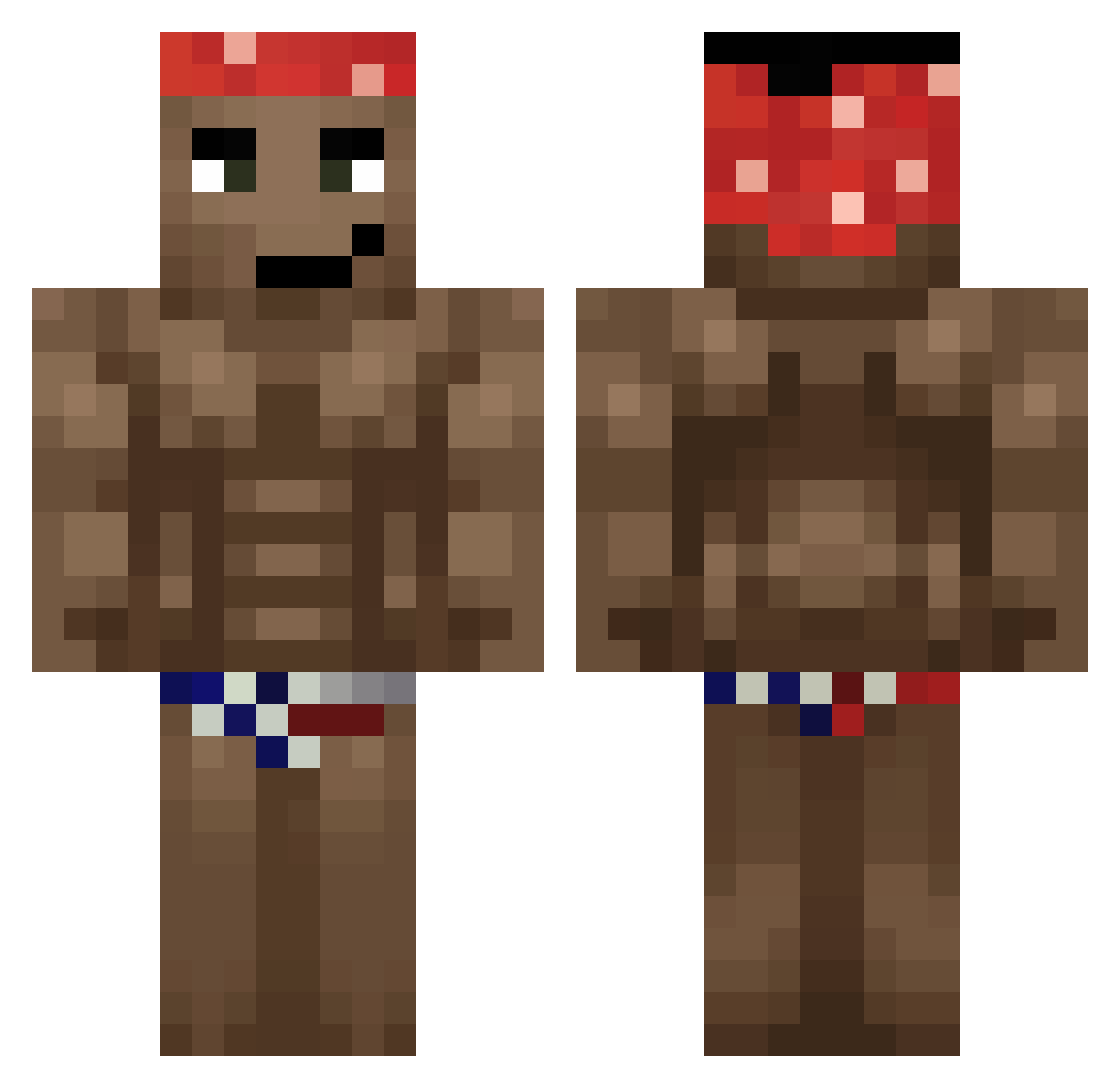
Current Minecraft skin of the player windyss, loaded from the official Mojang API. Rotate the 3D model with your mouse or finger, then download the skin as a PNG file and use it in Minecraft: Bedrock Edition or Java Edition for free. When windyss changes their skin, this page updates automatically and the old skin stays in the history below.
Other players with this skin (501)
windyss was the 224th player we have seen with this skin, first spotted on 01.09.2026. The same skin was seen on these players. Open a nickname to see their current skin and skin history.
 Jantelele UltraComunista elpanchotron Itzzkacpi will131295 AIZAIXX wqc4r theodog04 Utykasz_Kiszone Robot_Cai ChonfUwU Rocket_Titan Snepo69 Felyth vSKV308 mofy2 JAN_201 slasher_001 PastaEater666 Klifyy6 Rehiim PatchJev francoft1 phzbr Wrechu FloppaLord sackscha Redacted340 MrValsor blad464 DJDrozD DMOrenico4Macro Artyom981 Chudy2323 DaddyDynamo HUNTERXRR PattyPooo AntG2 Argus23 demiradam266 Greko6996 EDoggo13 K0gut HuberHC tarmoo pplarge K0GAMAT EidamadiE Jojeker Zrufuss spadt1 dirteatah Byshot Tymonxxx999 c1wr Aydinh75 WarioTanks ItWood SUwUsi BlackburnLDA
More Dancer Minecraft skins
How to install the windyss skin
- Press the Download button above to save the skin as a PNG file.
- Minecraft: Bedrock Edition (PE): open the Dressing Room from the main menu (or tap your character → Edit Character), go to Classic Skins → Owned, press the + (new skin) button, choose the downloaded PNG and pick the Classic (Steve) model. Works on PC and mobile; consoles cannot import custom skins.
- Minecraft: Java Edition: open the Minecraft Launcher, go to the Skins tab, click New Skin, load the PNG, pick the Classic (Steve) model and press Save & Use. You can also upload it at minecraft.net → Profile → Change Skin.
The skin does not show up after import - what should I do?
Restart Minecraft and open the Dressing Room again - imported skins sometimes appear only after a restart. Also make sure you selected the imported skin and picked the Classic (Steve) model.
Which model should I choose, Classic or Slim?
This skin is designed for the Classic (Steve) model. If you pick the wrong model, the arms of the skin will look stretched or squeezed.
Is the skin of windyss free to download?
Yes. Press Download, save the PNG file and use it in Minecraft: Bedrock Edition or Java Edition - no payment or registration needed. The skin also works on multiplayer servers and Realms.
More skins
Looking for more? Go back to all Minecraft skins and check the top skins of the week, month and all time, or find any player's skin by nickname.