
wilmore44 - Minecraft Skins & Skin History
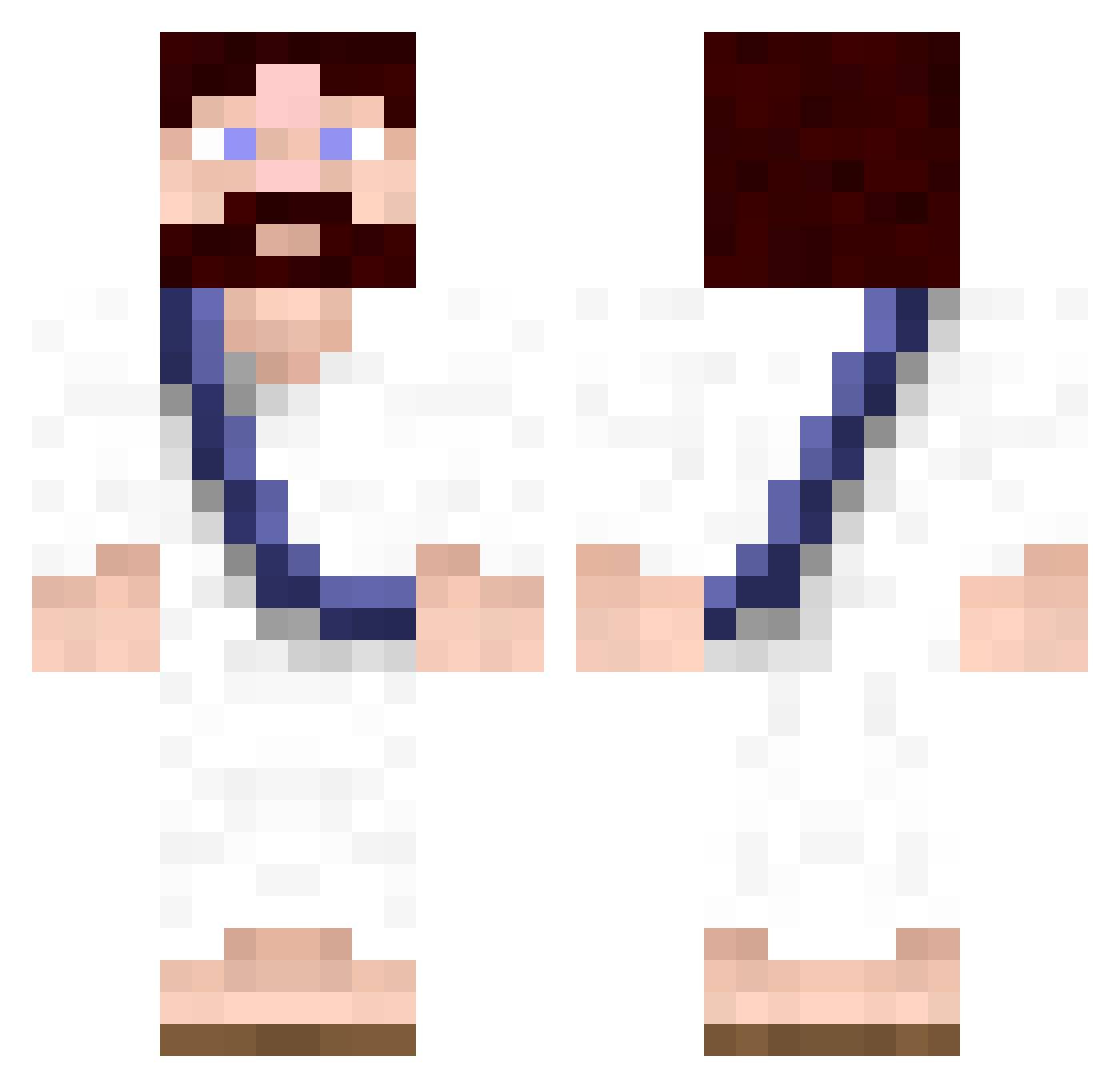
Current Minecraft skin of the player wilmore44, loaded from the official Mojang API. Rotate the 3D model with your mouse or finger, then download the skin as a PNG file and use it in Minecraft: Bedrock Edition or Java Edition for free. When wilmore44 changes their skin, this page updates automatically and the old skin stays in the history below.
Other players with this skin (619)
wilmore44 was the 595th player we have seen with this skin, first spotted on 28.10.2026. The same skin was seen on these players. Open a nickname to see their current skin and skin history.
 Mikeazowski Overload20 GetSkeetedOn JdotAdotD Blackrintu MatPlays colesprouse787 Raelear FCMEGGEN mikkisboj xCreateDx droperdd_sploosh Mulsk creberj Joethehype arnheitere dad_im_in_jail TheKreamySausage AidanCantwell_ JMarti36 Slawnk Velvioon TheFeret Dnorth42 Double_OO elmontel53 whowrotethis Cheriooz MadeByHand LMargo Schnitzelmann95 curlierkilla121 oneibm03 mm3diablo Thebackground xxsgplayerxx95 iSquirrel vin20cent ShanesMajestic Jesusi mrblockslayer mine00015 MReimes bruint dijon20 sYsTemix peepants2 Eliminqted_v2 PetitPoissonDort Jaywalllace TXELISIONS Tiefen8er barbredis adroid28 ruzareinis DoubledareTV Fabreezio MrLiLCR fishman50 GiraffeinaStorm
More Bible Minecraft skins
How to install the wilmore44 skin
- Press the Download button above to save the skin as a PNG file.
- Minecraft: Bedrock Edition (PE): open the Dressing Room from the main menu (or tap your character → Edit Character), go to Classic Skins → Owned, press the + (new skin) button, choose the downloaded PNG and pick the Classic (Steve) model. Works on PC and mobile; consoles cannot import custom skins.
- Minecraft: Java Edition: open the Minecraft Launcher, go to the Skins tab, click New Skin, load the PNG, pick the Classic (Steve) model and press Save & Use. You can also upload it at minecraft.net → Profile → Change Skin.
The skin does not show up after import - what should I do?
Restart Minecraft and open the Dressing Room again - imported skins sometimes appear only after a restart. Also make sure you selected the imported skin and picked the Classic (Steve) model.
Which model should I choose, Classic or Slim?
This skin is designed for the Classic (Steve) model. If you pick the wrong model, the arms of the skin will look stretched or squeezed.
Is the skin of wilmore44 free to download?
Yes. Press Download, save the PNG file and use it in Minecraft: Bedrock Edition or Java Edition - no payment or registration needed. The skin also works on multiplayer servers and Realms.
More skins
Looking for more? Go back to all Minecraft skins and check the top skins of the week, month and all time, or find any player's skin by nickname.