
williamgrunau - Minecraft Skins & Skin History
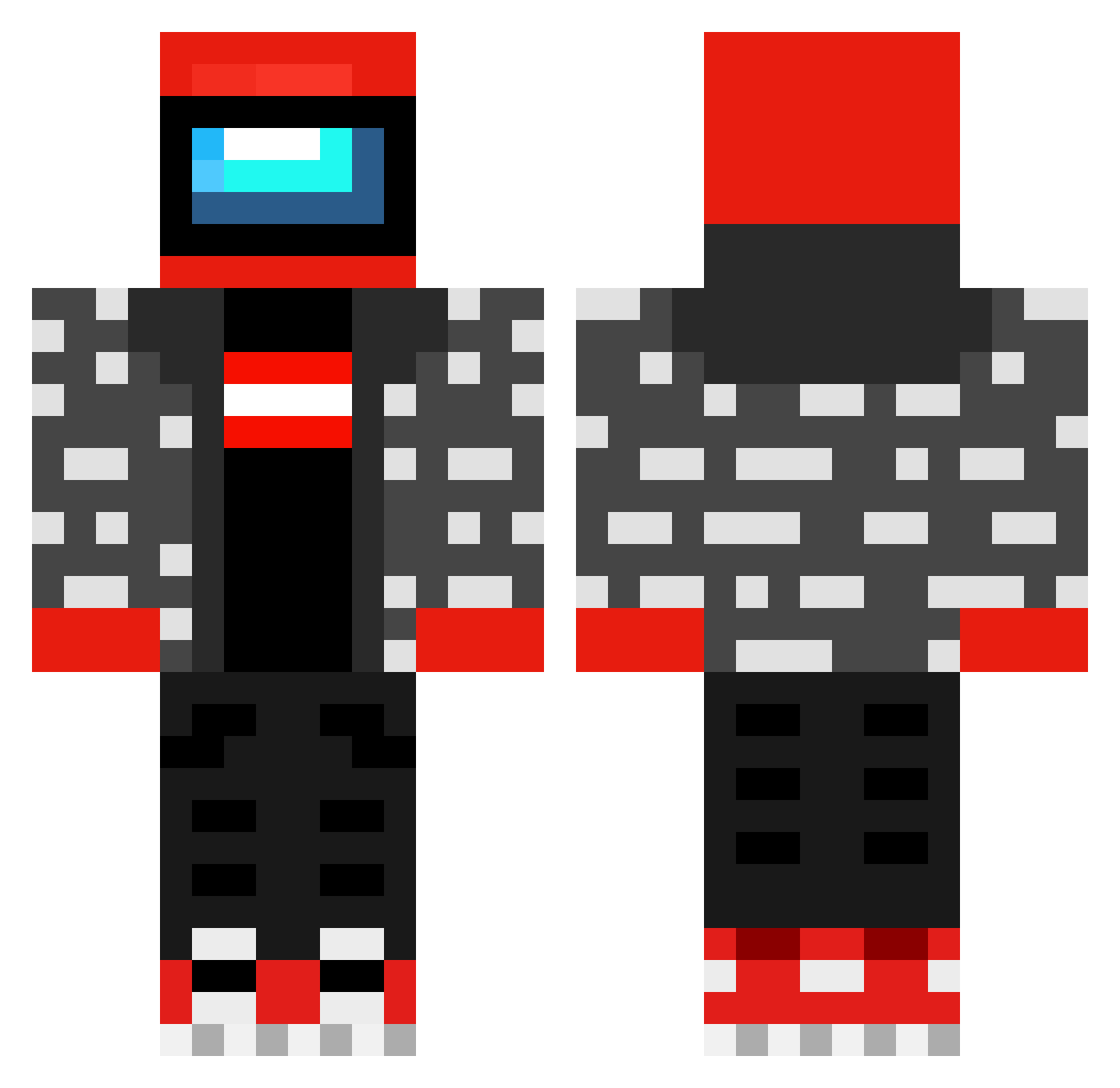
Current Minecraft skin of the player williamgrunau, loaded from the official Mojang API. Rotate the 3D model with your mouse or finger, then download the skin as a PNG file and use it in Minecraft: Bedrock Edition or Java Edition for free. When williamgrunau changes their skin, this page updates automatically and the old skin stays in the history below.
Other players with this skin (605)
williamgrunau was the 560th player we have seen with this skin, first spotted on 13.11.2026. The same skin was seen on these players. Open a nickname to see their current skin and skin history.
 JoNarMo ARTHUR_matheus Vindeoli1 SnorfCraft Bjorneslolliga dudinhaGamer_pt usgoose C6_JLC keweji Terence_God WonderMonds LLawliet611 XDistressedCatXx LaFlame42 Schmullos HwajakH Schwarze_Neko DEggTTV nge893 angleaa gwwineroid Kid_Hooligan Apolethil Daivaluno PoppaMdottyy bubbeltrubbel J_B_Robinson Mansapi PAADAKKT671 Agmeister17 oskarskrogh SEJIN2014 ya_boi_ty69 squeekers789 Mttn3 HerobrinePoop deadly_melon Dgxus notdream989 dadmom cacaaaaaaaa WeirdChipo Tropiagus V4lemorte Dog__Water fit02z Mazzaronee Auesume Witak777 R0_0KA YOYO_VQ Dxnte_Z OZZY_ENERGY SussyImpostor__ IDontFeelZoGood hipe_beast_frog richaaro Nitai777 Cats088 ReallyGoodice
More Drip Minecraft skins
How to install the williamgrunau skin
- Press the Download button above to save the skin as a PNG file.
- Minecraft: Bedrock Edition (PE): open the Dressing Room from the main menu (or tap your character → Edit Character), go to Classic Skins → Owned, press the + (new skin) button, choose the downloaded PNG and pick the Classic (Steve) model. Works on PC and mobile; consoles cannot import custom skins.
- Minecraft: Java Edition: open the Minecraft Launcher, go to the Skins tab, click New Skin, load the PNG, pick the Classic (Steve) model and press Save & Use. You can also upload it at minecraft.net → Profile → Change Skin.
The skin does not show up after import - what should I do?
Restart Minecraft and open the Dressing Room again - imported skins sometimes appear only after a restart. Also make sure you selected the imported skin and picked the Classic (Steve) model.
Which model should I choose, Classic or Slim?
This skin is designed for the Classic (Steve) model. If you pick the wrong model, the arms of the skin will look stretched or squeezed.
Is the skin of williamgrunau free to download?
Yes. Press Download, save the PNG file and use it in Minecraft: Bedrock Edition or Java Edition - no payment or registration needed. The skin also works on multiplayer servers and Realms.
More skins
Looking for more? Go back to all Minecraft skins and check the top skins of the week, month and all time, or find any player's skin by nickname.