
will_bruh1 - Minecraft Skins & Skin History
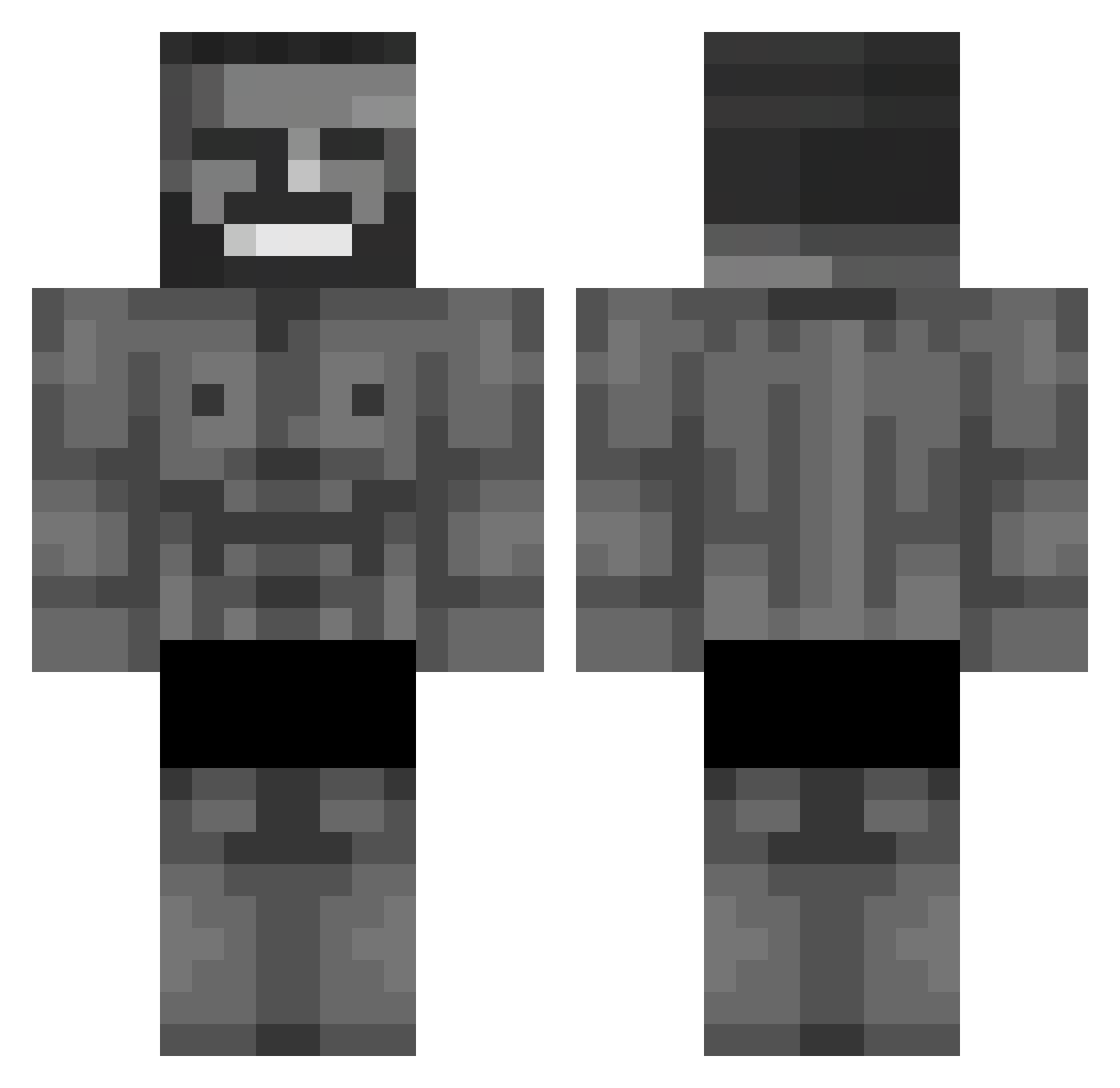
Current Minecraft skin of the player will_bruh1, loaded from the official Mojang API. Rotate the 3D model with your mouse or finger, then download the skin as a PNG file and use it in Minecraft: Bedrock Edition or Java Edition for free. When will_bruh1 changes their skin, this page updates automatically and the old skin stays in the history below.
Other players with this skin (653)
will_bruh1 was the 80th player we have seen with this skin, first spotted on 06.08.2026. The same skin was seen on these players. Open a nickname to see their current skin and skin history.
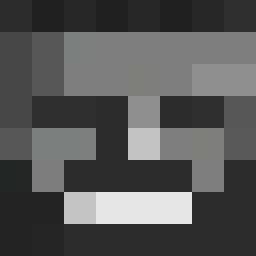 Cagi35 Palutku dilwan Chirstian_Jaeyun Cactuzzz71 camciyusuf out104 DamianWhite SwiceID Nyzer_88 Mate_Baghdadi Suofik ZombieMettBemme orangeeemu KAGANADAM Futterlucke_ab6 alipulat Borsed HyperSkull26 KaysidBTW Escobar_26 Mr_Phantoom KaptainKozmik YTWhyMe aze01 iRevoltFR _HATOXX_ Amurfu cukubik06 Sworzy1 tryzen77 hak33 bekke14 Negrillo69 KasliKaan Cookie3400 thelordoflegends Polako1 youngmasher Olsyy2408 driftingdream Uzlet WildXAE muggle57 Cacalio FemboyPazarlayan BigDaddyD1507 Jlebosss Spoonmycar k1r1ll11 MrDiddy88 _Zolt_ garatee
 ardasilek Zptar YarikLOVE04 Bartoleo_5321 Toha98 mero428_
 Kaan_12
More Gigachad Minecraft skins
How to install the will_bruh1 skin
- Press the Download button above to save the skin as a PNG file.
- Minecraft: Bedrock Edition (PE): open the Dressing Room from the main menu (or tap your character → Edit Character), go to Classic Skins → Owned, press the + (new skin) button, choose the downloaded PNG and pick the Classic (Steve) model. Works on PC and mobile; consoles cannot import custom skins.
- Minecraft: Java Edition: open the Minecraft Launcher, go to the Skins tab, click New Skin, load the PNG, pick the Classic (Steve) model and press Save & Use. You can also upload it at minecraft.net → Profile → Change Skin.
The skin does not show up after import - what should I do?
Restart Minecraft and open the Dressing Room again - imported skins sometimes appear only after a restart. Also make sure you selected the imported skin and picked the Classic (Steve) model.
Which model should I choose, Classic or Slim?
This skin is designed for the Classic (Steve) model. If you pick the wrong model, the arms of the skin will look stretched or squeezed.
Is the skin of will_bruh1 free to download?
Yes. Press Download, save the PNG file and use it in Minecraft: Bedrock Edition or Java Edition - no payment or registration needed. The skin also works on multiplayer servers and Realms.
More skins
Looking for more? Go back to all Minecraft skins and check the top skins of the week, month and all time, or find any player's skin by nickname.