
wilkeeeeeer - Minecraft Skins & Skin History
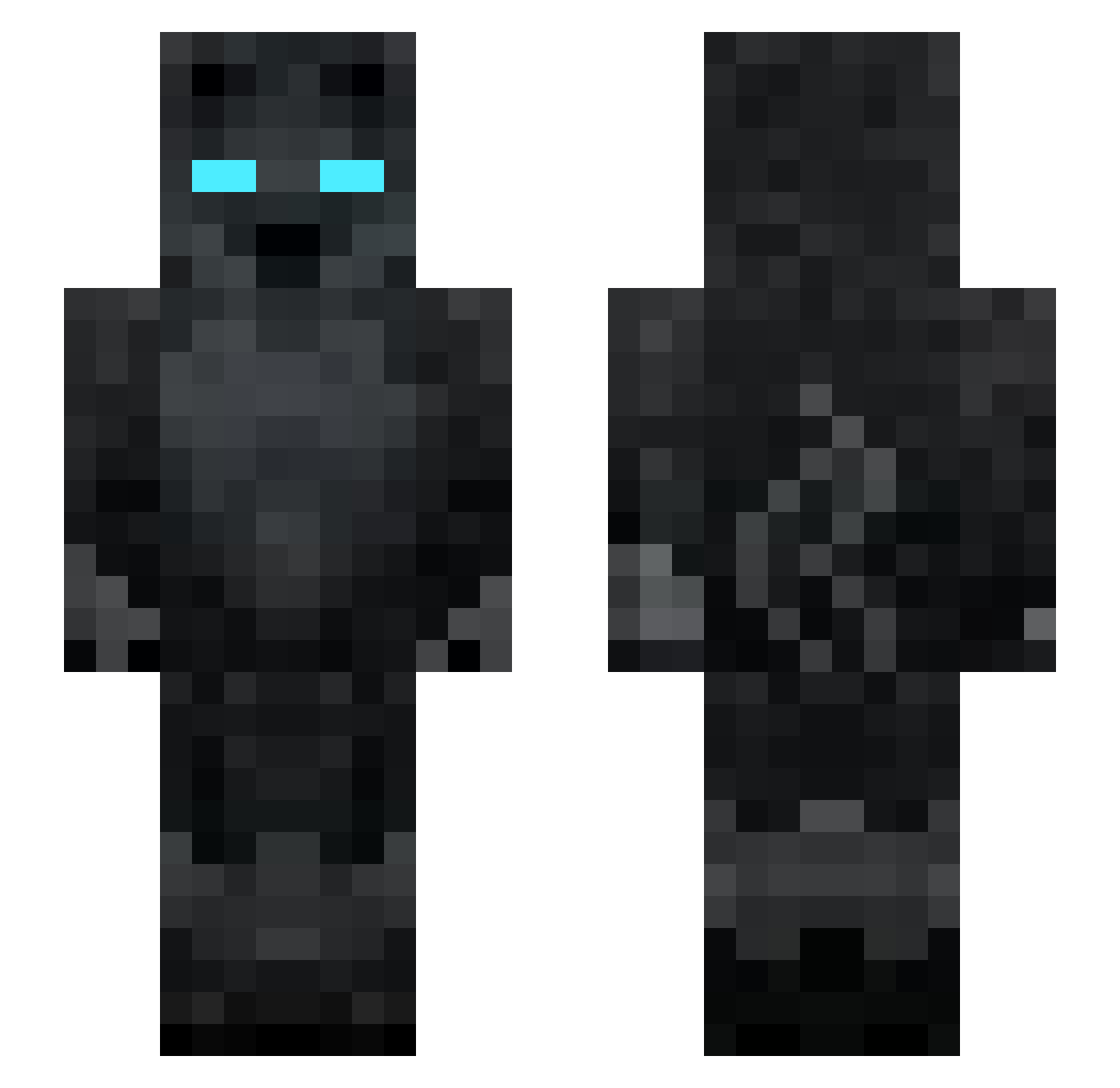
Current Minecraft skin of the player wilkeeeeeer, loaded from the official Mojang API. Rotate the 3D model with your mouse or finger, then download the skin as a PNG file and use it in Minecraft: Bedrock Edition or Java Edition for free. When wilkeeeeeer changes their skin, this page updates automatically and the old skin stays in the history below.
Other players with this skin (130)
wilkeeeeeer was the 64th player we have seen with this skin, first spotted on 25.09.2026. The same skin was seen on these players. Open a nickname to see their current skin and skin history.
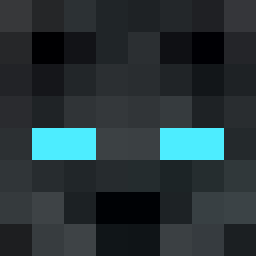 T1t4nBTW Rietzz7 ILB1 yaguinssj 1r1n ArthurAlpe GuzmanFlock tfi1 meggannn M0erD KingCheatshw xshw1 oLucasPlayer_ zefyx7 Lsz7 Diegamer xagas12345 Pedromkz Feldhirte __sponjbobback__ Comandante06 macnnap AtlasPuree senteifofo qGabriel_ Flidy whyhugoo Zaptok JGabriel_P09 viiiinny xpp_8qNSa_0802 wasuuke oXyD38 SnaiperDoCrombey 812xcompetizione WESLEYYTV saitamas2 benicioperverso AdrianBDF_ escTAFORT PhIsBack zGuuiP0L3M1C0z JTBW89 GANGMEMBERBUDOKS 1nver kingzqy naileadevora2 171e155 CeeBigs Killuaaay qqcryyz MaoDeOuro Penave667 TheM1ks BrandanHarv TryHard____ CheatingL HASKx Burridios EduuPvP
More Wolf Minecraft skins
How to install the wilkeeeeeer skin
- Press the Download button above to save the skin as a PNG file.
- Minecraft: Bedrock Edition (PE): open the Dressing Room from the main menu (or tap your character → Edit Character), go to Classic Skins → Owned, press the + (new skin) button, choose the downloaded PNG and pick the Slim (Alex) model. Works on PC and mobile; consoles cannot import custom skins.
- Minecraft: Java Edition: open the Minecraft Launcher, go to the Skins tab, click New Skin, load the PNG, pick the Slim (Alex) model and press Save & Use. You can also upload it at minecraft.net → Profile → Change Skin.
The skin does not show up after import - what should I do?
Restart Minecraft and open the Dressing Room again - imported skins sometimes appear only after a restart. Also make sure you selected the imported skin and picked the Slim (Alex) model.
Which model should I choose, Classic or Slim?
This skin is designed for the Slim (Alex) model. If you pick the wrong model, the arms of the skin will look stretched or squeezed.
Is the skin of wilkeeeeeer free to download?
Yes. Press Download, save the PNG file and use it in Minecraft: Bedrock Edition or Java Edition - no payment or registration needed. The skin also works on multiplayer servers and Realms.
More skins
Looking for more? Go back to all Minecraft skins and check the top skins of the week, month and all time, or find any player's skin by nickname.