
whotookmysocks1 - Minecraft Skins & Skin History
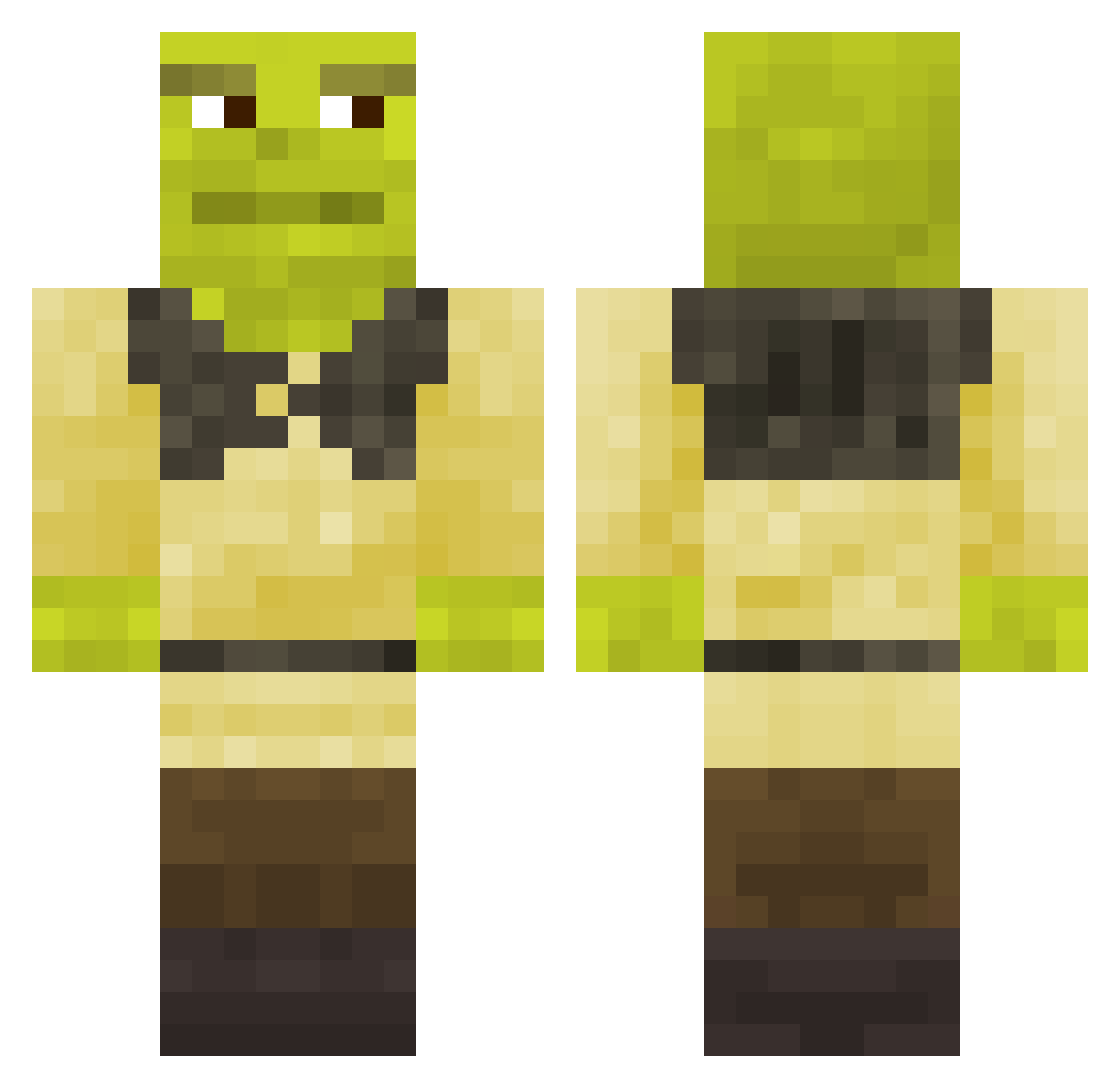
Current Minecraft skin of the player whotookmysocks1, loaded from the official Mojang API. Rotate the 3D model with your mouse or finger, then download the skin as a PNG file and use it in Minecraft: Bedrock Edition or Java Edition for free. When whotookmysocks1 changes their skin, this page updates automatically and the old skin stays in the history below.
Other players with this skin (670)
whotookmysocks1 was the 187th player we have seen with this skin, first spotted on 21.08.2026. The same skin was seen on these players. Open a nickname to see their current skin and skin history.
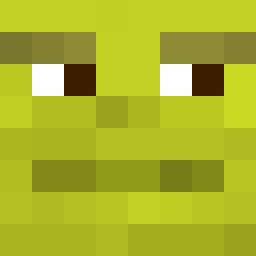 Joddas y1mochi hayden_bacon NoNxme__ Tweeeetly Wolfman4389 Mad_Dean05 Scat Moffatty CapiTaNoCap CerealKillerGG CoPru Rumpel420 LarsGort Giuls999 _HITAFU grewba bed_wetter42 dres_games louie222 RC_Cola61 Archura MuusGirl Michal_Gaming Sherek338 Davidik841 DaNy777 RemMatthew ketchupcrud kabirplays156 Zzimpio OliverManCity LeVraiYoshi_ LittleStinkerr Doctor_vit poppalop kylohv LSvanilla Tea3sugars TheDrFrog MarkVII CaliSwag57 Barixz DSax7 MustyMC Viuf22 Blockshredder28 DarthLord47 lolkek1 graviational EggM4n_PT RoyannLee llzToXiC BlueFireWave Maaneen Generic_P Swiipyyy CLAYZ1LLA Rachid_badouriii Troyen29
More Shrek Minecraft skins
How to install the whotookmysocks1 skin
- Press the Download button above to save the skin as a PNG file.
- Minecraft: Bedrock Edition (PE): open the Dressing Room from the main menu (or tap your character → Edit Character), go to Classic Skins → Owned, press the + (new skin) button, choose the downloaded PNG and pick the Classic (Steve) model. Works on PC and mobile; consoles cannot import custom skins.
- Minecraft: Java Edition: open the Minecraft Launcher, go to the Skins tab, click New Skin, load the PNG, pick the Classic (Steve) model and press Save & Use. You can also upload it at minecraft.net → Profile → Change Skin.
The skin does not show up after import - what should I do?
Restart Minecraft and open the Dressing Room again - imported skins sometimes appear only after a restart. Also make sure you selected the imported skin and picked the Classic (Steve) model.
Which model should I choose, Classic or Slim?
This skin is designed for the Classic (Steve) model. If you pick the wrong model, the arms of the skin will look stretched or squeezed.
Is the skin of whotookmysocks1 free to download?
Yes. Press Download, save the PNG file and use it in Minecraft: Bedrock Edition or Java Edition - no payment or registration needed. The skin also works on multiplayer servers and Realms.
More skins
Looking for more? Go back to all Minecraft skins and check the top skins of the week, month and all time, or find any player's skin by nickname.