
wetro0004 - Minecraft Skins & Skin History
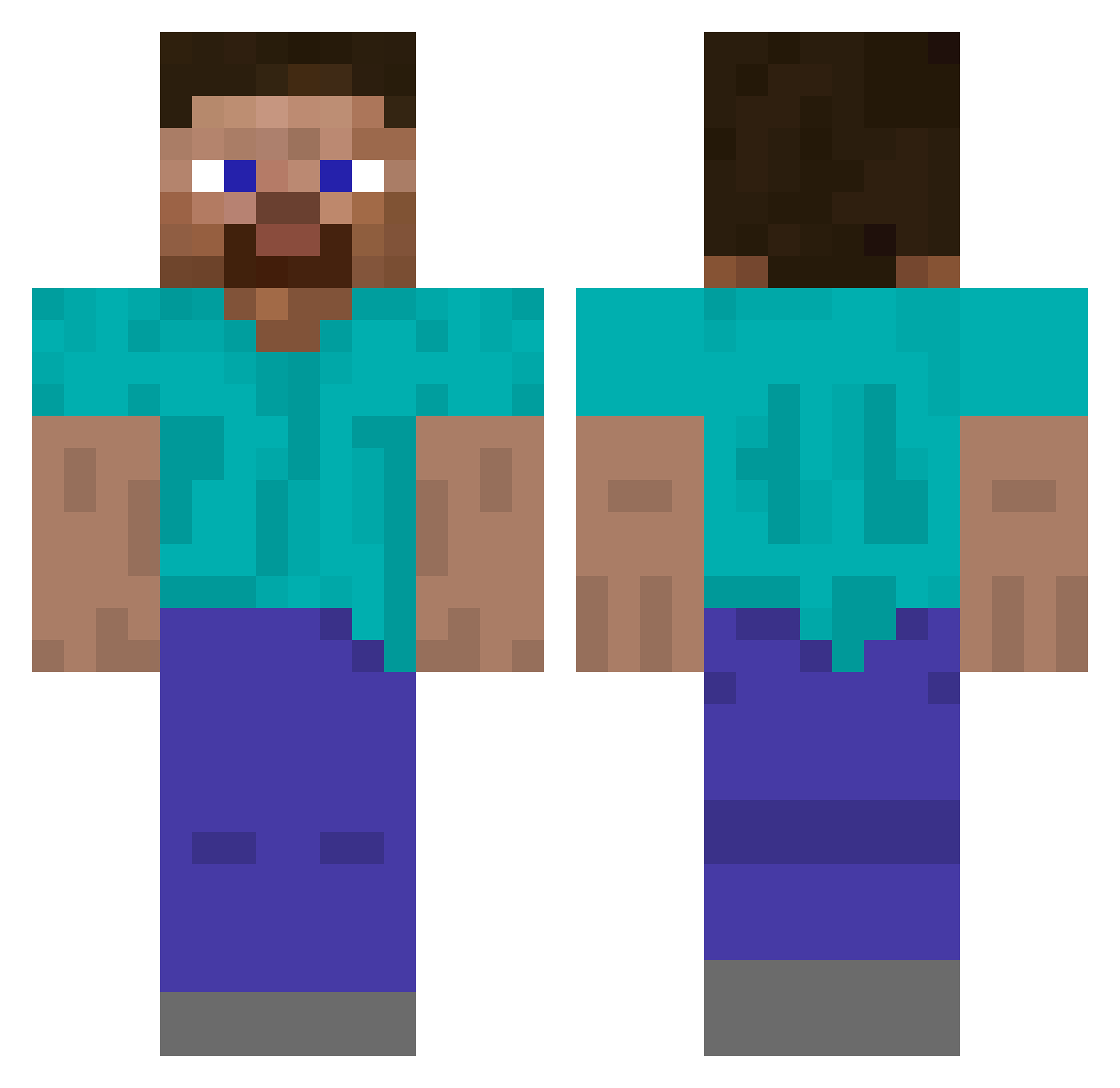
Current Minecraft skin of the player wetro0004, loaded from the official Mojang API. Rotate the 3D model with your mouse or finger, then download the skin as a PNG file and use it in Minecraft: Bedrock Edition or Java Edition for free. When wetro0004 changes their skin, this page updates automatically and the old skin stays in the history below.
Other players with this skin (488)
wetro0004 was the 199th player we have seen with this skin, first spotted on 08.09.2026. The same skin was seen on these players. Open a nickname to see their current skin and skin history.
 GoMiddleSwitch
 MexicanoMX gangsta_niko lasse829 ILOVESILLYCARS_ Auditor5643 Kumoasix Lylouf13 Soliloquize543 taiseratop DonRobbie_
 DeepNest_ Wim4812 NOtREALPROROBLOX Haec_Nuces just0807 MonsterH8U Kirold UraniumDisulfide hellobye65536 Dolstegro giggimish Tribun_1337 Wacky2Day INMIN99 columber jancmine Intersha solleim Juniorjames1 king496 Watupnoob CarlosG1132 Trotter1954 Jake_Painter Hypixel_Sumo brockspex Roederschwimmer Ricardo118 ShockWave0231 Ozren0117 NecroWhisper rip_Lavawarrior IanGaffaney WoodyArtifact pitimitek JAYN_EE z1x6y9b3 Grenavo amadejus Steve89289 kelamrekam nansantis MncrftJavaDude09 RIA270 Yolce Greaz__ Evil_Wire suzmooking 777Anders
How to install the wetro0004 skin
- Press the Download button above to save the skin as a PNG file.
- Minecraft: Bedrock Edition (PE): open the Dressing Room from the main menu (or tap your character → Edit Character), go to Classic Skins → Owned, press the + (new skin) button, choose the downloaded PNG and pick the Classic (Steve) model. Works on PC and mobile; consoles cannot import custom skins.
- Minecraft: Java Edition: open the Minecraft Launcher, go to the Skins tab, click New Skin, load the PNG, pick the Classic (Steve) model and press Save & Use. You can also upload it at minecraft.net → Profile → Change Skin.
The skin does not show up after import - what should I do?
Restart Minecraft and open the Dressing Room again - imported skins sometimes appear only after a restart. Also make sure you selected the imported skin and picked the Classic (Steve) model.
Which model should I choose, Classic or Slim?
This skin is designed for the Classic (Steve) model. If you pick the wrong model, the arms of the skin will look stretched or squeezed.
Is the skin of wetro0004 free to download?
Yes. Press Download, save the PNG file and use it in Minecraft: Bedrock Edition or Java Edition - no payment or registration needed. The skin also works on multiplayer servers and Realms.
More skins
Looking for more? Go back to all Minecraft skins and check the top skins of the week, month and all time, or find any player's skin by nickname.