
wavyware - Minecraft Skins & Skin History
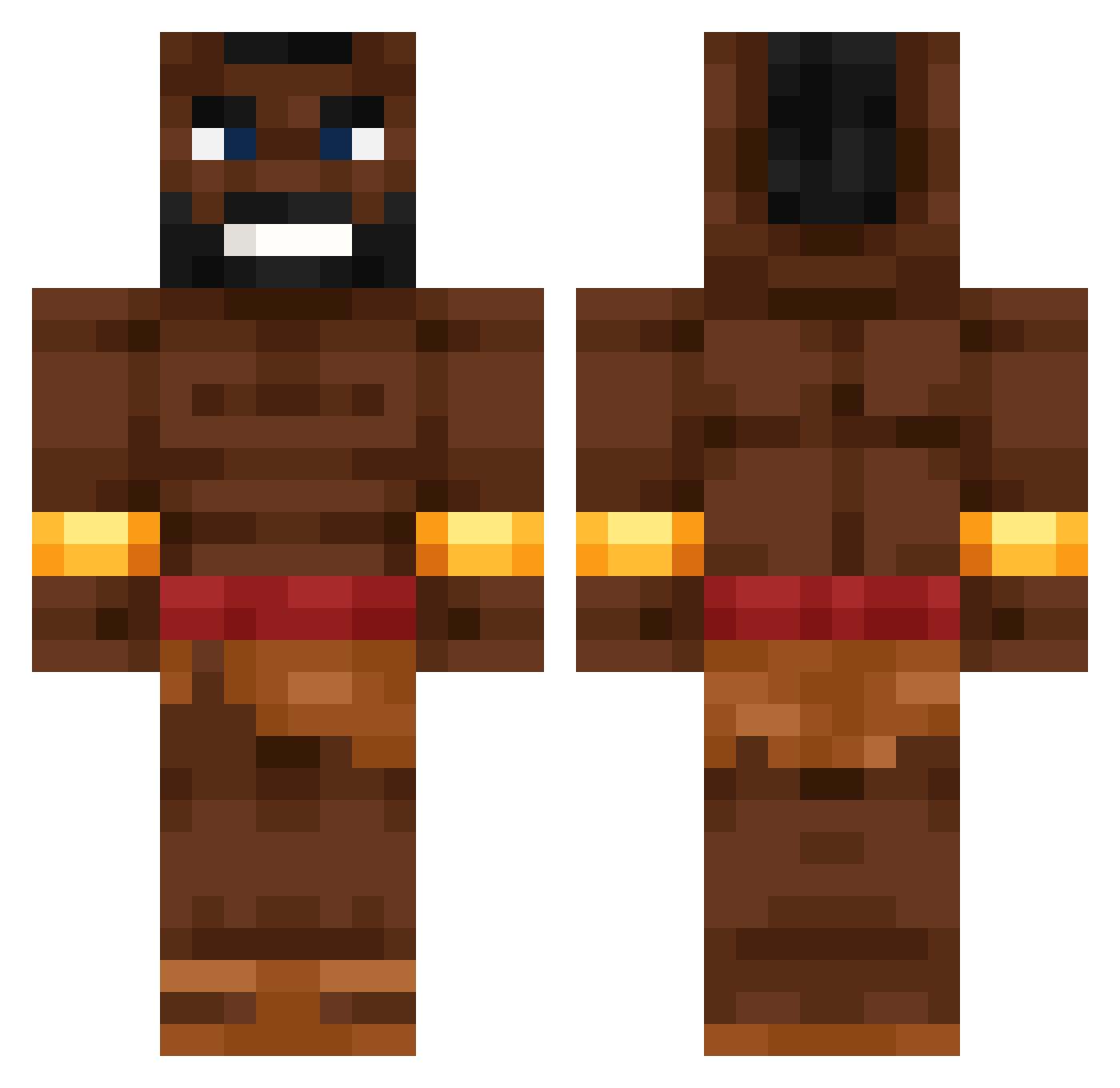
Current Minecraft skin of the player wavyware, loaded from the official Mojang API. Rotate the 3D model with your mouse or finger, then download the skin as a PNG file and use it in Minecraft: Bedrock Edition or Java Edition for free. When wavyware changes their skin, this page updates automatically and the old skin stays in the history below.
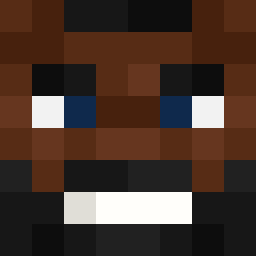
Other players with this skin (531)
wavyware was the 511th player we have seen with this skin, first spotted on 19.10.2026. The same skin was seen on these players. Open a nickname to see their current skin and skin history.
 happy2penguin Excellency_13 AndreiIliescu89 XLMG_theGOAT TDST nusslistangli sergioemo jefferydarker Hoshy_132 CrownVanilla 67sigma41 vxplo2 TerNakka MIKMALD evbhatezchris DaedalAtWork 0biWanKen0bi justin464 eNdoq Benjandrade3 joeseef Anassq BotGoth Fasx__ LW_Patryk Meiyu_07 Jalakaka trojnix Muteika Goelegeloe123 Triptomars2 GeniusChe Left_the_Game SunHuiVchai E037xjs DarthSalad9 _Langus_ Lightinabyss1 ABCNiclass DaweBoy hugoono1211 sardaarji 5h1kanara StarryCellar185 Faivr_god32e killer_kangarooo PixelatedPixel_ VeilchenSS_ GIG_ist_geil Promek__ Blazej2009 Leonard24579 Quantum061012 Pasao_poto ZombieClipZ Gutekkq Resyy_ molymolymoly Saketop Kogetta
More Actor Minecraft skins
How to install the wavyware skin
- Press the Download button above to save the skin as a PNG file.
- Minecraft: Bedrock Edition (PE): open the Dressing Room from the main menu (or tap your character → Edit Character), go to Classic Skins → Owned, press the + (new skin) button, choose the downloaded PNG and pick the Classic (Steve) model. Works on PC and mobile; consoles cannot import custom skins.
- Minecraft: Java Edition: open the Minecraft Launcher, go to the Skins tab, click New Skin, load the PNG, pick the Classic (Steve) model and press Save & Use. You can also upload it at minecraft.net → Profile → Change Skin.
The skin does not show up after import - what should I do?
Restart Minecraft and open the Dressing Room again - imported skins sometimes appear only after a restart. Also make sure you selected the imported skin and picked the Classic (Steve) model.
Which model should I choose, Classic or Slim?
This skin is designed for the Classic (Steve) model. If you pick the wrong model, the arms of the skin will look stretched or squeezed.
Is the skin of wavyware free to download?
Yes. Press Download, save the PNG file and use it in Minecraft: Bedrock Edition or Java Edition - no payment or registration needed. The skin also works on multiplayer servers and Realms.
More skins
Looking for more? Go back to all Minecraft skins and check the top skins of the week, month and all time, or find any player's skin by nickname.