
waurm - Minecraft Skins & Skin History
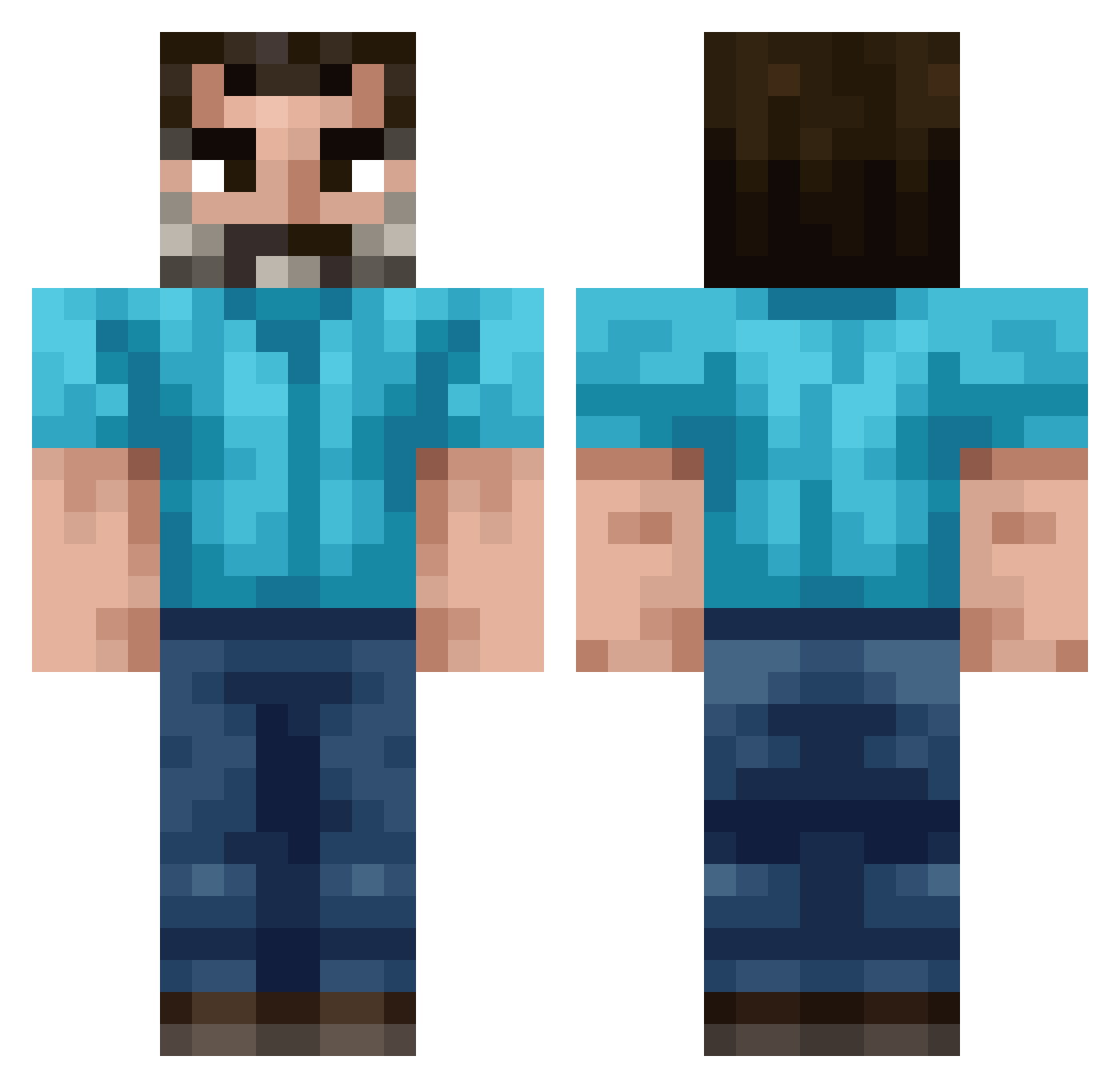
Current Minecraft skin of the player waurm, loaded from the official Mojang API. Rotate the 3D model with your mouse or finger, then download the skin as a PNG file and use it in Minecraft: Bedrock Edition or Java Edition for free. When waurm changes their skin, this page updates automatically and the old skin stays in the history below.
Other players with this skin (260)
waurm was the 191st player we have seen with this skin, first spotted on 22.10.2026. The same skin was seen on these players. Open a nickname to see their current skin and skin history.
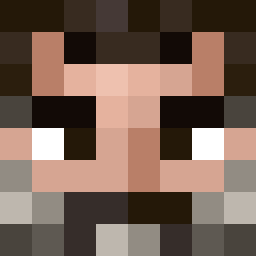 flashin_flan dmsgh123 Madsen_01 variapng MIlesaway VandFrigider ZyLaps Retsim411 catherrine STXN_ Golden_Nut LYUDGAA sax_off3nd3r666 fiehlieb_ Sleekovskiy GurkenPflaume Raudhon kofi937 Kris_MossEater Monkeee22 Aztecazz Horrorslime Evann_99 Selyth radicalrainicorn francisco1279 aguf goorot kingpin64k ImranAliExpress Kano_iSpy Krampux KillerPat21 wildSnapper cherbear1268 addjam fachs_ Krypt_VII AnzianOscuro THANOSCONBINI _Konky_ TicklePapa Itz_PinguinPvp rjwpanfro naddy_daddy goatsimulator8 Reichswaffel DRACOMASTER14 rulo1x Fluffy354 Battlefailed0 Paroxysmal 0uroboro5 GalaxymaxiS StevonGames QU75 04005 SadBoyComplex FaZe_theRAPIST OnDerska666
How to install the waurm skin
- Press the Download button above to save the skin as a PNG file.
- Minecraft: Bedrock Edition (PE): open the Dressing Room from the main menu (or tap your character → Edit Character), go to Classic Skins → Owned, press the + (new skin) button, choose the downloaded PNG and pick the Classic (Steve) model. Works on PC and mobile; consoles cannot import custom skins.
- Minecraft: Java Edition: open the Minecraft Launcher, go to the Skins tab, click New Skin, load the PNG, pick the Classic (Steve) model and press Save & Use. You can also upload it at minecraft.net → Profile → Change Skin.
The skin does not show up after import - what should I do?
Restart Minecraft and open the Dressing Room again - imported skins sometimes appear only after a restart. Also make sure you selected the imported skin and picked the Classic (Steve) model.
Which model should I choose, Classic or Slim?
This skin is designed for the Classic (Steve) model. If you pick the wrong model, the arms of the skin will look stretched or squeezed.
Is the skin of waurm free to download?
Yes. Press Download, save the PNG file and use it in Minecraft: Bedrock Edition or Java Edition - no payment or registration needed. The skin also works on multiplayer servers and Realms.
More skins
Looking for more? Go back to all Minecraft skins and check the top skins of the week, month and all time, or find any player's skin by nickname.