
warriorboss - Minecraft Skins & Skin History
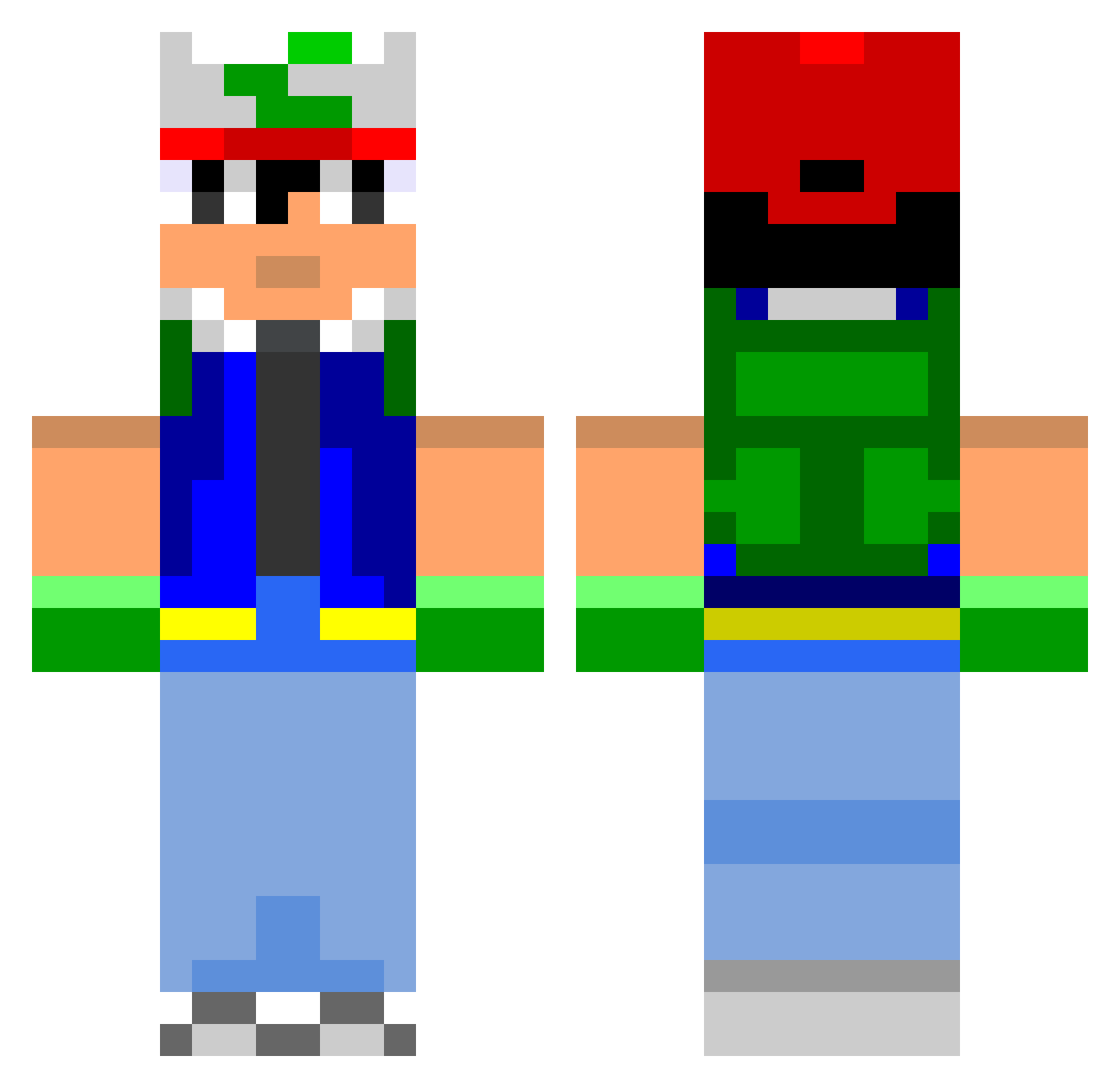
Current Minecraft skin of the player warriorboss, loaded from the official Mojang API. Rotate the 3D model with your mouse or finger, then download the skin as a PNG file and use it in Minecraft: Bedrock Edition or Java Edition for free. When warriorboss changes their skin, this page updates automatically and the old skin stays in the history below.
Other players with this skin (801)
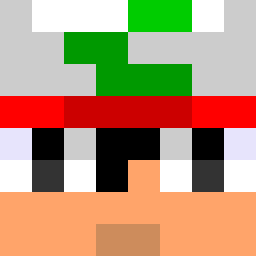
warriorboss was the 249th player we have seen with this skin, first spotted on 31.08.2026. The same skin was seen on these players. Open a nickname to see their current skin and skin history.
 ChickenFightKing lukasz_plpl Crooks35 NicholasBoom teocfaith37 Joshie90 Nickynedved Cart3r The_Scripter Horbe ambur11 MrKamikazee ILLTREATMENT hamsterlordx3 bgs1223 uminosakama Corakz Simti77 SuperTracKz stjimmyskater Calpods MiTiK64 carlosky060 WolfgangBlack Nathan_net pighair47 hotkorean1029 KingOfGames Zexion5 JimiSteel Xochiquetzal777 FireAce1507 fongman1212 Luky AKowalske mingulf MeLoveTrees pisseur trippenballz527 jcrumbs fireball1x steven1413 Pelirrojo orus6 CodyM789 MatthewIndyJones parki111 MrBanana123 Rizzlanl nyelZzz verybadflo felixl66 ProfessorWalrus ShinKurosu DutchWarBandit BlueHoneydew1010 Terligz LzKing989 unique_mob Jaklin
More Ash Ketchum Minecraft skins
How to install the warriorboss skin
- Press the Download button above to save the skin as a PNG file.
- Minecraft: Bedrock Edition (PE): open the Dressing Room from the main menu (or tap your character → Edit Character), go to Classic Skins → Owned, press the + (new skin) button, choose the downloaded PNG and pick the Classic (Steve) model. Works on PC and mobile; consoles cannot import custom skins.
- Minecraft: Java Edition: open the Minecraft Launcher, go to the Skins tab, click New Skin, load the PNG, pick the Classic (Steve) model and press Save & Use. You can also upload it at minecraft.net → Profile → Change Skin.
The skin does not show up after import - what should I do?
Restart Minecraft and open the Dressing Room again - imported skins sometimes appear only after a restart. Also make sure you selected the imported skin and picked the Classic (Steve) model.
Which model should I choose, Classic or Slim?
This skin is designed for the Classic (Steve) model. If you pick the wrong model, the arms of the skin will look stretched or squeezed.
Is the skin of warriorboss free to download?
Yes. Press Download, save the PNG file and use it in Minecraft: Bedrock Edition or Java Edition - no payment or registration needed. The skin also works on multiplayer servers and Realms.
More skins
Looking for more? Go back to all Minecraft skins and check the top skins of the week, month and all time, or find any player's skin by nickname.