
waldo50 - Minecraft Skins & Skin History
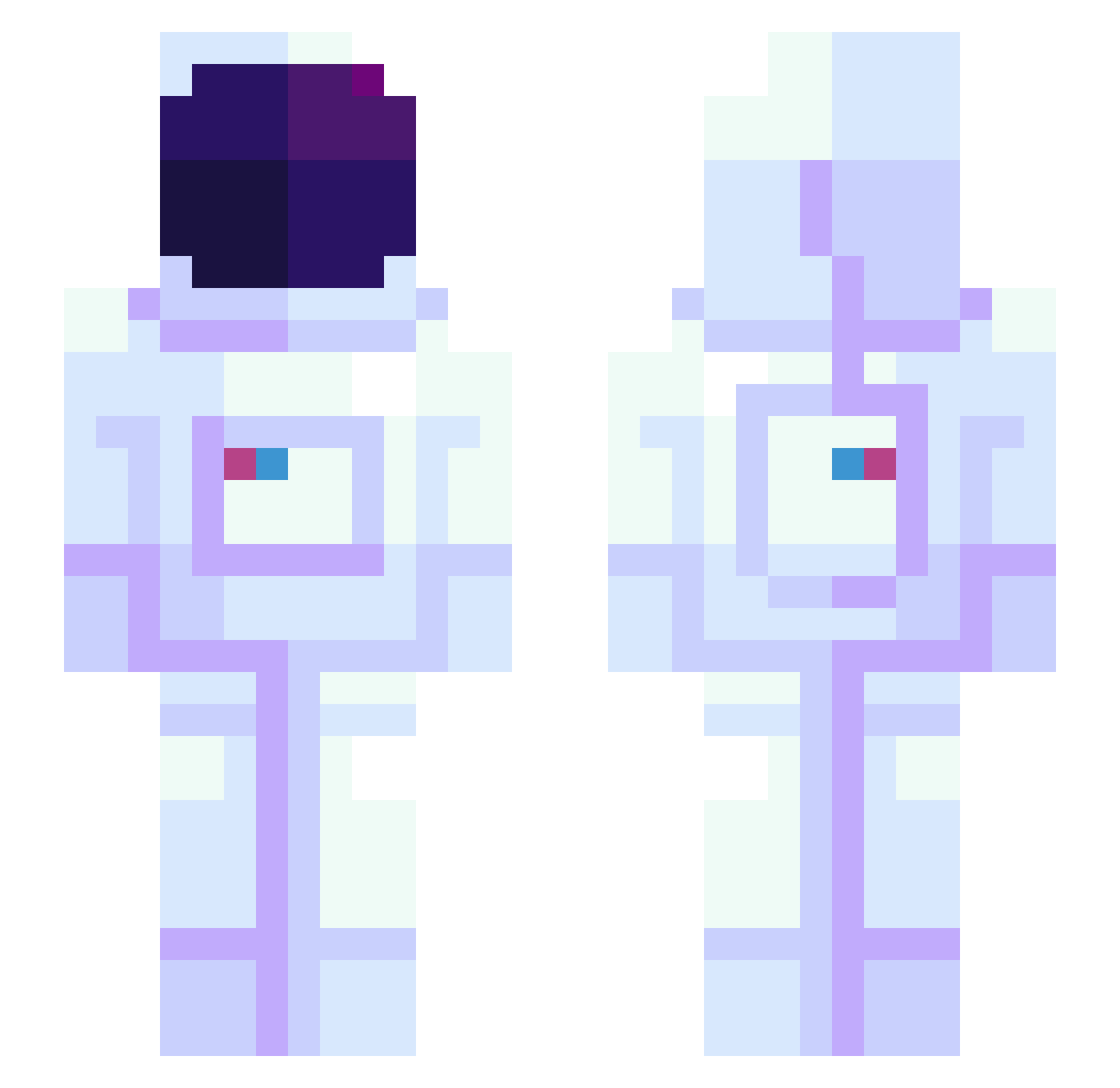
Current Minecraft skin of the player waldo50, loaded from the official Mojang API. Rotate the 3D model with your mouse or finger, then download the skin as a PNG file and use it in Minecraft: Bedrock Edition or Java Edition for free. When waldo50 changes their skin, this page updates automatically and the old skin stays in the history below.
Other players with this skin (1172)
waldo50 was the 1067th player we have seen with this skin, first spotted on 10.11.2026. The same skin was seen on these players. Open a nickname to see their current skin and skin history.
 uFxEnder JKUC RoxDemSox BullyDolphin BishopsJ JChilly12 SilentWay ldh0719 BombaSlatt der_Kook JKlusmann Azum226 SpatiumDeus Elfriede_ KimaliCurry MrPoofenplotz Mickey_Mkis Frosty_Claws B4RAR4Q dollatrickboiii Zero0Luck0 DPLER sexisntreal SkkyKun kaikaiopen Telebajsk princess_dara LalooTV Rainbow416 EllaTheExcellent sharkshark2 duzzi_jakka Mocha_Linus RobotKelvin YRB89 WikiDog imnamejinn Chuck_Bartowski_ In_The0rY mangofer Get_Litty Amelo_33 Tiburce974 SpartanMat117 Koriocus Sizmeki wldn__ CHWEYA kepee0 Kiirby007 swampyness Sammm001 SoddyThaw Lunatorin KINNSJ Zeus512 Chonchon_18 Xiaochuno KimonAtom sofegvan
More Astronaut Minecraft skins
How to install the waldo50 skin
- Press the Download button above to save the skin as a PNG file.
- Minecraft: Bedrock Edition (PE): open the Dressing Room from the main menu (or tap your character → Edit Character), go to Classic Skins → Owned, press the + (new skin) button, choose the downloaded PNG and pick the Slim (Alex) model. Works on PC and mobile; consoles cannot import custom skins.
- Minecraft: Java Edition: open the Minecraft Launcher, go to the Skins tab, click New Skin, load the PNG, pick the Slim (Alex) model and press Save & Use. You can also upload it at minecraft.net → Profile → Change Skin.
The skin does not show up after import - what should I do?
Restart Minecraft and open the Dressing Room again - imported skins sometimes appear only after a restart. Also make sure you selected the imported skin and picked the Slim (Alex) model.
Which model should I choose, Classic or Slim?
This skin is designed for the Slim (Alex) model. If you pick the wrong model, the arms of the skin will look stretched or squeezed.
Is the skin of waldo50 free to download?
Yes. Press Download, save the PNG file and use it in Minecraft: Bedrock Edition or Java Edition - no payment or registration needed. The skin also works on multiplayer servers and Realms.
More skins
Looking for more? Go back to all Minecraft skins and check the top skins of the week, month and all time, or find any player's skin by nickname.