
wagey - Minecraft Skins & Skin History
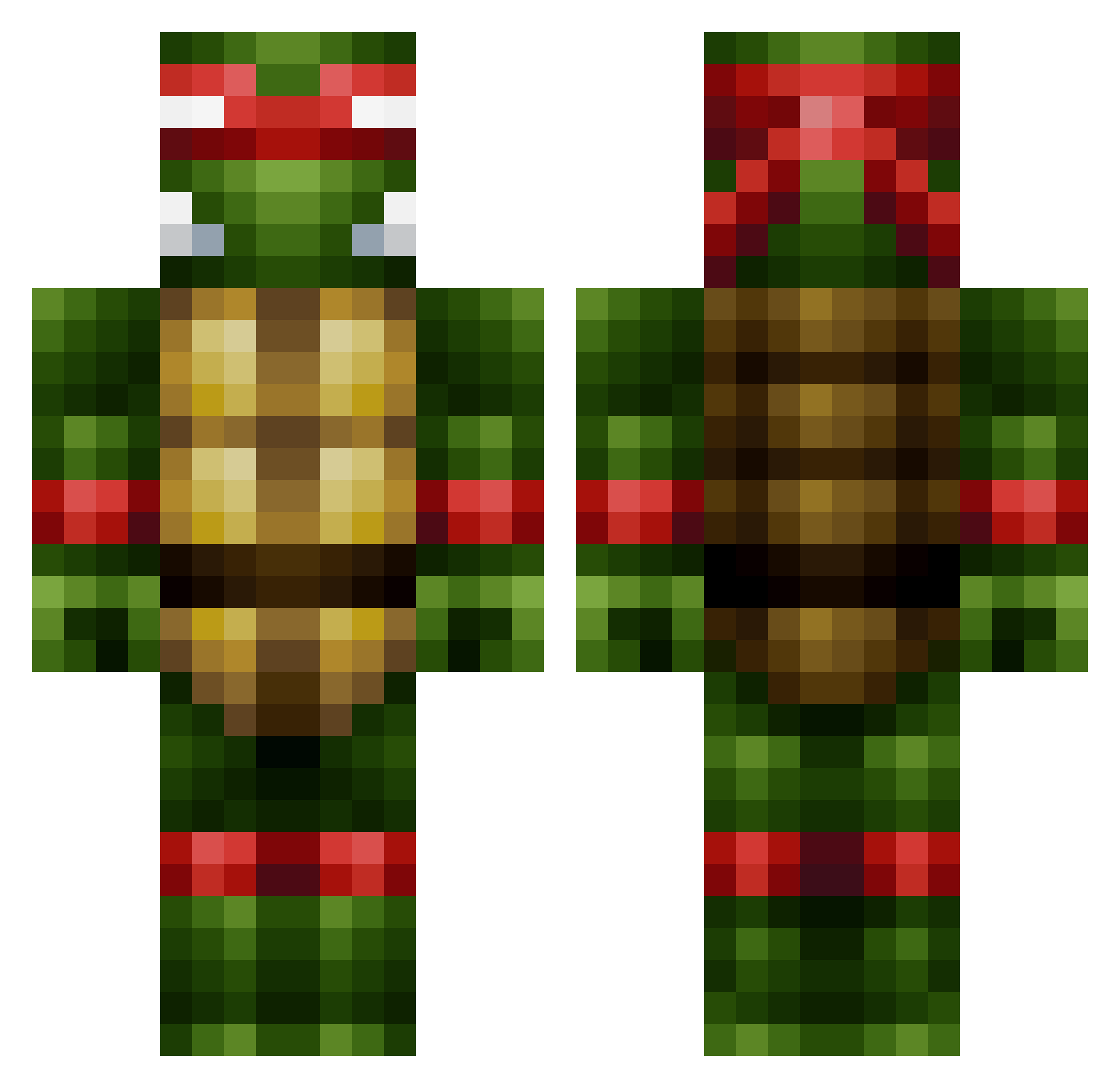
Current Minecraft skin of the player wagey, loaded from the official Mojang API. Rotate the 3D model with your mouse or finger, then download the skin as a PNG file and use it in Minecraft: Bedrock Edition or Java Edition for free. When wagey changes their skin, this page updates automatically and the old skin stays in the history below.
Other players with this skin (444)
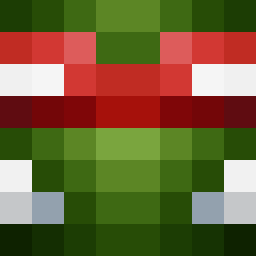
wagey was the 47th player we have seen with this skin, first spotted on 01.08.2026. The same skin was seen on these players. Open a nickname to see their current skin and skin history.
 Captain_Dynamo gr8scott12345 Coca_Peretz ShadoFTW MMAZZ4 ABoxOfMoosen ALBERTOWAY Zlatanational Possm wetbeef TEBYYY Tombstone88 NotOminous Skadoosh369 CraftGod14 Autumn_TacoBell bsyphoe Sakagura Econom1c gjbrook _FreeSoft_ ZombexTV Zeetig3r lightningshard5 _KLS_ 15Michiel007 _facepunch baindechou47 Dominigo123 iFlyXx Mr_Danger mfpthebronze Superhero25 Lightle4 willz987 relixi Chinow42 RazorSF DaVinciWho BadGalTal franzenr University MCchucknorrisP Recyclebott Delehon Veledaar SaltyCat cdpro200 zacouille12345 lilweezie34 LePingouinQuiPue CheezHead5 BoxyKangaroo jnambio Saxapwn 4einar4 Kaminski05 ChaoticSin ludfjig WilliamsM
More Raphael Minecraft skins
How to install the wagey skin
- Press the Download button above to save the skin as a PNG file.
- Minecraft: Bedrock Edition (PE): open the Dressing Room from the main menu (or tap your character → Edit Character), go to Classic Skins → Owned, press the + (new skin) button, choose the downloaded PNG and pick the Classic (Steve) model. Works on PC and mobile; consoles cannot import custom skins.
- Minecraft: Java Edition: open the Minecraft Launcher, go to the Skins tab, click New Skin, load the PNG, pick the Classic (Steve) model and press Save & Use. You can also upload it at minecraft.net → Profile → Change Skin.
The skin does not show up after import - what should I do?
Restart Minecraft and open the Dressing Room again - imported skins sometimes appear only after a restart. Also make sure you selected the imported skin and picked the Classic (Steve) model.
Which model should I choose, Classic or Slim?
This skin is designed for the Classic (Steve) model. If you pick the wrong model, the arms of the skin will look stretched or squeezed.
Is the skin of wagey free to download?
Yes. Press Download, save the PNG file and use it in Minecraft: Bedrock Edition or Java Edition - no payment or registration needed. The skin also works on multiplayer servers and Realms.
More skins
Looking for more? Go back to all Minecraft skins and check the top skins of the week, month and all time, or find any player's skin by nickname.