
volkancino - Minecraft Skins & Skin History
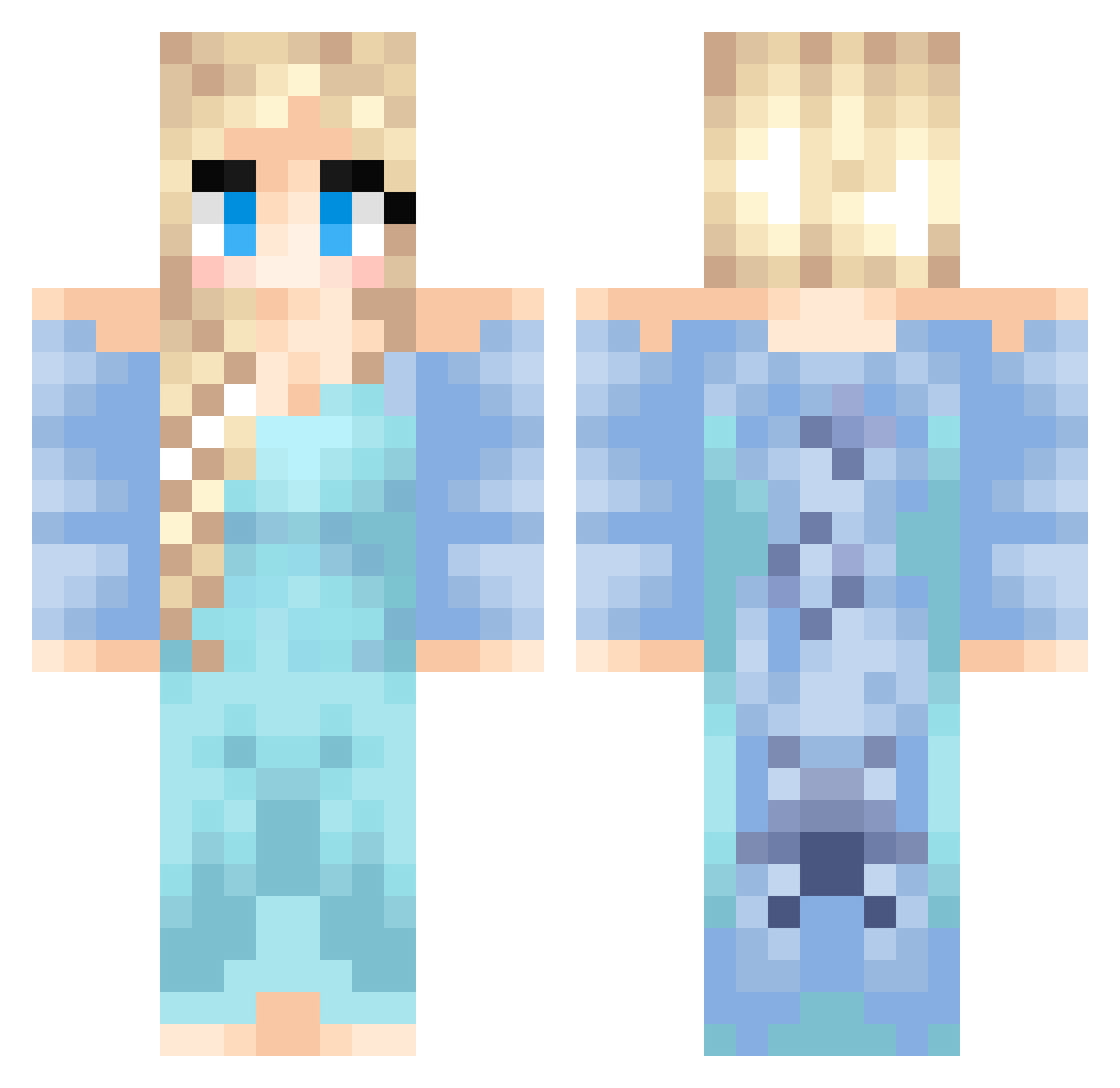
Current Minecraft skin of the player volkancino, loaded from the official Mojang API. Rotate the 3D model with your mouse or finger, then download the skin as a PNG file and use it in Minecraft: Bedrock Edition or Java Edition for free. When volkancino changes their skin, this page updates automatically and the old skin stays in the history below.
Other players with this skin (437)
volkancino was the 277th player we have seen with this skin, first spotted on 30.09.2026. The same skin was seen on these players. Open a nickname to see their current skin and skin history.
 Elsa102 IcedTe genis6 pinkrose1 Razzamatazzum wishingstars Jonie4321 biteme1831 shelbtastic Hilgirl12 Izzylover1 SheWolf_DK Netstar Akseli14 minewarriors PLL1o1 Mooooo ChrisW53 lolkitten10101 misshultman Melle_Pixels ZigZakGame Shse GordonRamseyJr DeniseD eL_Chupacabraa Kobedoo Cammie88 tamarah123 Ichino83 tuppelisa tofa2002 minimuffin33 SayWott HannaHolmkvist frozenrox 0mgcat MacBoxMan minecraftbenners MadiJo9 Gabigail_17 Sisterofsteel Arycias Counterxap Almihu montymydog WooLily GRAVEDANCE_22 Hamso2000 YourHighness420 Diametra KillaKitten zombiekillrobot SerenaAmber tiscience123 sweetfrenchfry Lilith404 swimpiggy lucky7_softball Lukiez
More Elsa Minecraft skins
How to install the volkancino skin
- Press the Download button above to save the skin as a PNG file.
- Minecraft: Bedrock Edition (PE): open the Dressing Room from the main menu (or tap your character → Edit Character), go to Classic Skins → Owned, press the + (new skin) button, choose the downloaded PNG and pick the Classic (Steve) model. Works on PC and mobile; consoles cannot import custom skins.
- Minecraft: Java Edition: open the Minecraft Launcher, go to the Skins tab, click New Skin, load the PNG, pick the Classic (Steve) model and press Save & Use. You can also upload it at minecraft.net → Profile → Change Skin.
The skin does not show up after import - what should I do?
Restart Minecraft and open the Dressing Room again - imported skins sometimes appear only after a restart. Also make sure you selected the imported skin and picked the Classic (Steve) model.
Which model should I choose, Classic or Slim?
This skin is designed for the Classic (Steve) model. If you pick the wrong model, the arms of the skin will look stretched or squeezed.
Is the skin of volkancino free to download?
Yes. Press Download, save the PNG file and use it in Minecraft: Bedrock Edition or Java Edition - no payment or registration needed. The skin also works on multiplayer servers and Realms.
More skins
Looking for more? Go back to all Minecraft skins and check the top skins of the week, month and all time, or find any player's skin by nickname.