
villekillen6 - Minecraft Skins & Skin History
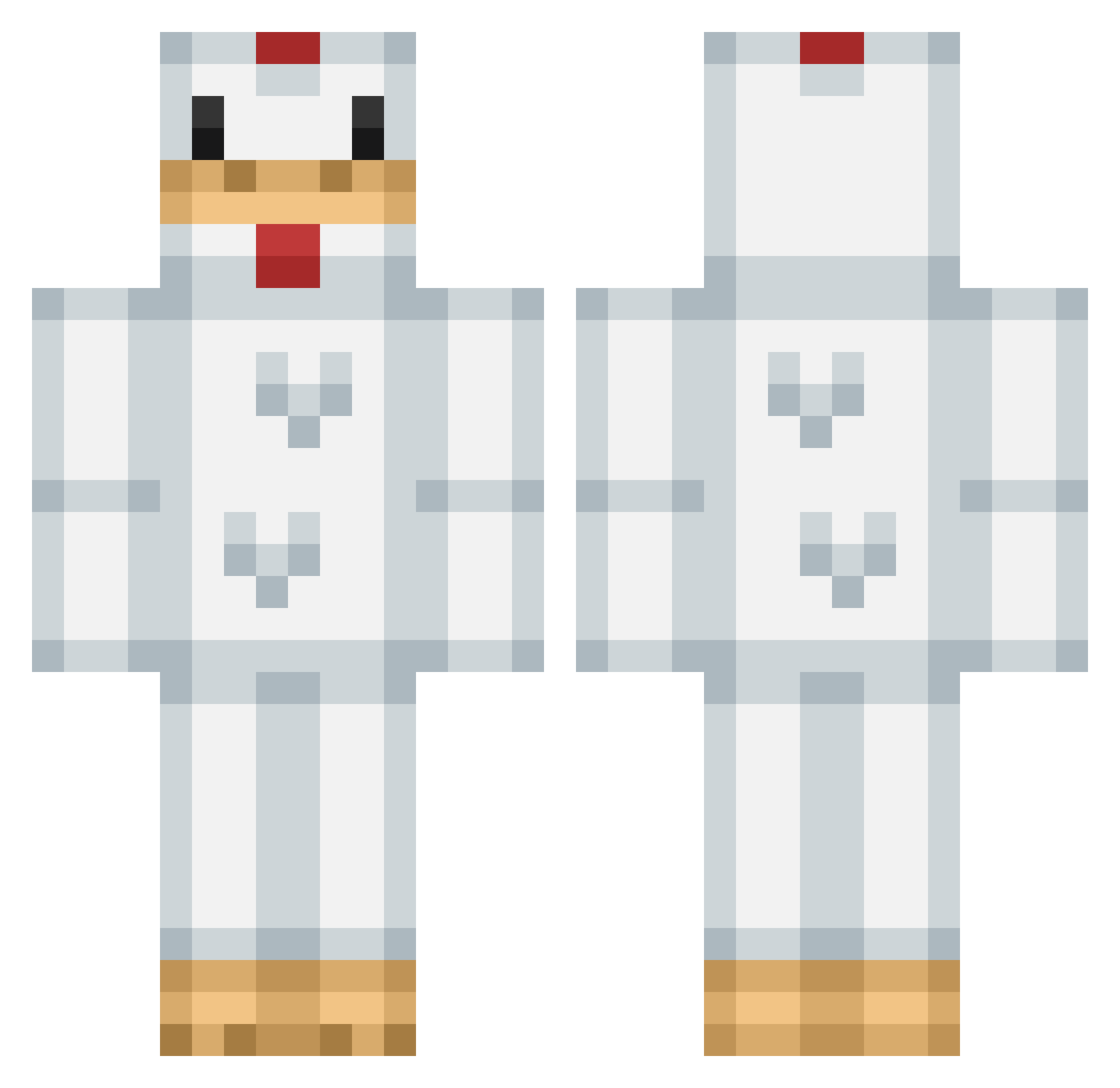
Current Minecraft skin of the player villekillen6, loaded from the official Mojang API. Rotate the 3D model with your mouse or finger, then download the skin as a PNG file and use it in Minecraft: Bedrock Edition or Java Edition for free. When villekillen6 changes their skin, this page updates automatically and the old skin stays in the history below.
Other players with this skin (299)
villekillen6 was the 38th player we have seen with this skin, first spotted on 11.08.2026. The same skin was seen on these players. Open a nickname to see their current skin and skin history.
 g4br1elxdcraft AmericanChicken Rolens cheekan Cadester13 DakotadougiE casale77 Miguelrara Chickensnacks zeezac Treittia mister__sir SaltyyDog Evolving Monster_F lennpoulich Bweadwoaf Rux_14 mista_mistyeyes oWoHidden realantman Daraktorun anzii1 MoBu23 jellis56 Mortallugean momonga0831 chikenofficial JMoney888 Nap_Alm xnddz_botting _KeyboardKing_ MagicalMarcel SchenkeI pojjat timartin1495 Fabulous_Star aimlikebot AudTheGod owenev vlixer04 xXxJoeyxXx mr_sebi _Splashh_ McNilly xX_FL1PE_Xx benny2332 St4lee ThicknChickn yogsnova A1Bacon natethegreat2746 s2k0r Beluga_Buns wadey_02 LoblollyYurt ___Spiderpig___ TechnoRob AIcatraS ashtonpelley
More Animal Costume Minecraft skins
See all 228 Animal Costume skins
How to install the villekillen6 skin
- Press the Download button above to save the skin as a PNG file.
- Minecraft: Bedrock Edition (PE): open the Dressing Room from the main menu (or tap your character → Edit Character), go to Classic Skins → Owned, press the + (new skin) button, choose the downloaded PNG and pick the Classic (Steve) model. Works on PC and mobile; consoles cannot import custom skins.
- Minecraft: Java Edition: open the Minecraft Launcher, go to the Skins tab, click New Skin, load the PNG, pick the Classic (Steve) model and press Save & Use. You can also upload it at minecraft.net → Profile → Change Skin.
The skin does not show up after import - what should I do?
Restart Minecraft and open the Dressing Room again - imported skins sometimes appear only after a restart. Also make sure you selected the imported skin and picked the Classic (Steve) model.
Which model should I choose, Classic or Slim?
This skin is designed for the Classic (Steve) model. If you pick the wrong model, the arms of the skin will look stretched or squeezed.
Is the skin of villekillen6 free to download?
Yes. Press Download, save the PNG file and use it in Minecraft: Bedrock Edition or Java Edition - no payment or registration needed. The skin also works on multiplayer servers and Realms.
More skins
Looking for more? Go back to all Minecraft skins and check the top skins of the week, month and all time, or find any player's skin by nickname.