
velxz - Minecraft Skins & Skin History
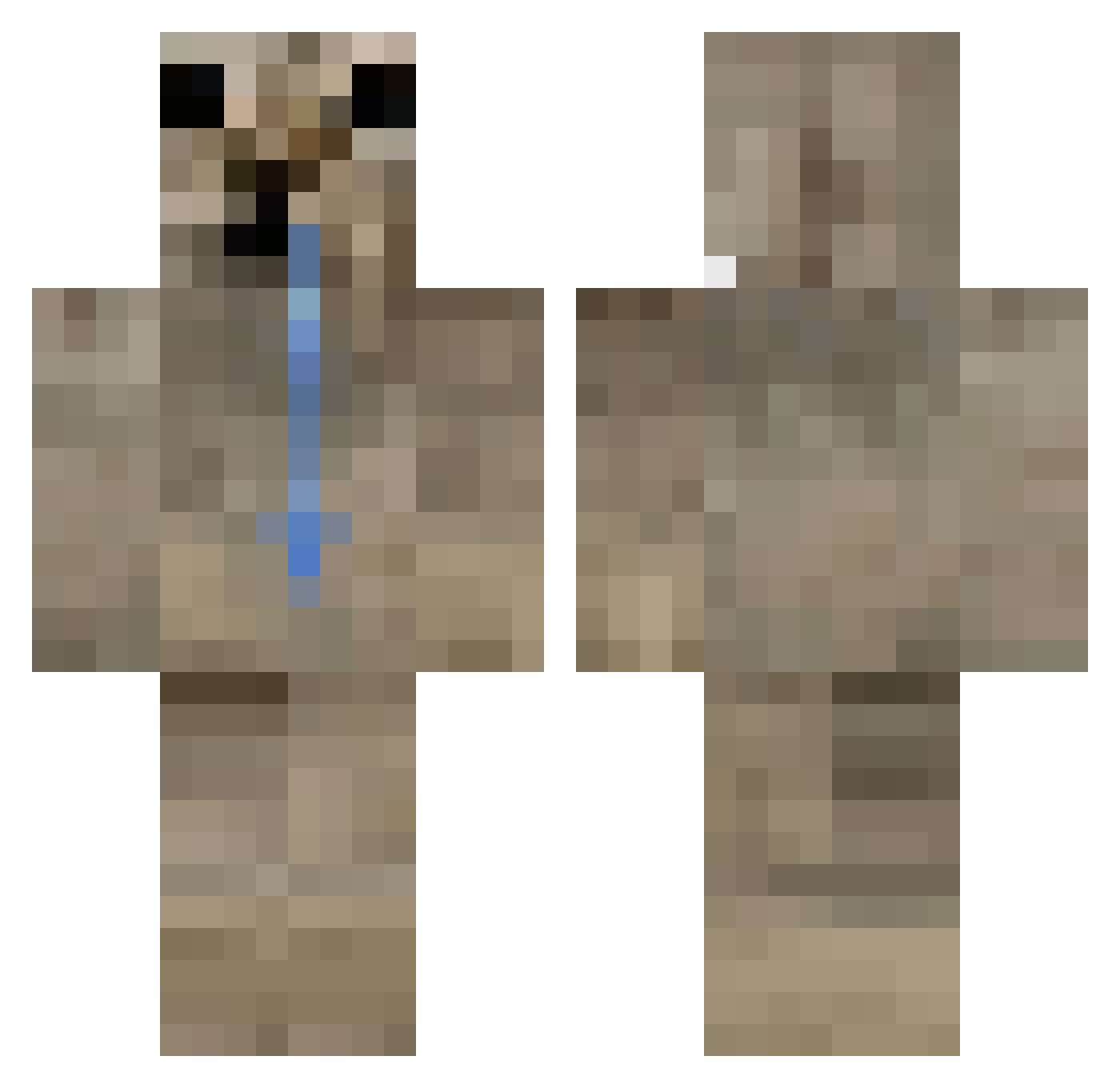
Current Minecraft skin of the player velxz, loaded from the official Mojang API. Rotate the 3D model with your mouse or finger, then download the skin as a PNG file and use it in Minecraft: Bedrock Edition or Java Edition for free. When velxz changes their skin, this page updates automatically and the old skin stays in the history below.
Other players with this skin (357)
velxz was the 328th player we have seen with this skin, first spotted on 14.10.2026. The same skin was seen on these players. Open a nickname to see their current skin and skin history.
 diettt Adioa star0610 ZeroGold_ pibc0rn Rayan1x1x1 Furao08 PTorres_ thmi BlargyWargy olafciooo Rooom1 Lyunikscy CruelArtist brookk06 NoeSilent kuba3_ jiwoun _Vwx Itzz_Xenti wabouuu1789 Nex_ngz fetado TheNosorog Ioan_b VertigoMaker TebanR kouuch_ mouramoura alfred146 wxstnxls skvzz YUSEN0830 MiDi194 ElPAPU07 Milanschnitzel10 Kaczmar2 PbyEater Kerry_capolla vinilool 6hourz Winterssommi SpiffyFern33314 bekfuzkal Krytoi54 Lifenexus maks3458 BapiHomet22 SDFreeze Boney__ xAbri oneofthepotaTOES Lexxi70 lebronuchiha_ obszczysciana Glacitu IluvMay1 Fcoola16 IS_JD Darkowole
How to install the velxz skin
- Press the Download button above to save the skin as a PNG file.
- Minecraft: Bedrock Edition (PE): open the Dressing Room from the main menu (or tap your character → Edit Character), go to Classic Skins → Owned, press the + (new skin) button, choose the downloaded PNG and pick the Classic (Steve) model. Works on PC and mobile; consoles cannot import custom skins.
- Minecraft: Java Edition: open the Minecraft Launcher, go to the Skins tab, click New Skin, load the PNG, pick the Classic (Steve) model and press Save & Use. You can also upload it at minecraft.net → Profile → Change Skin.
The skin does not show up after import - what should I do?
Restart Minecraft and open the Dressing Room again - imported skins sometimes appear only after a restart. Also make sure you selected the imported skin and picked the Classic (Steve) model.
Which model should I choose, Classic or Slim?
This skin is designed for the Classic (Steve) model. If you pick the wrong model, the arms of the skin will look stretched or squeezed.
Is the skin of velxz free to download?
Yes. Press Download, save the PNG file and use it in Minecraft: Bedrock Edition or Java Edition - no payment or registration needed. The skin also works on multiplayer servers and Realms.
More skins
Looking for more? Go back to all Minecraft skins and check the top skins of the week, month and all time, or find any player's skin by nickname.