
uxx1ll - Minecraft Skins & Skin History
Current Minecraft skin of the player uxx1ll, loaded from the official Mojang API. Rotate the 3D model with your mouse or finger, then download the skin as a PNG file and use it in Minecraft: Bedrock Edition or Java Edition for free. When uxx1ll changes their skin, this page updates automatically and the old skin stays in the history below.
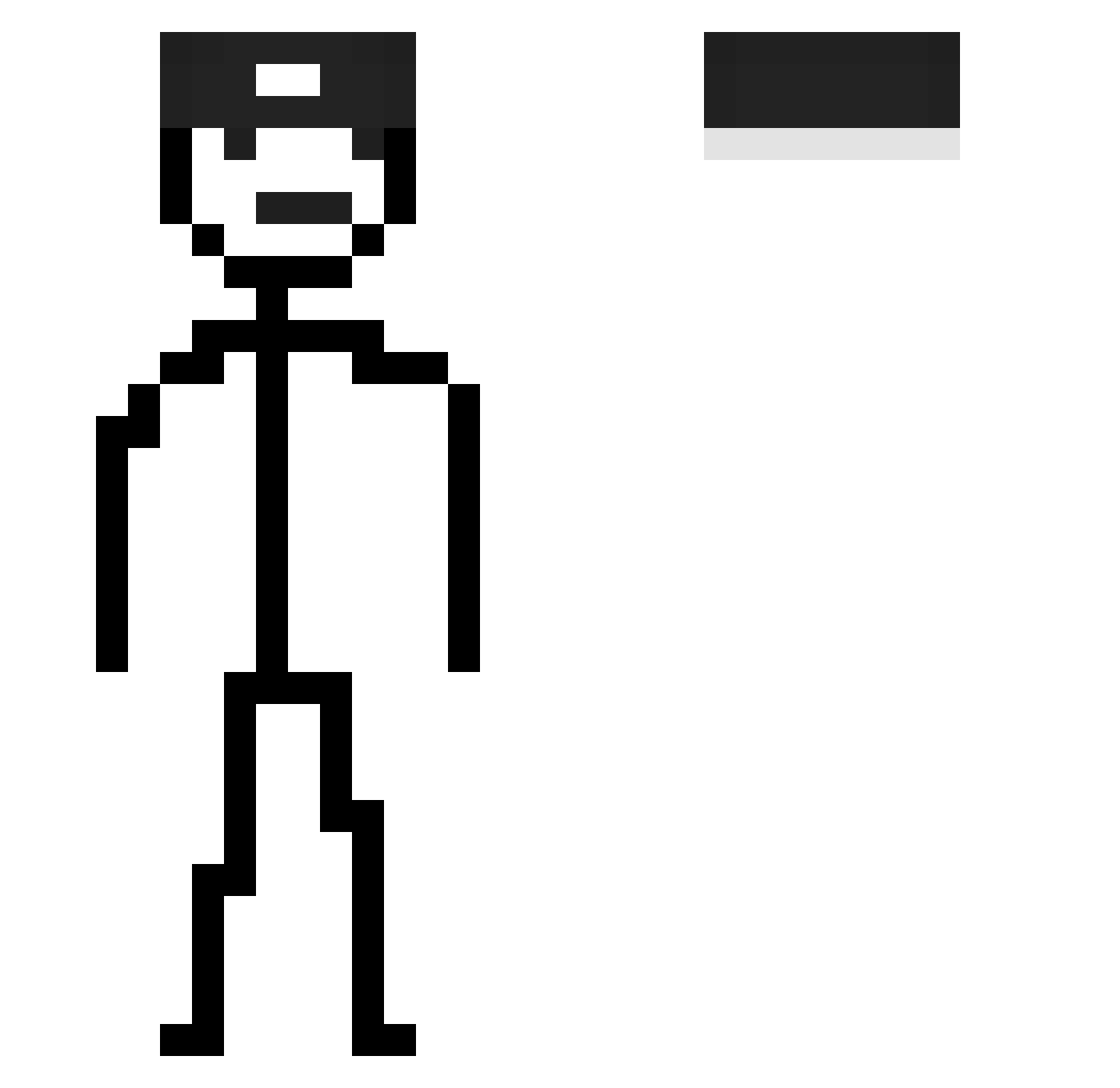
Other players with this skin (115)
uxx1ll was the 95th player we have seen with this skin, first spotted on 09.10.2026. The same skin was seen on these players. Open a nickname to see their current skin and skin history.
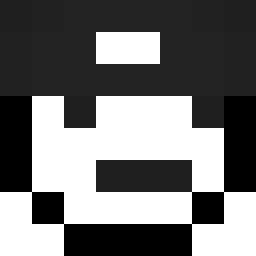 Shaksyy suicideluis_ QbaoHG kajinosuke Sm1ko13 cloice andy0910 pingels Nezukoskye LilaSprite53 c0ntruh leo2008pvp Bluree_z S4jg0n3Q_ Jxn1_Ol Miiizk Zeylo_1 yarucangcang Filiboss123 Petakos AU0625 eter35 Arnaucool felixajaja grock8258 _1Penguim Noxuu07 Terebit TA4L8 OliXY1 Srykofist ixwonzq keeganator64 Kiyoshi09 Klode7 FreddyFazbearKtk takeyama07 onegueng SpoconaAgnieszka BrockyLegs BigB73 sleepwear_noob 1Luigui1 renasss69 victortbh alive6724 RBernardi aloledino36 GeoXRose zSkill_7u7 Hugo_be05 WWW0423 radziu_67 cy25 jisuho05
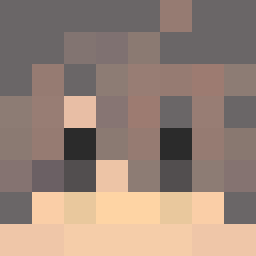 MercsNoah sorara123 IceAge8004 CeruleanSand71 NH_OhSon
How to install the uxx1ll skin
- Press the Download button above to save the skin as a PNG file.
- Minecraft: Bedrock Edition (PE): open the Dressing Room from the main menu (or tap your character → Edit Character), go to Classic Skins → Owned, press the + (new skin) button, choose the downloaded PNG and pick the Slim (Alex) model. Works on PC and mobile; consoles cannot import custom skins.
- Minecraft: Java Edition: open the Minecraft Launcher, go to the Skins tab, click New Skin, load the PNG, pick the Slim (Alex) model and press Save & Use. You can also upload it at minecraft.net → Profile → Change Skin.
The skin does not show up after import - what should I do?
Restart Minecraft and open the Dressing Room again - imported skins sometimes appear only after a restart. Also make sure you selected the imported skin and picked the Slim (Alex) model.
Which model should I choose, Classic or Slim?
This skin is designed for the Slim (Alex) model. If you pick the wrong model, the arms of the skin will look stretched or squeezed.
Is the skin of uxx1ll free to download?
Yes. Press Download, save the PNG file and use it in Minecraft: Bedrock Edition or Java Edition - no payment or registration needed. The skin also works on multiplayer servers and Realms.
More skins
Looking for more? Go back to all Minecraft skins and check the top skins of the week, month and all time, or find any player's skin by nickname.