
unseenlars98 - Minecraft Skins & Skin History
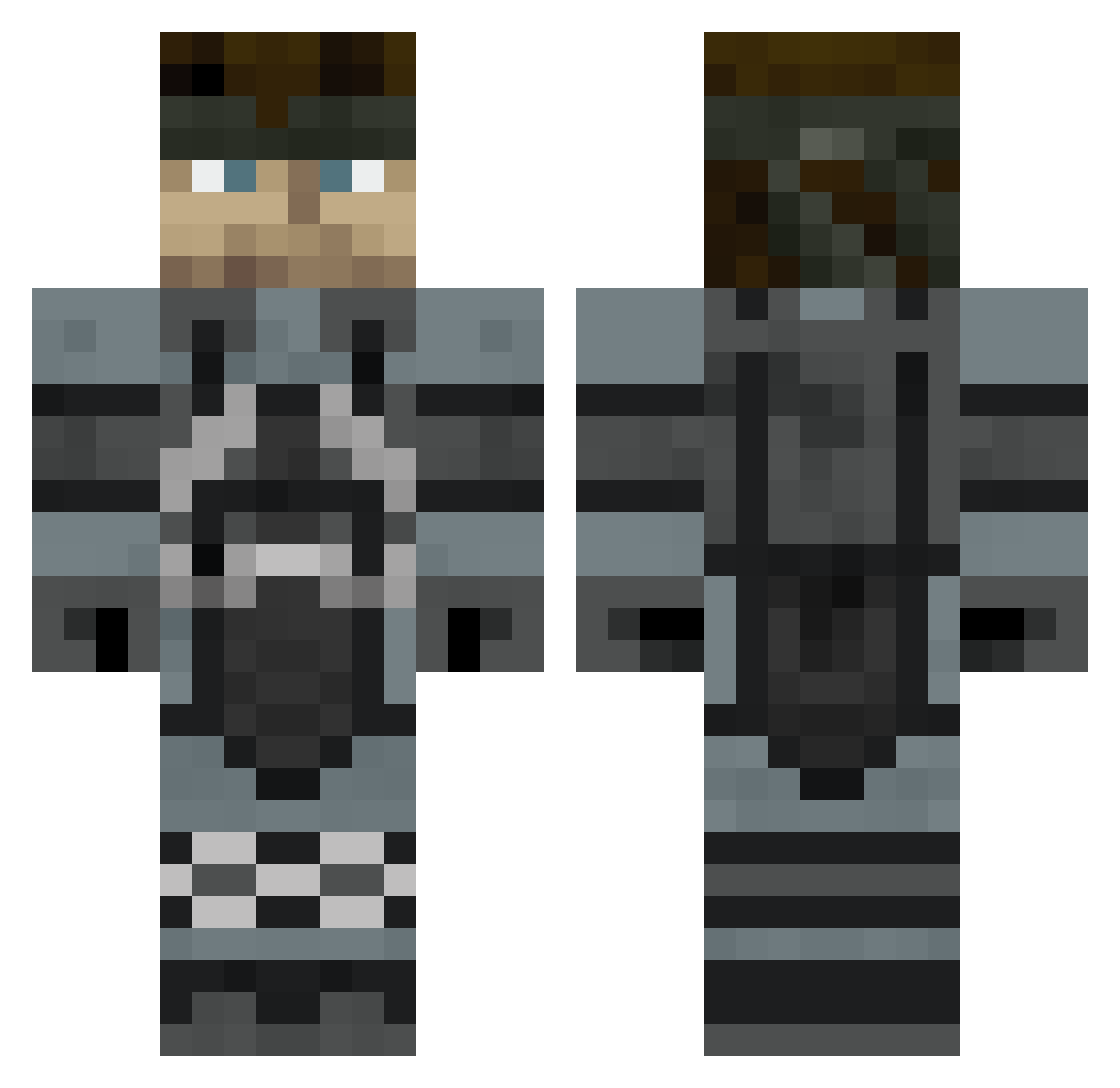
Current Minecraft skin of the player unseenlars98, loaded from the official Mojang API. Rotate the 3D model with your mouse or finger, then download the skin as a PNG file and use it in Minecraft: Bedrock Edition or Java Edition for free. When unseenlars98 changes their skin, this page updates automatically and the old skin stays in the history below.
Other players with this skin (421)
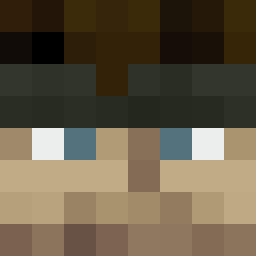
unseenlars98 was the 244th player we have seen with this skin, first spotted on 13.09.2026. The same skin was seen on these players. Open a nickname to see their current skin and skin history.
 SirNostalion Kincaid11 Odd_Matt Havok_X cj696 KingRev343 Thisbemer11 BerkDerper UberAlfonso WhiteFire37 loopyloo2 happyminer10 JOSHmmk Mobius118 codebrentbcl falcon0731 M00RESM Reci_ PawPawPass EggyJS Basic_loaf FidgetBox ZombieMacHineX Transparentsea rr_r Walesmon snakeinvault icarusburns ThirdOperator dodgerfan4eva Volorn FireArm15 PremiumTodd Ziltch18 The_Lone_N00b drewsep23 Jwr93 Jfox337 handsdownmypants Johnny_Octane romulustucru Pliouff LtDanbug Angus06670 daniel25282 Cralev Thuja86 jspec007 Urbane_Guerrilla AlmightyWinner Mikenificent DSmon535 ClassyCarter Victor_Splice ri19981 os500 Othonis Messier8 mdneban Neosyon
More Snake Minecraft skins
How to install the unseenlars98 skin
- Press the Download button above to save the skin as a PNG file.
- Minecraft: Bedrock Edition (PE): open the Dressing Room from the main menu (or tap your character → Edit Character), go to Classic Skins → Owned, press the + (new skin) button, choose the downloaded PNG and pick the Classic (Steve) model. Works on PC and mobile; consoles cannot import custom skins.
- Minecraft: Java Edition: open the Minecraft Launcher, go to the Skins tab, click New Skin, load the PNG, pick the Classic (Steve) model and press Save & Use. You can also upload it at minecraft.net → Profile → Change Skin.
The skin does not show up after import - what should I do?
Restart Minecraft and open the Dressing Room again - imported skins sometimes appear only after a restart. Also make sure you selected the imported skin and picked the Classic (Steve) model.
Which model should I choose, Classic or Slim?
This skin is designed for the Classic (Steve) model. If you pick the wrong model, the arms of the skin will look stretched or squeezed.
Is the skin of unseenlars98 free to download?
Yes. Press Download, save the PNG file and use it in Minecraft: Bedrock Edition or Java Edition - no payment or registration needed. The skin also works on multiplayer servers and Realms.
More skins
Looking for more? Go back to all Minecraft skins and check the top skins of the week, month and all time, or find any player's skin by nickname.