
trxstannn - Minecraft Skins & Skin History
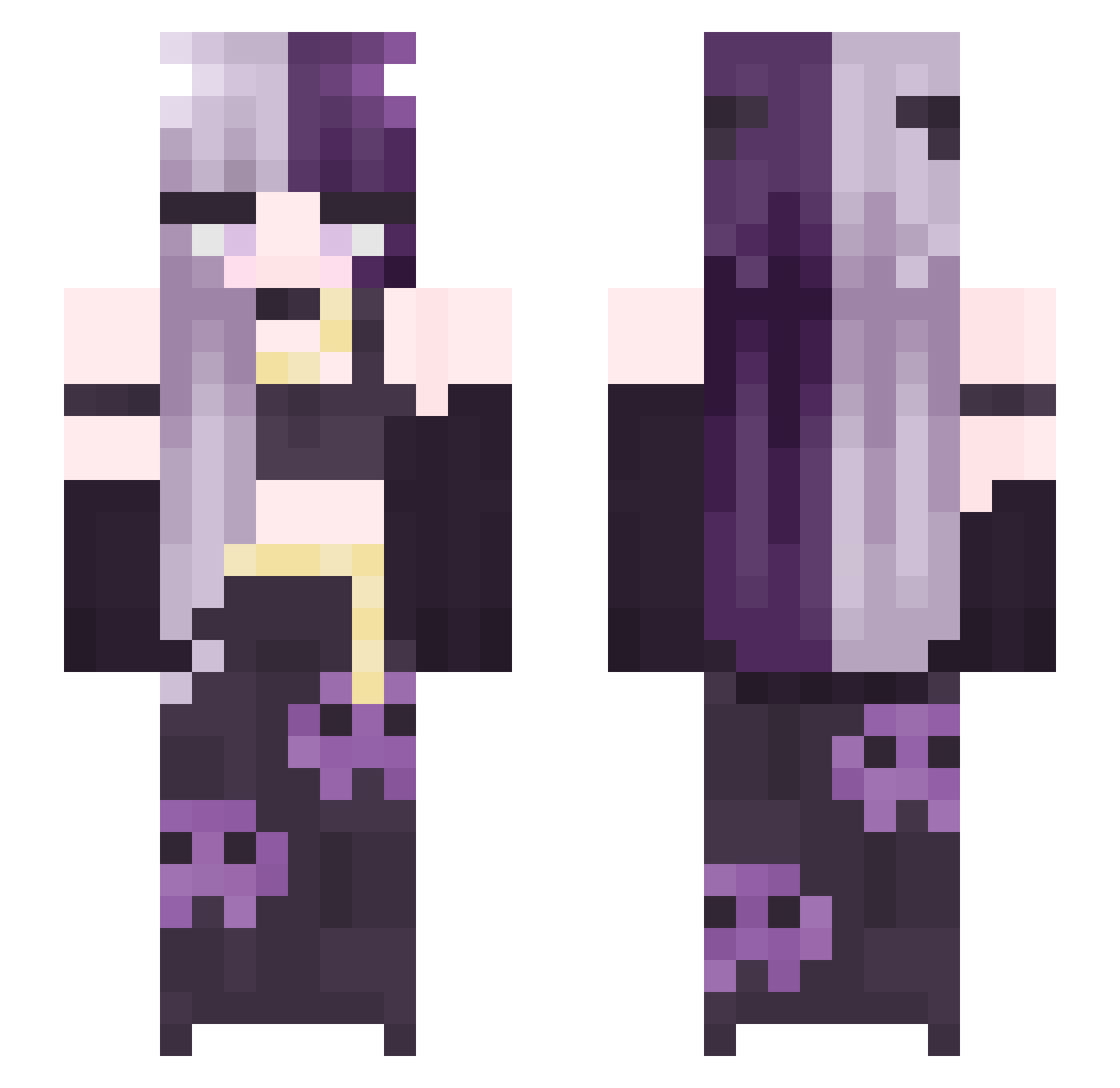
Current Minecraft skin of the player trxstannn, loaded from the official Mojang API. Rotate the 3D model with your mouse or finger, then download the skin as a PNG file and use it in Minecraft: Bedrock Edition or Java Edition for free. When trxstannn changes their skin, this page updates automatically and the old skin stays in the history below.
Other players with this skin (294)
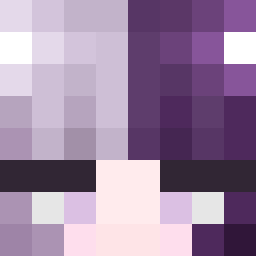
trxstannn was the 268th player we have seen with this skin, first spotted on 10.11.2026. The same skin was seen on these players. Open a nickname to see their current skin and skin history.
 xSerenaxo Kastriaaa Miki0711 minzy__ tusiktaloko I_am_human shtavocado aninha1109 Andilee1745 Dvacrane akia146 YLUCY1014 cassy_cass030 BlueyKabooey kubek002 Missphoeby CrazyFoxzz denisSpartanu1 MrsWhiskey bean_0427 CwC BunnyBlazed MadaMuda Sxrenxena BidensPillow FairlyConfused BlackRose74 OrientYuan Emmalineuu REmAH_ KomqTV__________ Julia_cm Veaudoux Gokujet MvhSandstrom Sjt2019 IoniusMaximus utku_km kyandarvish rluuday Sara_Illas MISST1 PopyaKisa Lynn8360 sxnni Malward ConfusedGatoGHG unknowngamer1296 chensui comingout Infographiste sora_cyan mothjelly Kookie03 Bellby_ MikaKitsuneko redsum4078 Pl_sm_h Iamtayok SoyKycem
More Split Dye Minecraft skins
How to install the trxstannn skin
- Press the Download button above to save the skin as a PNG file.
- Minecraft: Bedrock Edition (PE): open the Dressing Room from the main menu (or tap your character → Edit Character), go to Classic Skins → Owned, press the + (new skin) button, choose the downloaded PNG and pick the Slim (Alex) model. Works on PC and mobile; consoles cannot import custom skins.
- Minecraft: Java Edition: open the Minecraft Launcher, go to the Skins tab, click New Skin, load the PNG, pick the Slim (Alex) model and press Save & Use. You can also upload it at minecraft.net → Profile → Change Skin.
The skin does not show up after import - what should I do?
Restart Minecraft and open the Dressing Room again - imported skins sometimes appear only after a restart. Also make sure you selected the imported skin and picked the Slim (Alex) model.
Which model should I choose, Classic or Slim?
This skin is designed for the Slim (Alex) model. If you pick the wrong model, the arms of the skin will look stretched or squeezed.
Is the skin of trxstannn free to download?
Yes. Press Download, save the PNG file and use it in Minecraft: Bedrock Edition or Java Edition - no payment or registration needed. The skin also works on multiplayer servers and Realms.
More skins
Looking for more? Go back to all Minecraft skins and check the top skins of the week, month and all time, or find any player's skin by nickname.