
triojdna - Minecraft Skins & Skin History
Current Minecraft skin of the player triojdna, loaded from the official Mojang API. Rotate the 3D model with your mouse or finger, then download the skin as a PNG file and use it in Minecraft: Bedrock Edition or Java Edition for free. When triojdna changes their skin, this page updates automatically and the old skin stays in the history below.
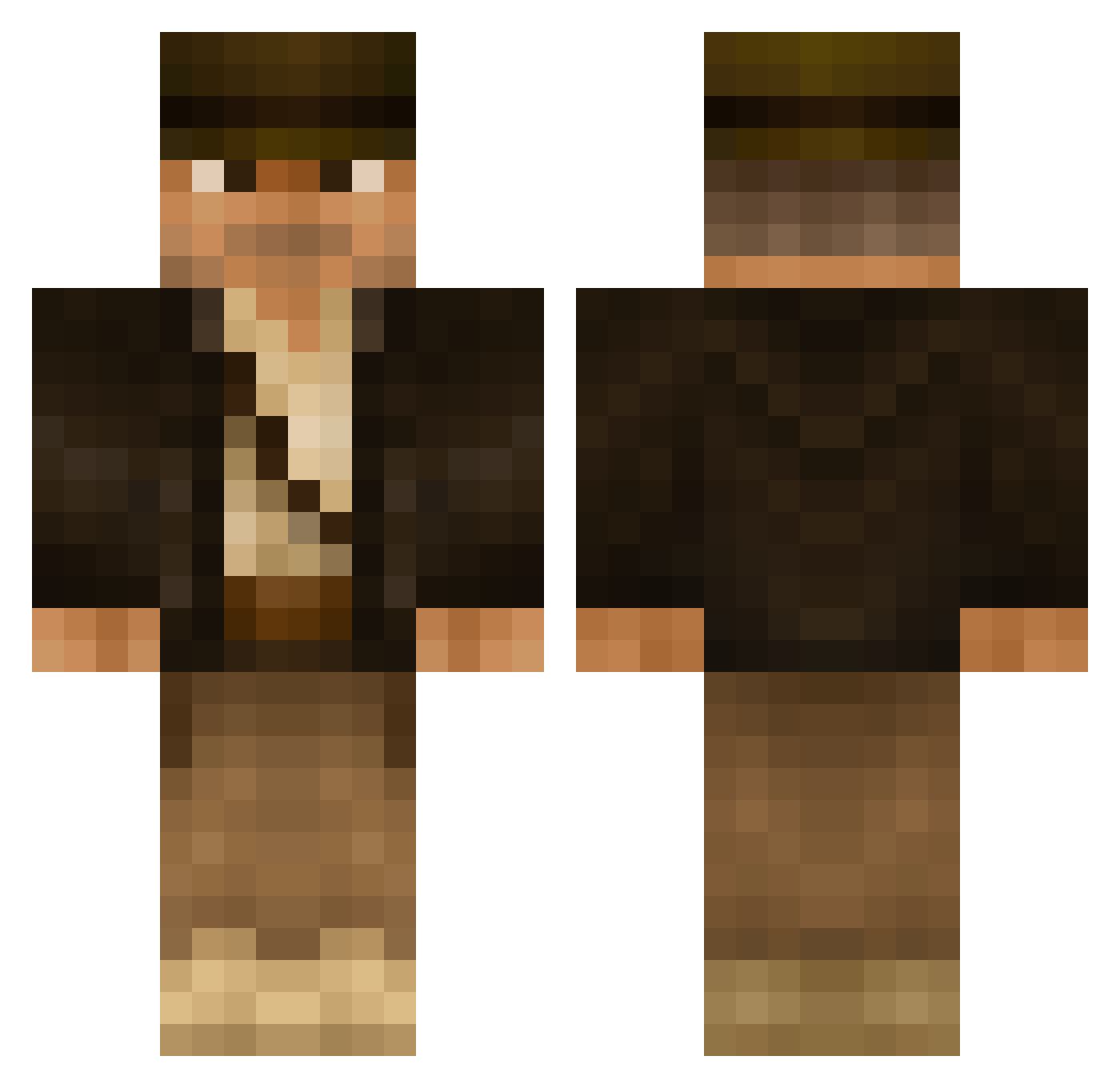
Other players with this skin (506)
triojdna was the 286th player we have seen with this skin, first spotted on 26.09.2026. The same skin was seen on these players. Open a nickname to see their current skin and skin history.
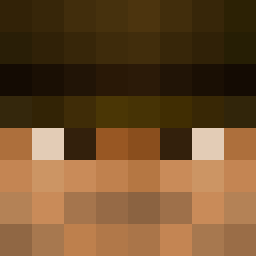 Yung_Rabbit jasonminaya KillerTree56 akuma8311 Simm3l Wooples DuckDude10 Hennix IveBeenFoundOut Zahj Larry1001 Spottswood DMia2004 Dr_KrillE WaldoTheNinja jonandtan razzpenn CXP jumbo1muffin HolyFuc_ MixTix zachya Muehli96 Yamahooligan Mister_Micheal daninspokane eerriikk0 g3org3hill IBrandZz Minenhacker FabianF06 JensenH456 Pinsty Sadaka_b DaddyGrove wareli The_Ztorm Dr_Jones_Jr York_TM dw_miniboss blueraydog Lindeburger Thwip RazorCobra LetsFinishThis GreenM4F14 Joschmy Kohlstream Xiled78 jus10tyme Mendus andrewm1986 BradleyG mfujiy PorkchopOfFear aves130 Jaykw0n CreeprKillr9 DJDimo Frogmansmall
More Indiana Jones Minecraft skins
See all 80 Indiana Jones skins
How to install the triojdna skin
- Press the Download button above to save the skin as a PNG file.
- Minecraft: Bedrock Edition (PE): open the Dressing Room from the main menu (or tap your character → Edit Character), go to Classic Skins → Owned, press the + (new skin) button, choose the downloaded PNG and pick the Classic (Steve) model. Works on PC and mobile; consoles cannot import custom skins.
- Minecraft: Java Edition: open the Minecraft Launcher, go to the Skins tab, click New Skin, load the PNG, pick the Classic (Steve) model and press Save & Use. You can also upload it at minecraft.net → Profile → Change Skin.
The skin does not show up after import - what should I do?
Restart Minecraft and open the Dressing Room again - imported skins sometimes appear only after a restart. Also make sure you selected the imported skin and picked the Classic (Steve) model.
Which model should I choose, Classic or Slim?
This skin is designed for the Classic (Steve) model. If you pick the wrong model, the arms of the skin will look stretched or squeezed.
Is the skin of triojdna free to download?
Yes. Press Download, save the PNG file and use it in Minecraft: Bedrock Edition or Java Edition - no payment or registration needed. The skin also works on multiplayer servers and Realms.
More skins
Looking for more? Go back to all Minecraft skins and check the top skins of the week, month and all time, or find any player's skin by nickname.