
tommydotty - Minecraft Skins & Skin History
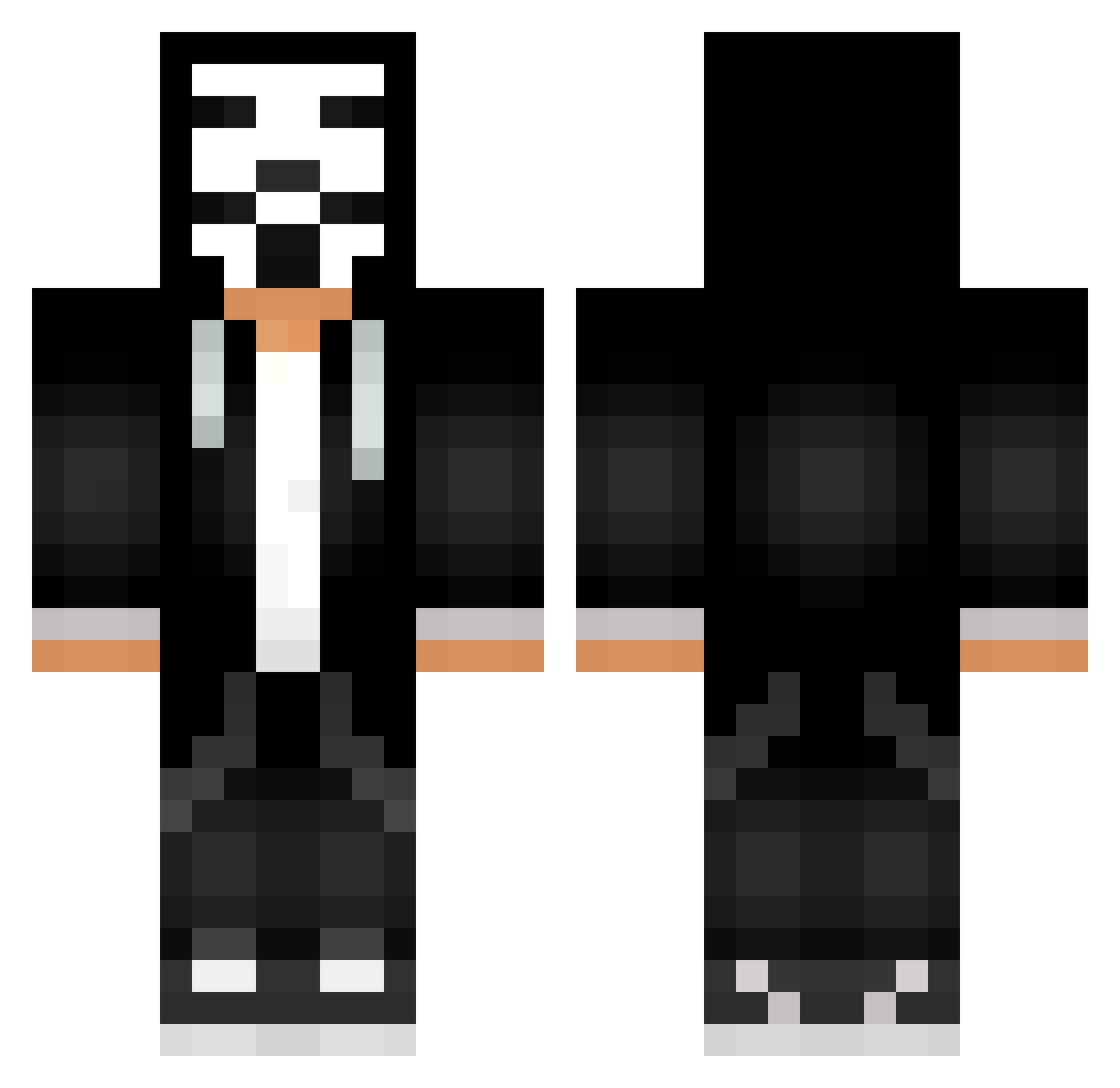
Current Minecraft skin of the player tommydotty, loaded from the official Mojang API. Rotate the 3D model with your mouse or finger, then download the skin as a PNG file and use it in Minecraft: Bedrock Edition or Java Edition for free. When tommydotty changes their skin, this page updates automatically and the old skin stays in the history below.
Other players with this skin (750)
tommydotty was the 726th player we have seen with this skin, first spotted on 16.11.2026. The same skin was seen on these players. Open a nickname to see their current skin and skin history.
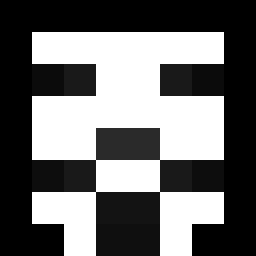 kawamu96 Newtyyyyy McMacardy AlexHackerCZ Ursurgan TsNabiaf hector_aligator Bluntenstein Freerider_06 sashaway Darcklarc memirman3 egeymn baconboi1102 Yuriko_54 2litt4tv gabi_brasil XP1T Emaccio communitypoolman Navivan2004 Astroswae LetsGitLit yawuxi Nicks16 hehoRR SERGEY_RIVALS joelscp23 zzalexutuzzz cphowell luizcsx Gnorfro Whiskhot Ltc360 besniki BillGatesGaming Tomalex_21 TuHTuPuMuHTuP Tosok lenuam2007 Choxy12 Keppiheppa iRamzy Imoheihe john_carcass CuNho123 BakedxPotato Russia_Hacker Kyum_Kun MasterFerion PUNISHERXXX NotFiliberto guy3456 DRANGIEC2 IC_24 Murtle64 XxRenanXx YEETisgood strutzu Zarcan3l
More Anonymous Minecraft skins
How to install the tommydotty skin
- Press the Download button above to save the skin as a PNG file.
- Minecraft: Bedrock Edition (PE): open the Dressing Room from the main menu (or tap your character → Edit Character), go to Classic Skins → Owned, press the + (new skin) button, choose the downloaded PNG and pick the Classic (Steve) model. Works on PC and mobile; consoles cannot import custom skins.
- Minecraft: Java Edition: open the Minecraft Launcher, go to the Skins tab, click New Skin, load the PNG, pick the Classic (Steve) model and press Save & Use. You can also upload it at minecraft.net → Profile → Change Skin.
The skin does not show up after import - what should I do?
Restart Minecraft and open the Dressing Room again - imported skins sometimes appear only after a restart. Also make sure you selected the imported skin and picked the Classic (Steve) model.
Which model should I choose, Classic or Slim?
This skin is designed for the Classic (Steve) model. If you pick the wrong model, the arms of the skin will look stretched or squeezed.
Is the skin of tommydotty free to download?
Yes. Press Download, save the PNG file and use it in Minecraft: Bedrock Edition or Java Edition - no payment or registration needed. The skin also works on multiplayer servers and Realms.
More skins
Looking for more? Go back to all Minecraft skins and check the top skins of the week, month and all time, or find any player's skin by nickname.