
tnesheim - Minecraft Skins & Skin History
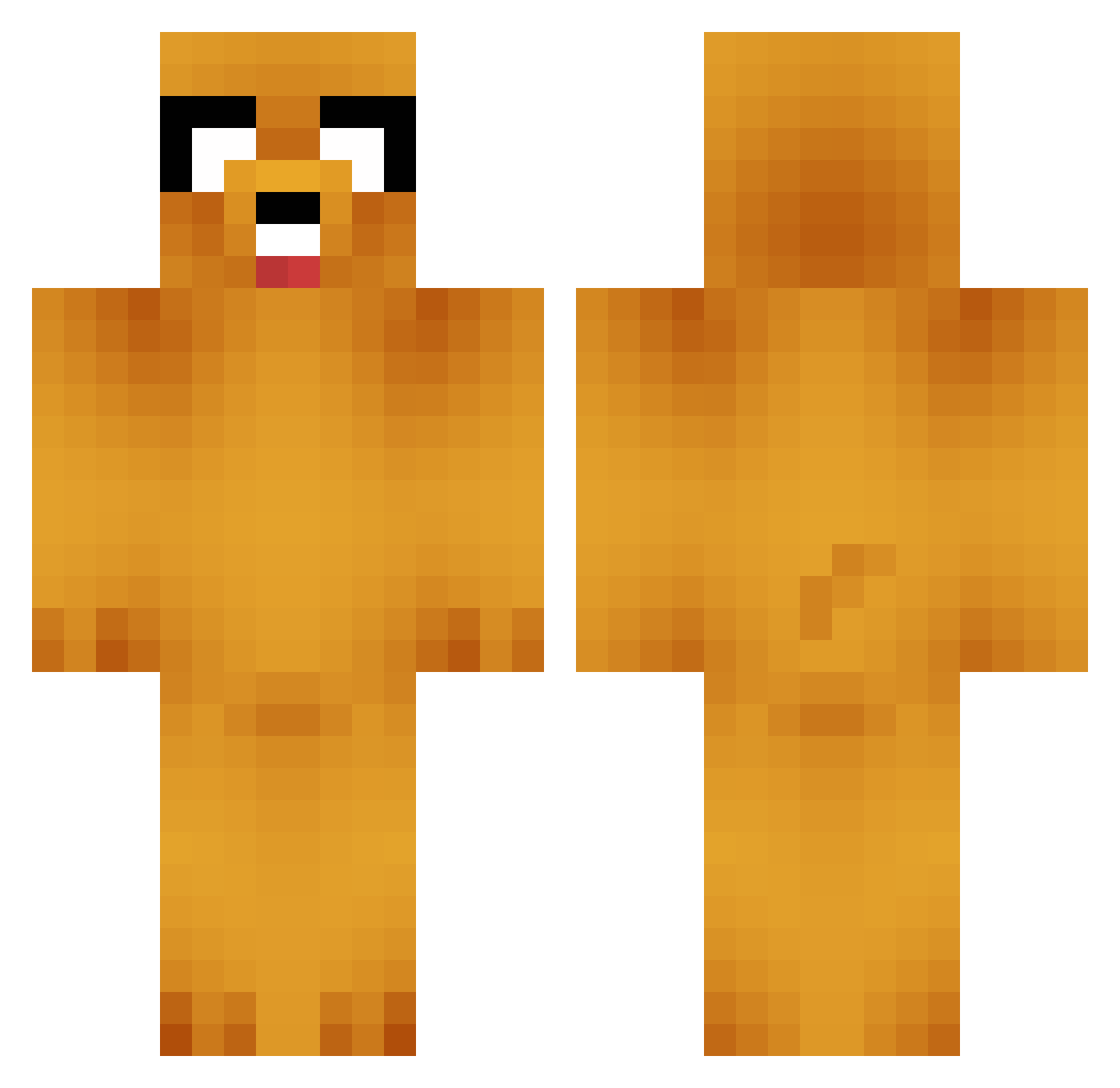
Current Minecraft skin of the player tnesheim, loaded from the official Mojang API. Rotate the 3D model with your mouse or finger, then download the skin as a PNG file and use it in Minecraft: Bedrock Edition or Java Edition for free. When tnesheim changes their skin, this page updates automatically and the old skin stays in the history below.
Other players with this skin (749)
tnesheim was the 496th player we have seen with this skin, first spotted on 04.10.2026. The same skin was seen on these players. Open a nickname to see their current skin and skin history.
 ToXic_TEDDY_ tftaus zacharychan m0nkeyj MooPip Graev Rookie778 Falken1991 kenandthe985 Solidical pablopoy21 StonerAF Infernale seta9 minimacapaca123 Tuuucker magicmojo230 Fathermoch23 Drhim13 FistofGod PoopieCock Hotzejr mikeandcheesy noobsgotbutts Boss_Sauce1212 FreedomCore nickthegreat28 Bossface321 Rand6 akins2534 Linneshh clever12345 Diggynoobx3 rkohl Tall_Hobbit pancaker123 klose1337 Lolster90 jharnais4599 eth2009 Edon95 brendan1234 epicdanis JakeOPT Polbo777 Dumbledorschode dudu75 turbodjr pokebertram donutassassin3 AFPXXOO luc4s05 27A0483F Chiplet100 Mc_Furry techniCallyA soaringeagle38 Ryugan87 FlipperNipper JRobbo1
More Jake Minecraft skins
How to install the tnesheim skin
- Press the Download button above to save the skin as a PNG file.
- Minecraft: Bedrock Edition (PE): open the Dressing Room from the main menu (or tap your character → Edit Character), go to Classic Skins → Owned, press the + (new skin) button, choose the downloaded PNG and pick the Classic (Steve) model. Works on PC and mobile; consoles cannot import custom skins.
- Minecraft: Java Edition: open the Minecraft Launcher, go to the Skins tab, click New Skin, load the PNG, pick the Classic (Steve) model and press Save & Use. You can also upload it at minecraft.net → Profile → Change Skin.
The skin does not show up after import - what should I do?
Restart Minecraft and open the Dressing Room again - imported skins sometimes appear only after a restart. Also make sure you selected the imported skin and picked the Classic (Steve) model.
Which model should I choose, Classic or Slim?
This skin is designed for the Classic (Steve) model. If you pick the wrong model, the arms of the skin will look stretched or squeezed.
Is the skin of tnesheim free to download?
Yes. Press Download, save the PNG file and use it in Minecraft: Bedrock Edition or Java Edition - no payment or registration needed. The skin also works on multiplayer servers and Realms.
More skins
Looking for more? Go back to all Minecraft skins and check the top skins of the week, month and all time, or find any player's skin by nickname.