
tinwoo0503 - Minecraft Skins & Skin History
Current Minecraft skin of the player tinwoo0503, loaded from the official Mojang API. Rotate the 3D model with your mouse or finger, then download the skin as a PNG file and use it in Minecraft: Bedrock Edition or Java Edition for free. When tinwoo0503 changes their skin, this page updates automatically and the old skin stays in the history below.
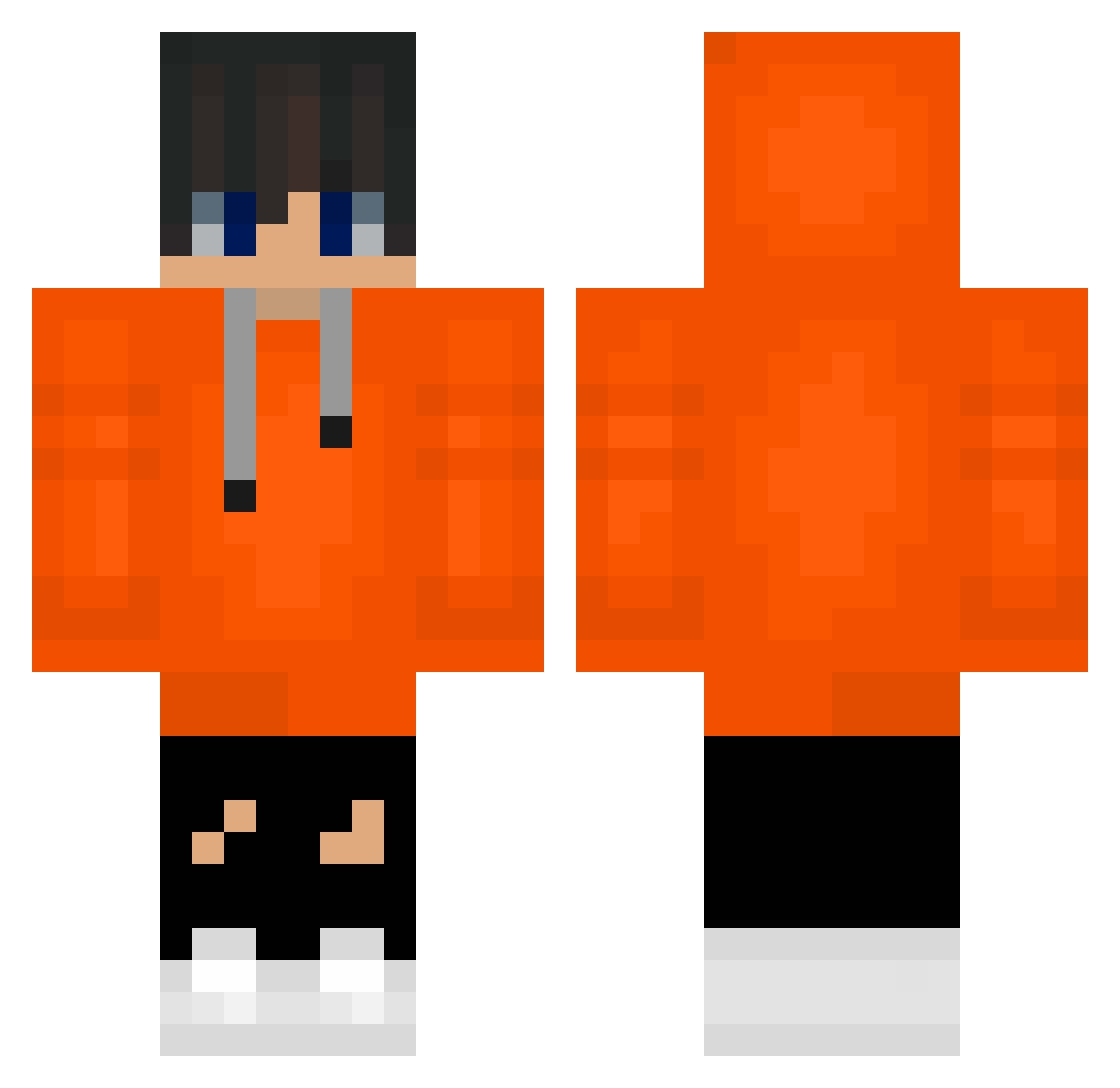
Other players with this skin (488)
tinwoo0503 was the 199th player we have seen with this skin, first spotted on 05.09.2026. The same skin was seen on these players. Open a nickname to see their current skin and skin history.
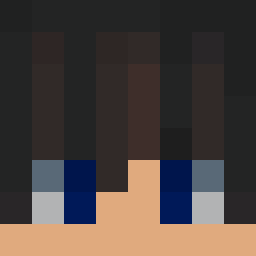 Om3n1 Diggsy88 zerozoom23 hajounLOVE komq213 bigad2007 sh2010cg2012 5siyoon
 mfuefy taehyong12345678 Seoahlee LKR177 Salizar_12 haoyuliu07 rhdnrhdn ohs0616 2017AudiTTSLine Evren_K_K hany97 kosdm DionMiggiels gunwoo1285 _Keryx gilpsfg komq960 kimho_jun St0pidCrafter JUNE_0612 Naten_korean shinelsw1007 Aiden171234 Belashok kimdh14
 korea_game EEO023 jinmutis sinjjang12 laptopthief janny_buny Andy2010_1103 B7D8 jogin00 junnyLee yejung100818 Emirbaba01 _bebR_ heojeonghu milkyway12345678 widow76_ ImAnEglrl Dmiyr
 xldru83 ZEYTROS Johnny0627 happySmile0120 askdhv123 swimminglee HANSOOGYEONG small_hippo1234 juyeopbang11
How to install the tinwoo0503 skin
- Press the Download button above to save the skin as a PNG file.
- Minecraft: Bedrock Edition (PE): open the Dressing Room from the main menu (or tap your character → Edit Character), go to Classic Skins → Owned, press the + (new skin) button, choose the downloaded PNG and pick the Classic (Steve) model. Works on PC and mobile; consoles cannot import custom skins.
- Minecraft: Java Edition: open the Minecraft Launcher, go to the Skins tab, click New Skin, load the PNG, pick the Classic (Steve) model and press Save & Use. You can also upload it at minecraft.net → Profile → Change Skin.
The skin does not show up after import - what should I do?
Restart Minecraft and open the Dressing Room again - imported skins sometimes appear only after a restart. Also make sure you selected the imported skin and picked the Classic (Steve) model.
Which model should I choose, Classic or Slim?
This skin is designed for the Classic (Steve) model. If you pick the wrong model, the arms of the skin will look stretched or squeezed.
Is the skin of tinwoo0503 free to download?
Yes. Press Download, save the PNG file and use it in Minecraft: Bedrock Edition or Java Edition - no payment or registration needed. The skin also works on multiplayer servers and Realms.
More skins
Looking for more? Go back to all Minecraft skins and check the top skins of the week, month and all time, or find any player's skin by nickname.