
thegaminglime44 - Minecraft Skins & Skin History
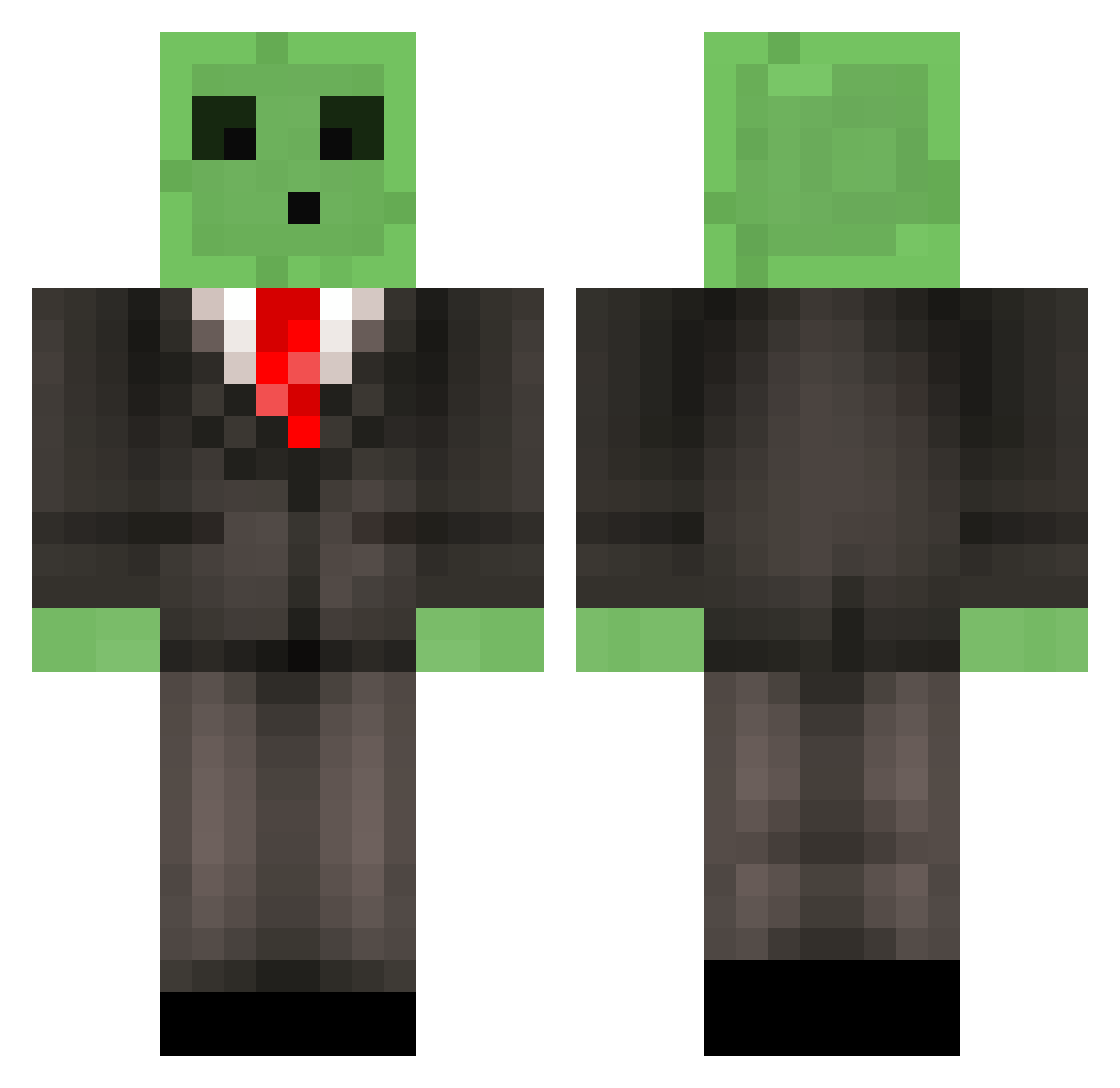
Current Minecraft skin of the player thegaminglime44, loaded from the official Mojang API. Rotate the 3D model with your mouse or finger, then download the skin as a PNG file and use it in Minecraft: Bedrock Edition or Java Edition for free. When thegaminglime44 changes their skin, this page updates automatically and the old skin stays in the history below.
Other players with this skin (513)
thegaminglime44 was the 284th player we have seen with this skin, first spotted on 17.09.2026. The same skin was seen on these players. Open a nickname to see their current skin and skin history.
 NuGung MrSnifflez MunsterBacca BreathBolt eltosejsxm MRTROLLSTUFF123 Cevoh Oscar040677 funky0529 fedefar ChineseJeff ImProVice Sir_Aeries bilbobaggin777 Elinae SamDavey34 SpitFireSoul coolguy2552 GbotDew52 GlaceauIce Rionaru Imapsychonaught DUMBEST22 Ignitos Liam_White ImBenCarson dulait The_Qix Mak_GR maxhantke FriedRainbows cheesepanda76 cerealkillr GrandeBigote KnirkeDK Choooode suuunyddd extreme_madness Camaro823 irondan9 munschfan Philthebluesheep FlicFlac ddanggree 1PvpTurtle1 EddY0_o chris2888 Butsniffer790 Br4dys SLIMEGAMER11 Adapt1 Mineturtle042 Minecraft0430 MrSlime10x ErdincEnes MattyB_123 Maxawesomess Maxlore phone6000 Toxiszify
More Slime Minecraft skins
How to install the thegaminglime44 skin
- Press the Download button above to save the skin as a PNG file.
- Minecraft: Bedrock Edition (PE): open the Dressing Room from the main menu (or tap your character → Edit Character), go to Classic Skins → Owned, press the + (new skin) button, choose the downloaded PNG and pick the Classic (Steve) model. Works on PC and mobile; consoles cannot import custom skins.
- Minecraft: Java Edition: open the Minecraft Launcher, go to the Skins tab, click New Skin, load the PNG, pick the Classic (Steve) model and press Save & Use. You can also upload it at minecraft.net → Profile → Change Skin.
The skin does not show up after import - what should I do?
Restart Minecraft and open the Dressing Room again - imported skins sometimes appear only after a restart. Also make sure you selected the imported skin and picked the Classic (Steve) model.
Which model should I choose, Classic or Slim?
This skin is designed for the Classic (Steve) model. If you pick the wrong model, the arms of the skin will look stretched or squeezed.
Is the skin of thegaminglime44 free to download?
Yes. Press Download, save the PNG file and use it in Minecraft: Bedrock Edition or Java Edition - no payment or registration needed. The skin also works on multiplayer servers and Realms.
More skins
Looking for more? Go back to all Minecraft skins and check the top skins of the week, month and all time, or find any player's skin by nickname.