
theTNTman17 - Minecraft Skins & Skin History
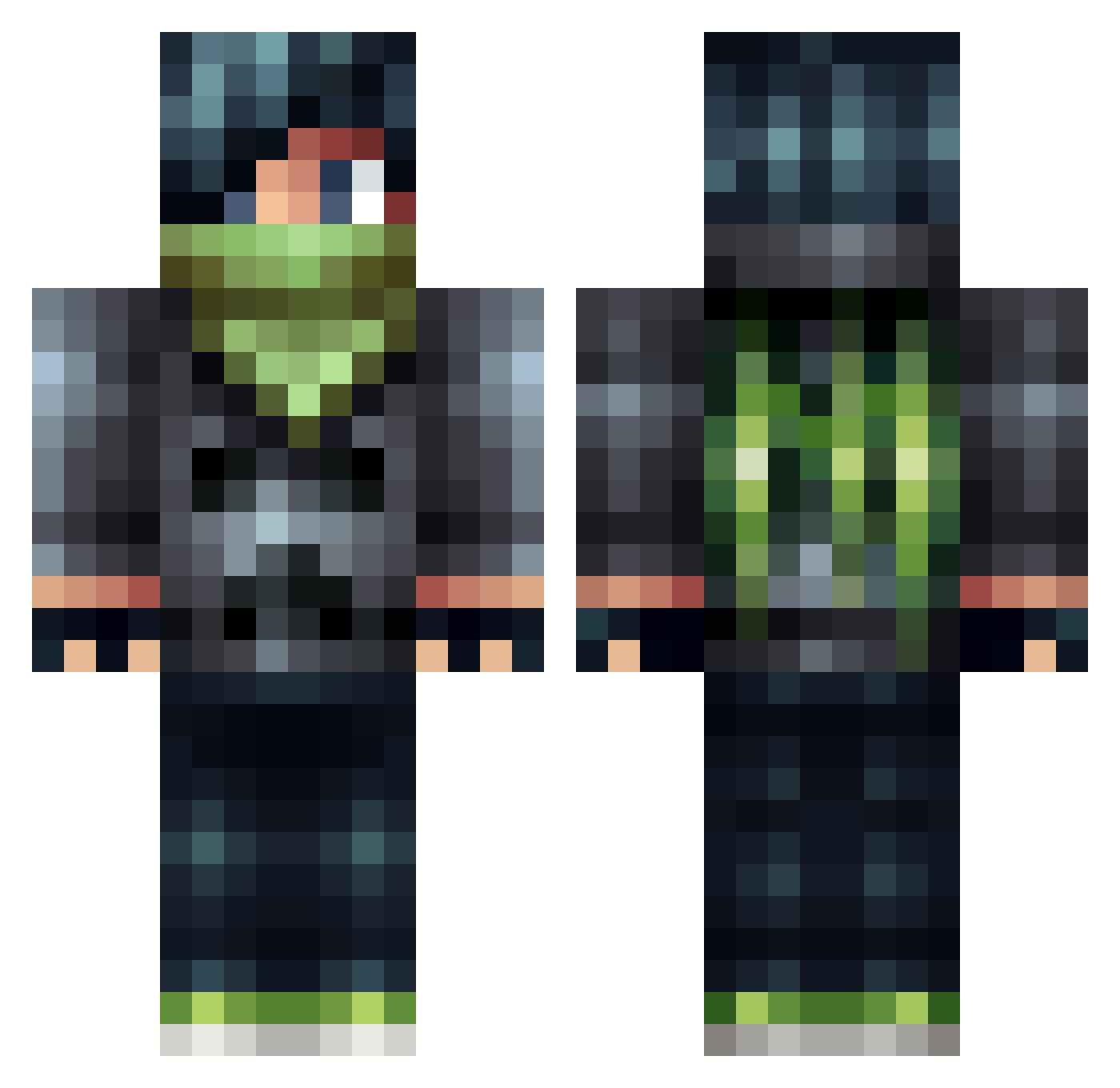
Current Minecraft skin of the player theTNTman17, loaded from the official Mojang API. Rotate the 3D model with your mouse or finger, then download the skin as a PNG file and use it in Minecraft: Bedrock Edition or Java Edition for free. When theTNTman17 changes their skin, this page updates automatically and the old skin stays in the history below.
Other players with this skin (506)
theTNTman17 was the 208th player we have seen with this skin, first spotted on 10.09.2026. The same skin was seen on these players. Open a nickname to see their current skin and skin history.
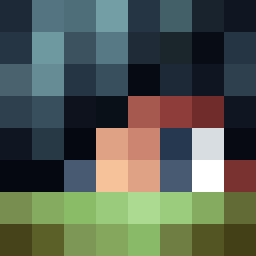 X_ClashMaster_X DrDisappointing newman901 Justin030303 Crystianhugo superfly_01 MadNuke mechondo LillalouEm Shadowhex1009 Terrorvision Quinten0422 PlayManFoReal gooberhead45 YelelMC pp2005 evil_pengu FatalProphet matt123fcb UltraViolence989 cream_eggg TonyS51 iaidenn nothingdk1 firebolt5000 Sune1889 FatBaconLips VictorBjerrum10 King_Lillen Beast_Crafter589 1nFamy Calendorr adambox11 Supafrog LukeNuke12 silvergold70 73JKoehn Henry__Park s3gf4u1t letsplaysphilip boomer0406 Apple_Rhampage Johann_Bach ChrSneide Boomdatdavis Gabikel Valkinthelion XxflashxX_ MineWhiz ghostmine12 C_Dards DoragonPJ Average_Turtle Fear_Incarnate olivernash99 LJSkywalker05 Guyzer80 Tomekk2131 andreasaha SkyRiderZX
More Bandit Minecraft skins
How to install the theTNTman17 skin
- Press the Download button above to save the skin as a PNG file.
- Minecraft: Bedrock Edition (PE): open the Dressing Room from the main menu (or tap your character → Edit Character), go to Classic Skins → Owned, press the + (new skin) button, choose the downloaded PNG and pick the Classic (Steve) model. Works on PC and mobile; consoles cannot import custom skins.
- Minecraft: Java Edition: open the Minecraft Launcher, go to the Skins tab, click New Skin, load the PNG, pick the Classic (Steve) model and press Save & Use. You can also upload it at minecraft.net → Profile → Change Skin.
The skin does not show up after import - what should I do?
Restart Minecraft and open the Dressing Room again - imported skins sometimes appear only after a restart. Also make sure you selected the imported skin and picked the Classic (Steve) model.
Which model should I choose, Classic or Slim?
This skin is designed for the Classic (Steve) model. If you pick the wrong model, the arms of the skin will look stretched or squeezed.
Is the skin of theTNTman17 free to download?
Yes. Press Download, save the PNG file and use it in Minecraft: Bedrock Edition or Java Edition - no payment or registration needed. The skin also works on multiplayer servers and Realms.
More skins
Looking for more? Go back to all Minecraft skins and check the top skins of the week, month and all time, or find any player's skin by nickname.