
thatdude400 - Minecraft Skins & Skin History
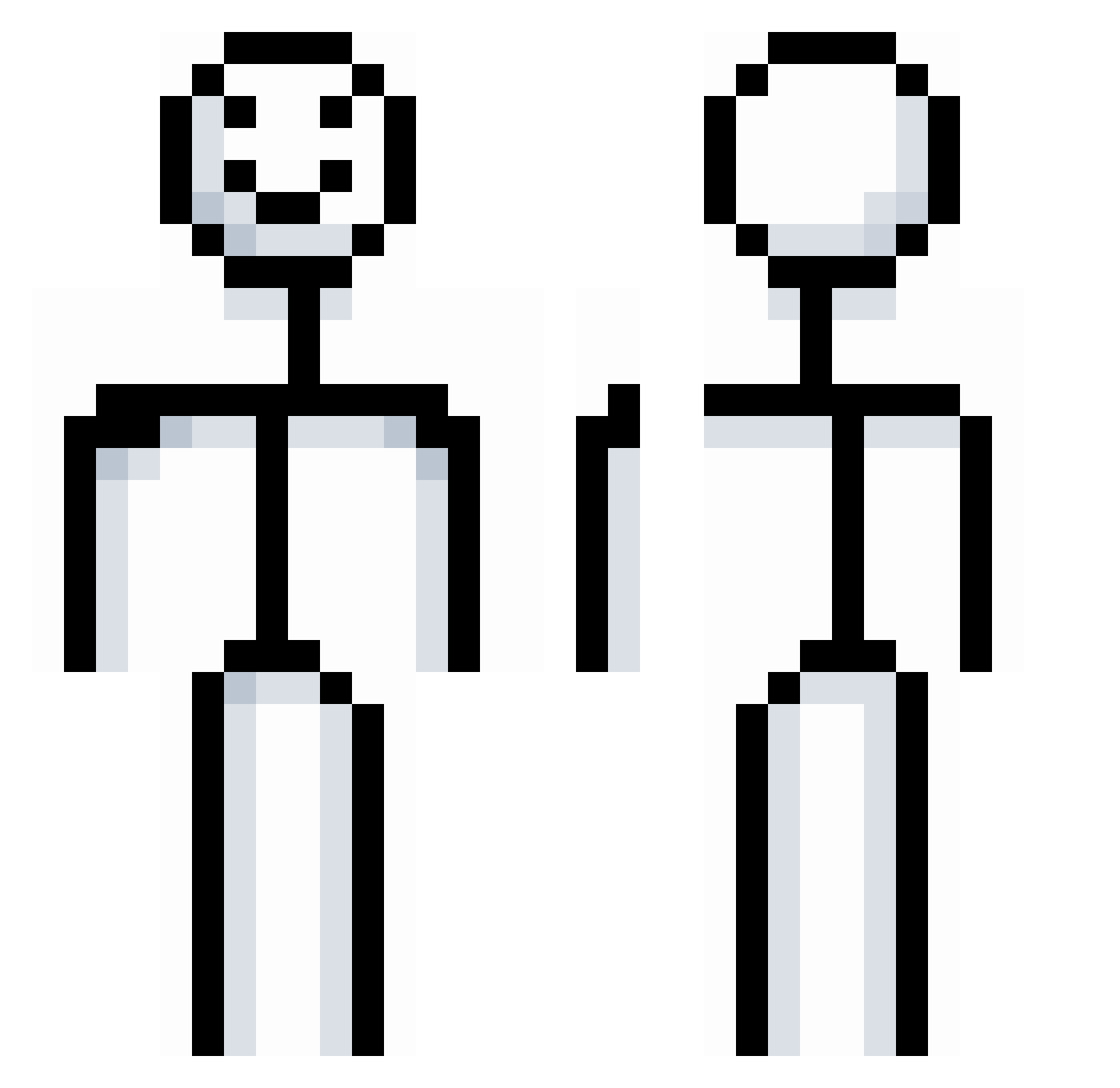
Current Minecraft skin of the player thatdude400, loaded from the official Mojang API. Rotate the 3D model with your mouse or finger, then download the skin as a PNG file and use it in Minecraft: Bedrock Edition or Java Edition for free. When thatdude400 changes their skin, this page updates automatically and the old skin stays in the history below.
Other players with this skin (903)
thatdude400 was the 825th player we have seen with this skin, first spotted on 02.11.2026. The same skin was seen on these players. Open a nickname to see their current skin and skin history.
 McDangerfield arrow1909 Lircy2C Pierceyyyy atamabutinuki12 rudgus7382 VC_K Axrtur_02 Aurxz Catzerz SevenFootFour boot7708 SuBaRaShii373 SamuGames31 EyedEmpreror504 ArthurBanks N3elie Y_Haena kharaa_1137 Mistt_______ ppnep 100002 Waze21 FishKing24 CrazzyDubz swuegas Aidopotato02 liseoz Sebbi_boy mars5586 Lellish02 BananaKing0312 Jaczarmar 2xsk drmlady SniperMonkey_23 ganggang01 chrisi_boi happyhappyez123 OreKs bradyks 1ekwaan Sunming2010 Monkeyhisham TheRealFelipow Grug_rock KSM0413 Nobrux03 bullredexe Mr_slothbucks JulioX2 xXHarryXx08 Planis Xen135 ZululWarriors SirRuca sdp_interlude_ MyGami OrangePie_1 Ogalo1
More Stickman Minecraft skins
How to install the thatdude400 skin
- Press the Download button above to save the skin as a PNG file.
- Minecraft: Bedrock Edition (PE): open the Dressing Room from the main menu (or tap your character → Edit Character), go to Classic Skins → Owned, press the + (new skin) button, choose the downloaded PNG and pick the Classic (Steve) model. Works on PC and mobile; consoles cannot import custom skins.
- Minecraft: Java Edition: open the Minecraft Launcher, go to the Skins tab, click New Skin, load the PNG, pick the Classic (Steve) model and press Save & Use. You can also upload it at minecraft.net → Profile → Change Skin.
The skin does not show up after import - what should I do?
Restart Minecraft and open the Dressing Room again - imported skins sometimes appear only after a restart. Also make sure you selected the imported skin and picked the Classic (Steve) model.
Which model should I choose, Classic or Slim?
This skin is designed for the Classic (Steve) model. If you pick the wrong model, the arms of the skin will look stretched or squeezed.
Is the skin of thatdude400 free to download?
Yes. Press Download, save the PNG file and use it in Minecraft: Bedrock Edition or Java Edition - no payment or registration needed. The skin also works on multiplayer servers and Realms.
More skins
Looking for more? Go back to all Minecraft skins and check the top skins of the week, month and all time, or find any player's skin by nickname.