
tewaj - Minecraft Skins & Skin History
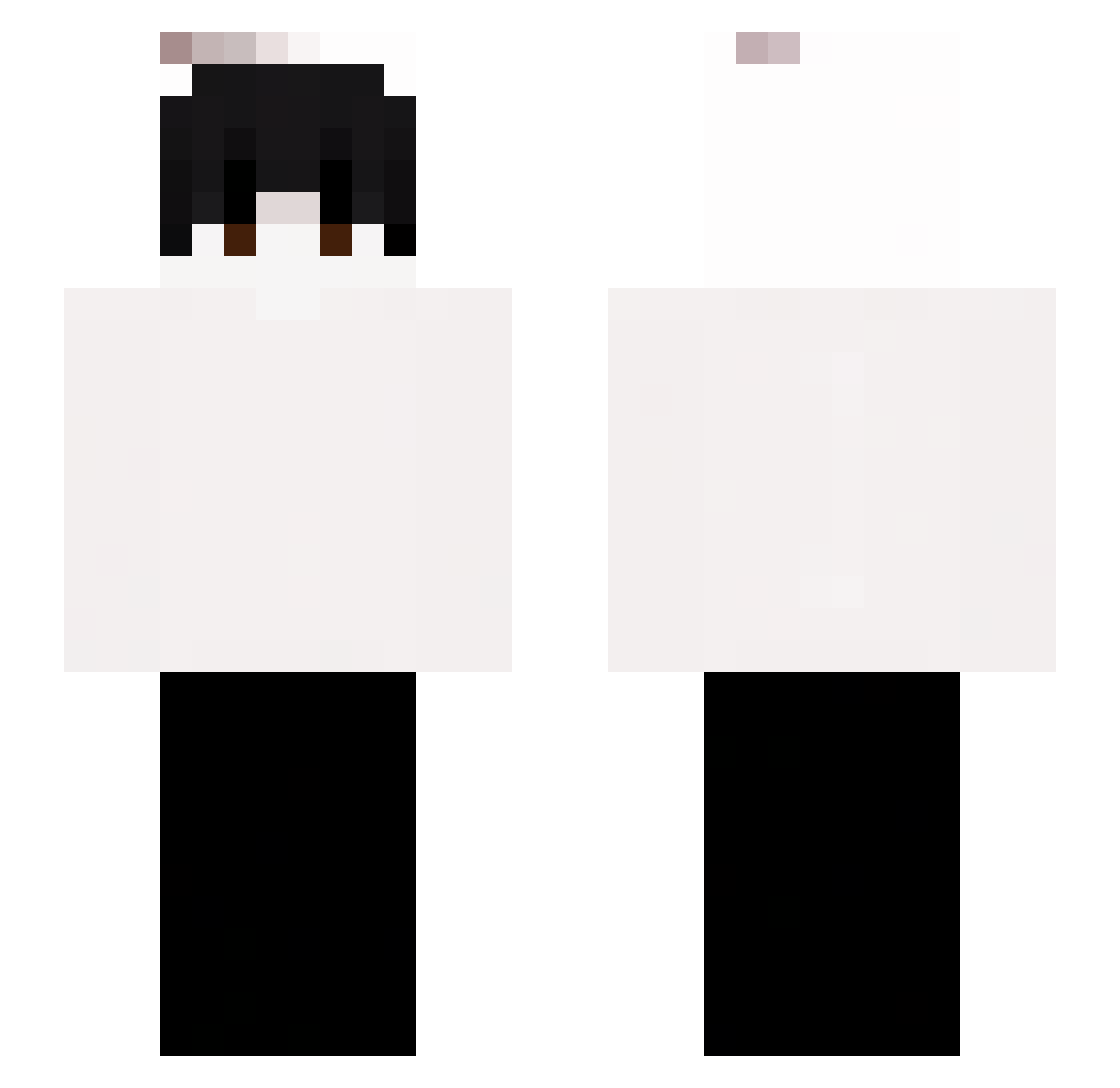
Current Minecraft skin of the player tewaj, loaded from the official Mojang API. Rotate the 3D model with your mouse or finger, then download the skin as a PNG file and use it in Minecraft: Bedrock Edition or Java Edition for free. When tewaj changes their skin, this page updates automatically and the old skin stays in the history below.
Other players with this skin (60)
tewaj was the 26th player we have seen with this skin, first spotted on 03.09.2026. The same skin was seen on these players. Open a nickname to see their current skin and skin history.
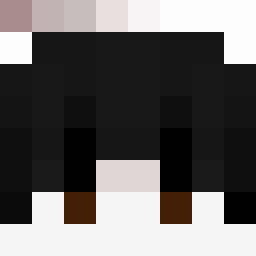 Sungmin0708 cazaquistao regulized newboys1314 NotRealVaper67 frbrock
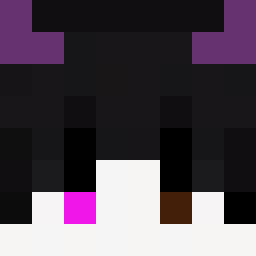 IAmAJ12 Dravoksy DxvilxAsta88 Genthing2553 Daawid34 przejaaazd jaxon_13 OXlatorty kgn78
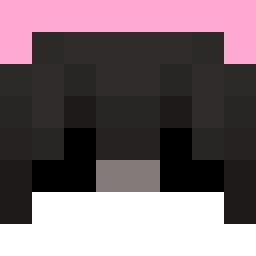 _w0jtasss Kenzyy___ Omar_86 summary1006 N0t_Pompompurin cvppidz obruninm 3blx
 iLofiz felidrengen _j1wan cyrvyy GatoConVino_ xz81 JustJTz lanceg02 81ss ArthrLeywin Alphandemir cookiesMmh zKatanaa megustastuwu Lukacrlz ItzSentry Nythar12 _n0tm1d
 Itzz_Flippipi Blue_wale sstonedd onxyz ItzReal_Assassin
 Hahoyoo Baezt_ faithissecured FlyingFoxy2020 WackelkopfYT Rxyka mqgnar boraair Yagboi qurikfv LastelSENSEI Imvvo Dean_Winchesterr Atops_
How to install the tewaj skin
- Press the Download button above to save the skin as a PNG file.
- Minecraft: Bedrock Edition (PE): open the Dressing Room from the main menu (or tap your character → Edit Character), go to Classic Skins → Owned, press the + (new skin) button, choose the downloaded PNG and pick the Slim (Alex) model. Works on PC and mobile; consoles cannot import custom skins.
- Minecraft: Java Edition: open the Minecraft Launcher, go to the Skins tab, click New Skin, load the PNG, pick the Slim (Alex) model and press Save & Use. You can also upload it at minecraft.net → Profile → Change Skin.
The skin does not show up after import - what should I do?
Restart Minecraft and open the Dressing Room again - imported skins sometimes appear only after a restart. Also make sure you selected the imported skin and picked the Slim (Alex) model.
Which model should I choose, Classic or Slim?
This skin is designed for the Slim (Alex) model. If you pick the wrong model, the arms of the skin will look stretched or squeezed.
Is the skin of tewaj free to download?
Yes. Press Download, save the PNG file and use it in Minecraft: Bedrock Edition or Java Edition - no payment or registration needed. The skin also works on multiplayer servers and Realms.
More skins
Looking for more? Go back to all Minecraft skins and check the top skins of the week, month and all time, or find any player's skin by nickname.