
tantekef - Minecraft Skins & Skin History
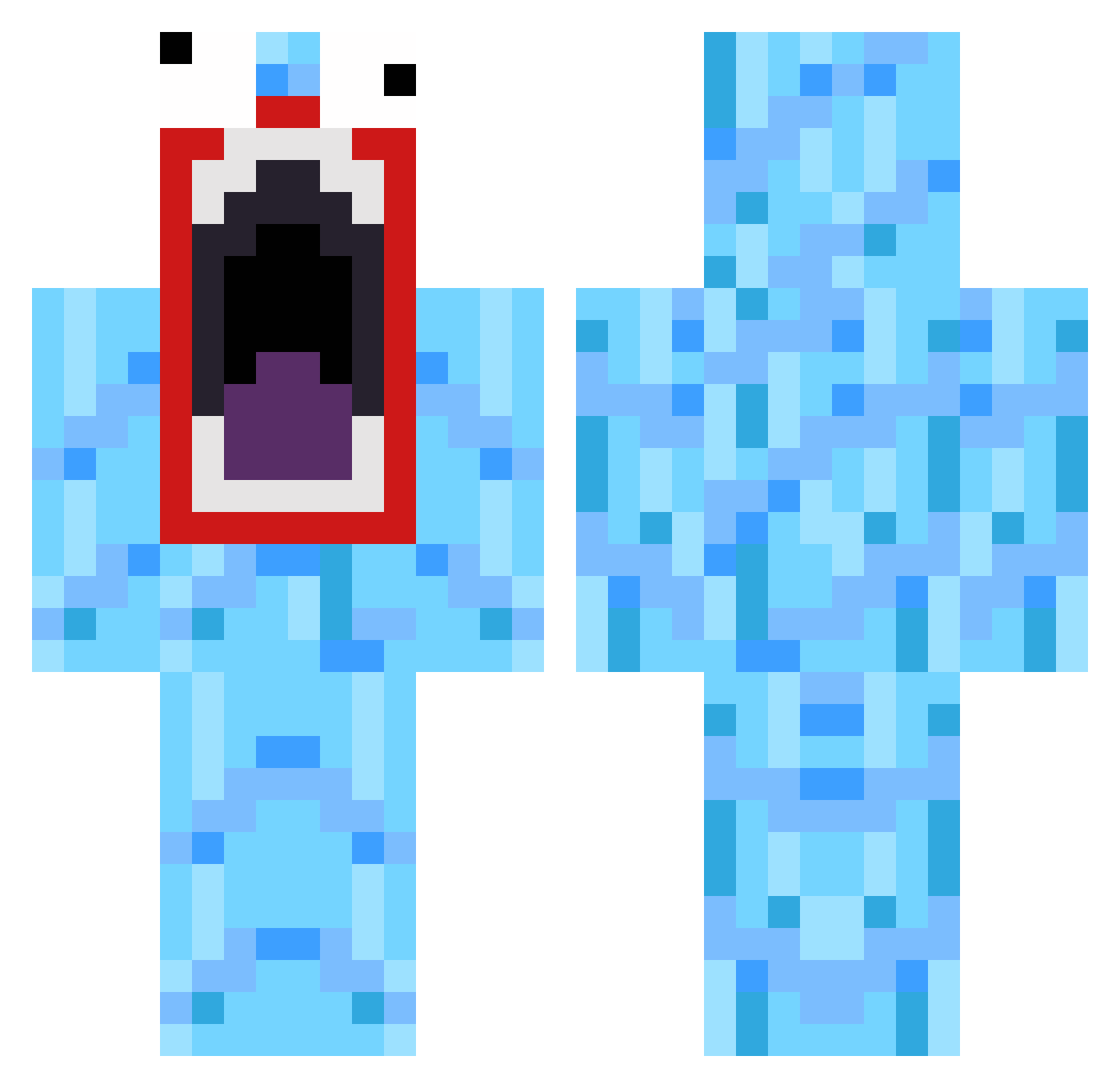
Current Minecraft skin of the player tantekef, loaded from the official Mojang API. Rotate the 3D model with your mouse or finger, then download the skin as a PNG file and use it in Minecraft: Bedrock Edition or Java Edition for free. When tantekef changes their skin, this page updates automatically and the old skin stays in the history below.
Other players with this skin (519)
tantekef was the 248th player we have seen with this skin, first spotted on 26.09.2026. The same skin was seen on these players. Open a nickname to see their current skin and skin history.
 Ha1chaa Abbutze1 Dinghzo Peekabooh Lucy_Unicorn KEKlolz_ NHLSuperstar03 hornetscatcher light_Sider ericaaronkim PonyNotFound GammelBaba Zartirian janusnyborg1 TardyManPony J4rek Ecco76 p_lummm barasl Luguber kristapha TypicalGrandpa Fouroneseven chichicatdog kiki2003kiki Pants52 xIISLiiCKIIx DildoWaldo oliroo45 XAijaxX Kinkara im_awesome_babe Chiickenss sammsamy coreyb97 SkyWeep ImNotDekwan Wars120 Wilfster101 Lzyred therock9 Kav1999 FlyingFish44 mullyman1 Levee iam_apickle weijannik tyddown jennamonsta 132Alex867 flavors12 AlohaCobra DIGGERSTICK JoeBurger18 chasethepro24 ChickenJauMein OrIGInalPyRO mtzeb SuperSneaky7 bu11e7pr00f
How to install the tantekef skin
- Press the Download button above to save the skin as a PNG file.
- Minecraft: Bedrock Edition (PE): open the Dressing Room from the main menu (or tap your character → Edit Character), go to Classic Skins → Owned, press the + (new skin) button, choose the downloaded PNG and pick the Classic (Steve) model. Works on PC and mobile; consoles cannot import custom skins.
- Minecraft: Java Edition: open the Minecraft Launcher, go to the Skins tab, click New Skin, load the PNG, pick the Classic (Steve) model and press Save & Use. You can also upload it at minecraft.net → Profile → Change Skin.
The skin does not show up after import - what should I do?
Restart Minecraft and open the Dressing Room again - imported skins sometimes appear only after a restart. Also make sure you selected the imported skin and picked the Classic (Steve) model.
Which model should I choose, Classic or Slim?
This skin is designed for the Classic (Steve) model. If you pick the wrong model, the arms of the skin will look stretched or squeezed.
Is the skin of tantekef free to download?
Yes. Press Download, save the PNG file and use it in Minecraft: Bedrock Edition or Java Edition - no payment or registration needed. The skin also works on multiplayer servers and Realms.
More skins
Looking for more? Go back to all Minecraft skins and check the top skins of the week, month and all time, or find any player's skin by nickname.