
swishbill - Minecraft Skins & Skin History
Current Minecraft skin of the player swishbill, loaded from the official Mojang API. Rotate the 3D model with your mouse or finger, then download the skin as a PNG file and use it in Minecraft: Bedrock Edition or Java Edition for free. When swishbill changes their skin, this page updates automatically and the old skin stays in the history below.
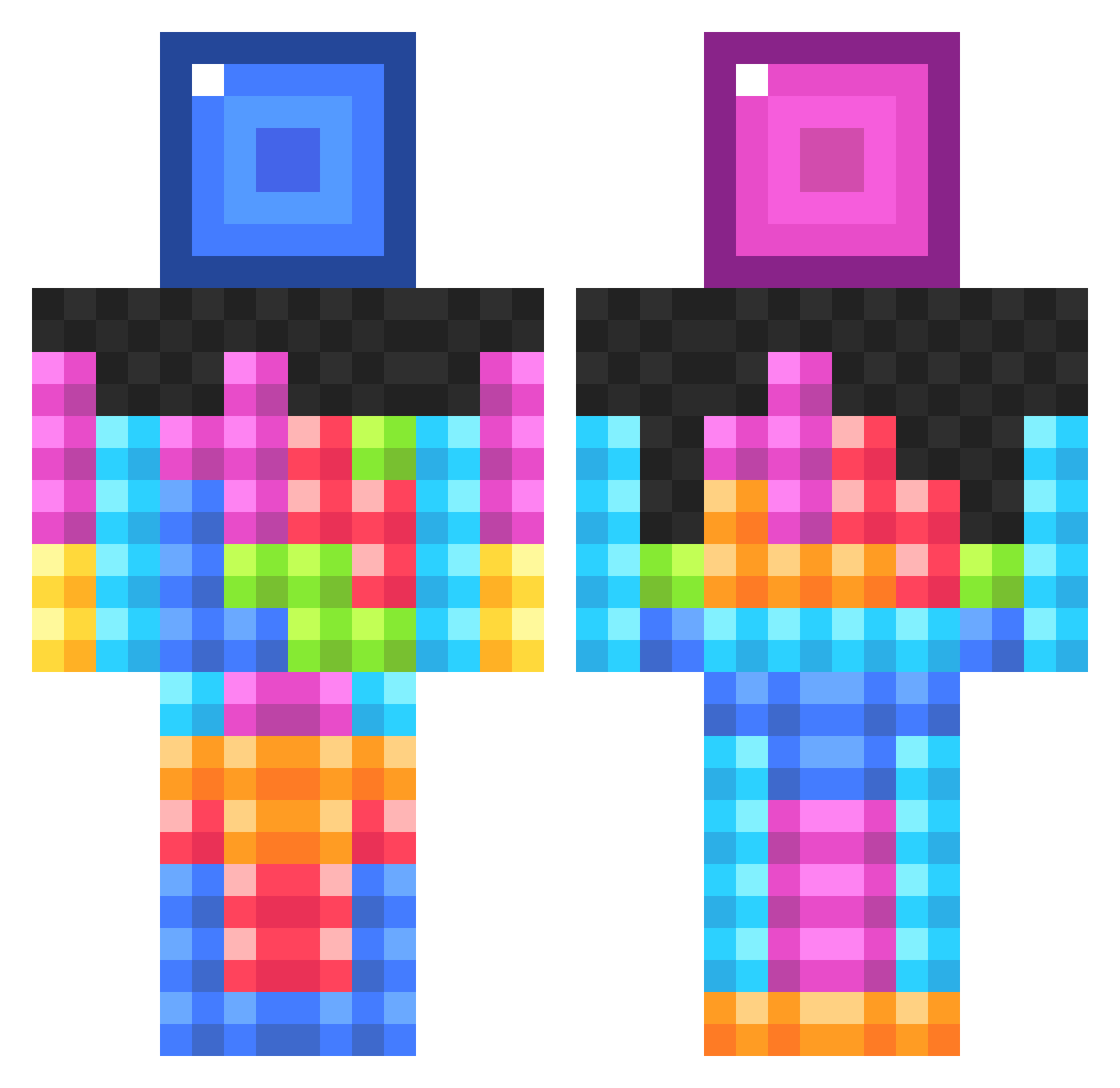
Other players with this skin (1027)
swishbill was the 978th player we have seen with this skin, first spotted on 14.11.2026. The same skin was seen on these players. Open a nickname to see their current skin and skin history.
 fast4u GerardPerarriera Hot_Rod_Harry Herucio pixelkilla Niggletz smudgee55 delpero7 willem_ves kieran2201 Ecorix slappy69 mmmChezBurger Erogator bord000 21chop GingaNinga913 Tanko_64 eCxddles keatonlocks23 nahinyom mister_miner3519 MrFaxD JordanthegameSD LifeStigma NotJackieChan Mikey_G_08 Isofixx Jjefferson1 TheOperat0r AlmightyDrizzy Amkea SAFPx Demiil mfikerud samkell27 dalyjoseph99 Davoli44 WrathSaurus Natman0566 chris795555 T3Tryx Kariane0254 porproper ___Jordy___ bigmantdawg katzuma9 pleaguer windomiles GXSL Togepi24 f3zzywap lol4red Nikkogz MisterCreeper8D RR5618 omace steamer1972 BlueTopaz_x LightBlueTom
More Tetris Minecraft skins
How to install the swishbill skin
- Press the Download button above to save the skin as a PNG file.
- Minecraft: Bedrock Edition (PE): open the Dressing Room from the main menu (or tap your character → Edit Character), go to Classic Skins → Owned, press the + (new skin) button, choose the downloaded PNG and pick the Classic (Steve) model. Works on PC and mobile; consoles cannot import custom skins.
- Minecraft: Java Edition: open the Minecraft Launcher, go to the Skins tab, click New Skin, load the PNG, pick the Classic (Steve) model and press Save & Use. You can also upload it at minecraft.net → Profile → Change Skin.
The skin does not show up after import - what should I do?
Restart Minecraft and open the Dressing Room again - imported skins sometimes appear only after a restart. Also make sure you selected the imported skin and picked the Classic (Steve) model.
Which model should I choose, Classic or Slim?
This skin is designed for the Classic (Steve) model. If you pick the wrong model, the arms of the skin will look stretched or squeezed.
Is the skin of swishbill free to download?
Yes. Press Download, save the PNG file and use it in Minecraft: Bedrock Edition or Java Edition - no payment or registration needed. The skin also works on multiplayer servers and Realms.
More skins
Looking for more? Go back to all Minecraft skins and check the top skins of the week, month and all time, or find any player's skin by nickname.