
suprahit - Minecraft Skins & Skin History
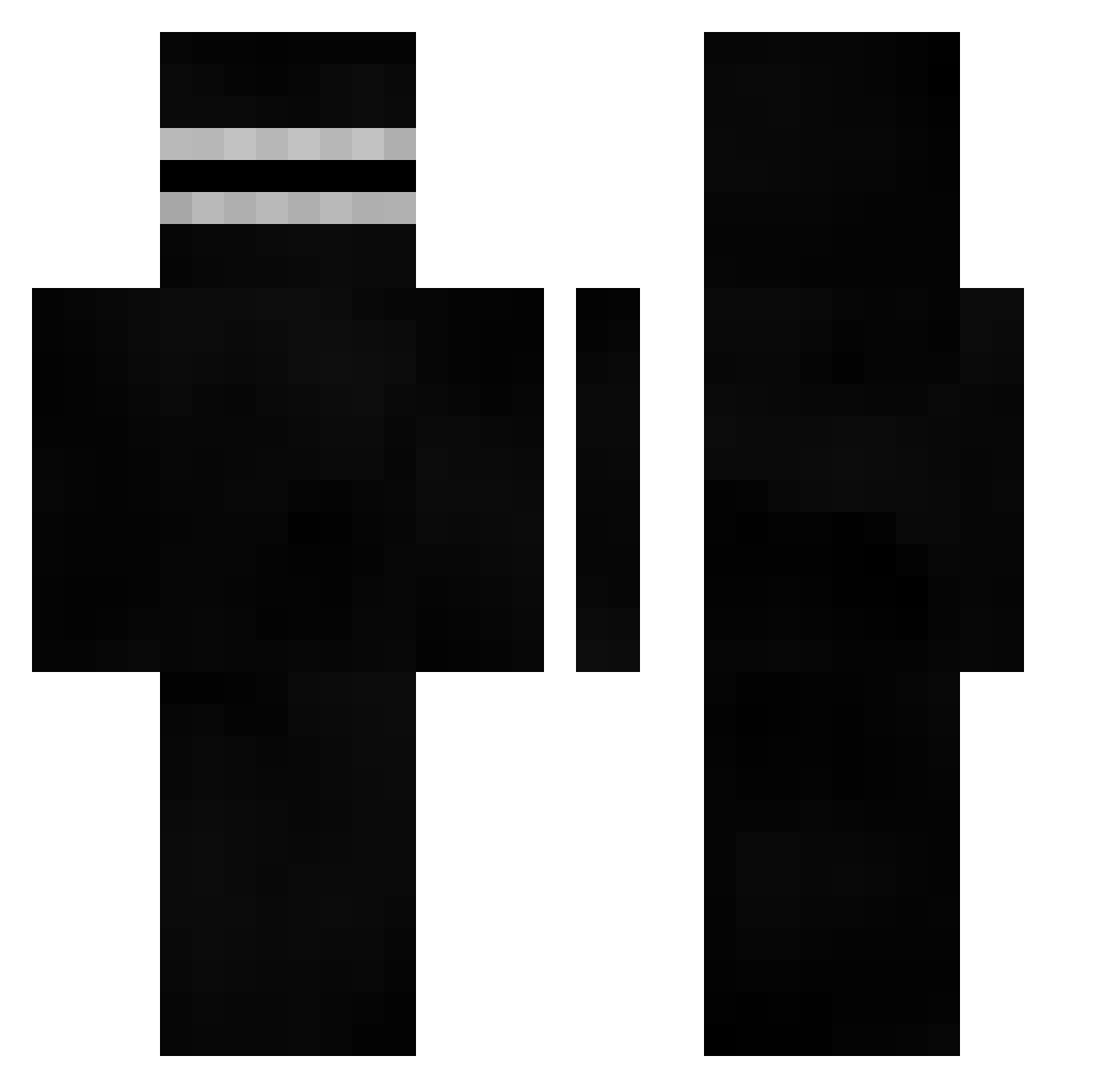
Current Minecraft skin of the player suprahit, loaded from the official Mojang API. Rotate the 3D model with your mouse or finger, then download the skin as a PNG file and use it in Minecraft: Bedrock Edition or Java Edition for free. When suprahit changes their skin, this page updates automatically and the old skin stays in the history below.
Other players with this skin (554)
suprahit was the 524th player we have seen with this skin, first spotted on 13.11.2026. The same skin was seen on these players. Open a nickname to see their current skin and skin history.
 MangeBloc DigBickP klamma27 Ripall Gregg155 Puramu_San q4u_ Based8622 yelsbw24 Bonz0923 Barisgamer skizo59 QWANTAMI HladaTor ElKanna raobuu BadCombos2k Goodpopo Rynx1 plevier10 Markito13 RedactedOG ya_otzin ostryga11 WILLCAPPISPAPA Sirenian_Spy JLKRD pongil HELF1R3 rosemqry TheHephner MBGDS TwunBeast ovob_0206 Homo_Lord Flexozeros bulang23333 xquse Mlahhhhhh hugy070831 HugoPugoBus hatoyam4 jacksxn999 WaterGott R4EL Schnappi02 allqe Lucifer_vv A7HOS_ Roilnz TheOneThird 1beter1 MESUT31 nankjak Zappy1713 yhiz uwukoubda Hoppang7 Eymenerc101 Simoox
How to install the suprahit skin
- Press the Download button above to save the skin as a PNG file.
- Minecraft: Bedrock Edition (PE): open the Dressing Room from the main menu (or tap your character → Edit Character), go to Classic Skins → Owned, press the + (new skin) button, choose the downloaded PNG and pick the Classic (Steve) model. Works on PC and mobile; consoles cannot import custom skins.
- Minecraft: Java Edition: open the Minecraft Launcher, go to the Skins tab, click New Skin, load the PNG, pick the Classic (Steve) model and press Save & Use. You can also upload it at minecraft.net → Profile → Change Skin.
The skin does not show up after import - what should I do?
Restart Minecraft and open the Dressing Room again - imported skins sometimes appear only after a restart. Also make sure you selected the imported skin and picked the Classic (Steve) model.
Which model should I choose, Classic or Slim?
This skin is designed for the Classic (Steve) model. If you pick the wrong model, the arms of the skin will look stretched or squeezed.
Is the skin of suprahit free to download?
Yes. Press Download, save the PNG file and use it in Minecraft: Bedrock Edition or Java Edition - no payment or registration needed. The skin also works on multiplayer servers and Realms.
More skins
Looking for more? Go back to all Minecraft skins and check the top skins of the week, month and all time, or find any player's skin by nickname.