
superman07041 - Minecraft Skins & Skin History
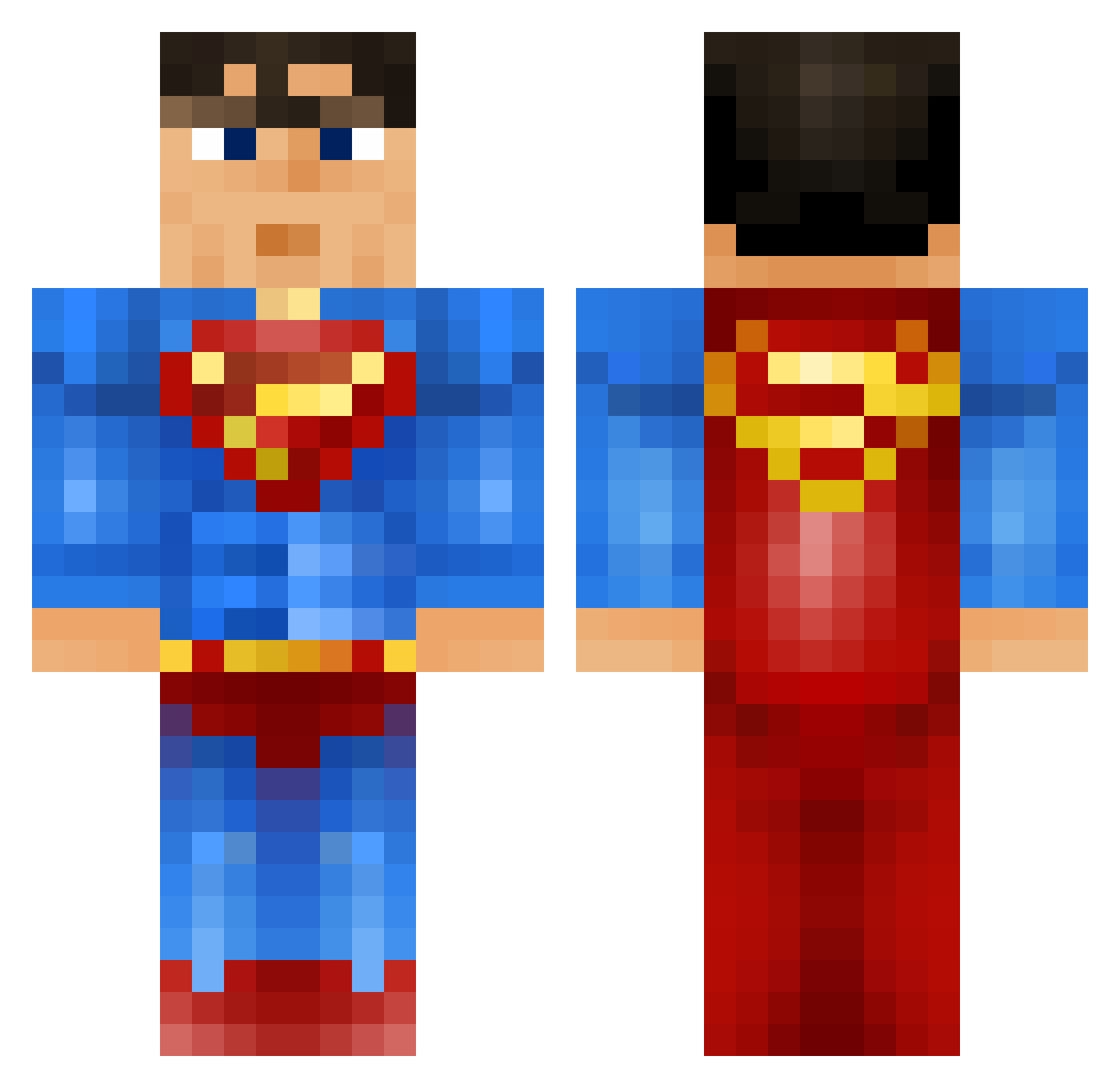
Current Minecraft skin of the player superman07041, loaded from the official Mojang API. Rotate the 3D model with your mouse or finger, then download the skin as a PNG file and use it in Minecraft: Bedrock Edition or Java Edition for free. When superman07041 changes their skin, this page updates automatically and the old skin stays in the history below.
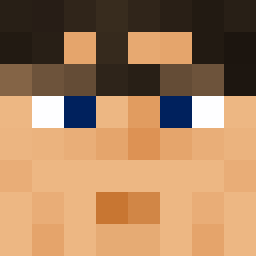
Other players with this skin (92)
superman07041 was the 52nd player we have seen with this skin, first spotted on 22.09.2026. The same skin was seen on these players. Open a nickname to see their current skin and skin history.
 Crackito_muerte joshrothwell Ari2001 Empire01 ImTheMiracle ThiisJelly_ the_MAN99 Darrel2547 supersie7 Hendrick999 TigerCole55 mackthepro ApolloAres Haru0vo ruhtra15 Vaner96 LiuSiX kevloves_ Jeandarme Amir_HD ZYZ2001 IQtheDragon Panther022 Brick_of_Steel MajorHunter1 Mi_dian Sid247 Another_Juan KingBooyah Freddymann91 Bananan__22 JerpJerpTheTall RayHard1980 Tim1828 Morty922 OscarDrs1 msawayda spenc129 EineHerde Rockfang AlexDryburgh Brrman luddestahl SuitAndTieGamer SuperClarke ChuPapiMunyany0 IamSuperTommy Rickster_ca Dicidens LittleDemocchi Fortifize KillerSuperMan tim2306 EatingPoop19 katal84 seeguller Airon117 valhallajoe Pitir_ jerseytc
More Superman Minecraft skins
How to install the superman07041 skin
- Press the Download button above to save the skin as a PNG file.
- Minecraft: Bedrock Edition (PE): open the Dressing Room from the main menu (or tap your character → Edit Character), go to Classic Skins → Owned, press the + (new skin) button, choose the downloaded PNG and pick the Classic (Steve) model. Works on PC and mobile; consoles cannot import custom skins.
- Minecraft: Java Edition: open the Minecraft Launcher, go to the Skins tab, click New Skin, load the PNG, pick the Classic (Steve) model and press Save & Use. You can also upload it at minecraft.net → Profile → Change Skin.
The skin does not show up after import - what should I do?
Restart Minecraft and open the Dressing Room again - imported skins sometimes appear only after a restart. Also make sure you selected the imported skin and picked the Classic (Steve) model.
Which model should I choose, Classic or Slim?
This skin is designed for the Classic (Steve) model. If you pick the wrong model, the arms of the skin will look stretched or squeezed.
Is the skin of superman07041 free to download?
Yes. Press Download, save the PNG file and use it in Minecraft: Bedrock Edition or Java Edition - no payment or registration needed. The skin also works on multiplayer servers and Realms.
More skins
Looking for more? Go back to all Minecraft skins and check the top skins of the week, month and all time, or find any player's skin by nickname.