
suleymnayd - Minecraft Skins & Skin History
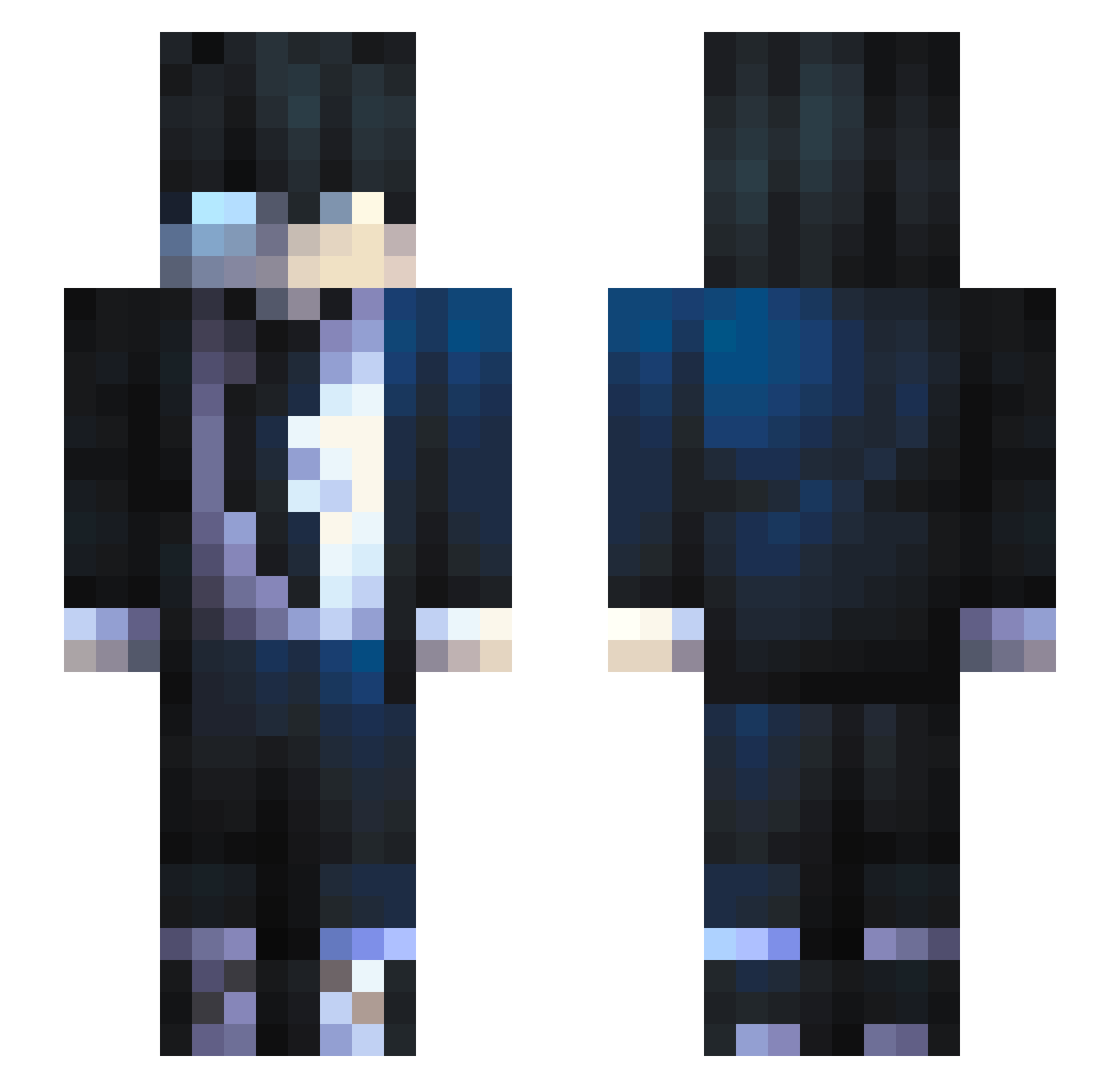
Current Minecraft skin of the player suleymnayd, loaded from the official Mojang API. Rotate the 3D model with your mouse or finger, then download the skin as a PNG file and use it in Minecraft: Bedrock Edition or Java Edition for free. When suleymnayd changes their skin, this page updates automatically and the old skin stays in the history below.
Other players with this skin (559)
suleymnayd was the 312th player we have seen with this skin, first spotted on 18.09.2026. The same skin was seen on these players. Open a nickname to see their current skin and skin history.
 CosmiicAshes P3p3y Riu11_ Serchx Shadow_Demon1 Wheresmygirl69 quuaba GHOST1mvp Cidjr Kaikiri Alexis_Gamer kgdg LegendaryDylan0 TheBonev Akajorgi DARKYSys Prongsai r4xxxxx DaProPengu HSBstrong Frank20006 BLEAZ34 SenhorJeday Shadow_Gamer7 Rawand260 _NaTuraL__ zHarvock Mihai0501 Fischi47 RyuZikka NextMove ABHI__26 Danteneke Max2776 petercheka21 Haiyu_24 yMarianexo RIK3VIKING killuaz04 aki918 bruh141212 Gubita13 C1Sans7016 Macajugui Flooki666 ChillGuyJa VectoR_557 iDannys BigMac92728 howard_0524 ShiestyMeister Papitas30 DIVINE_RARE kauaengenharias Etheeer I_7kmy Yubruno polololololpo affetr0nic Phoenix_Wisp
How to install the suleymnayd skin
- Press the Download button above to save the skin as a PNG file.
- Minecraft: Bedrock Edition (PE): open the Dressing Room from the main menu (or tap your character → Edit Character), go to Classic Skins → Owned, press the + (new skin) button, choose the downloaded PNG and pick the Slim (Alex) model. Works on PC and mobile; consoles cannot import custom skins.
- Minecraft: Java Edition: open the Minecraft Launcher, go to the Skins tab, click New Skin, load the PNG, pick the Slim (Alex) model and press Save & Use. You can also upload it at minecraft.net → Profile → Change Skin.
The skin does not show up after import - what should I do?
Restart Minecraft and open the Dressing Room again - imported skins sometimes appear only after a restart. Also make sure you selected the imported skin and picked the Slim (Alex) model.
Which model should I choose, Classic or Slim?
This skin is designed for the Slim (Alex) model. If you pick the wrong model, the arms of the skin will look stretched or squeezed.
Is the skin of suleymnayd free to download?
Yes. Press Download, save the PNG file and use it in Minecraft: Bedrock Edition or Java Edition - no payment or registration needed. The skin also works on multiplayer servers and Realms.
More skins
Looking for more? Go back to all Minecraft skins and check the top skins of the week, month and all time, or find any player's skin by nickname.