
storanre - Minecraft Skins & Skin History
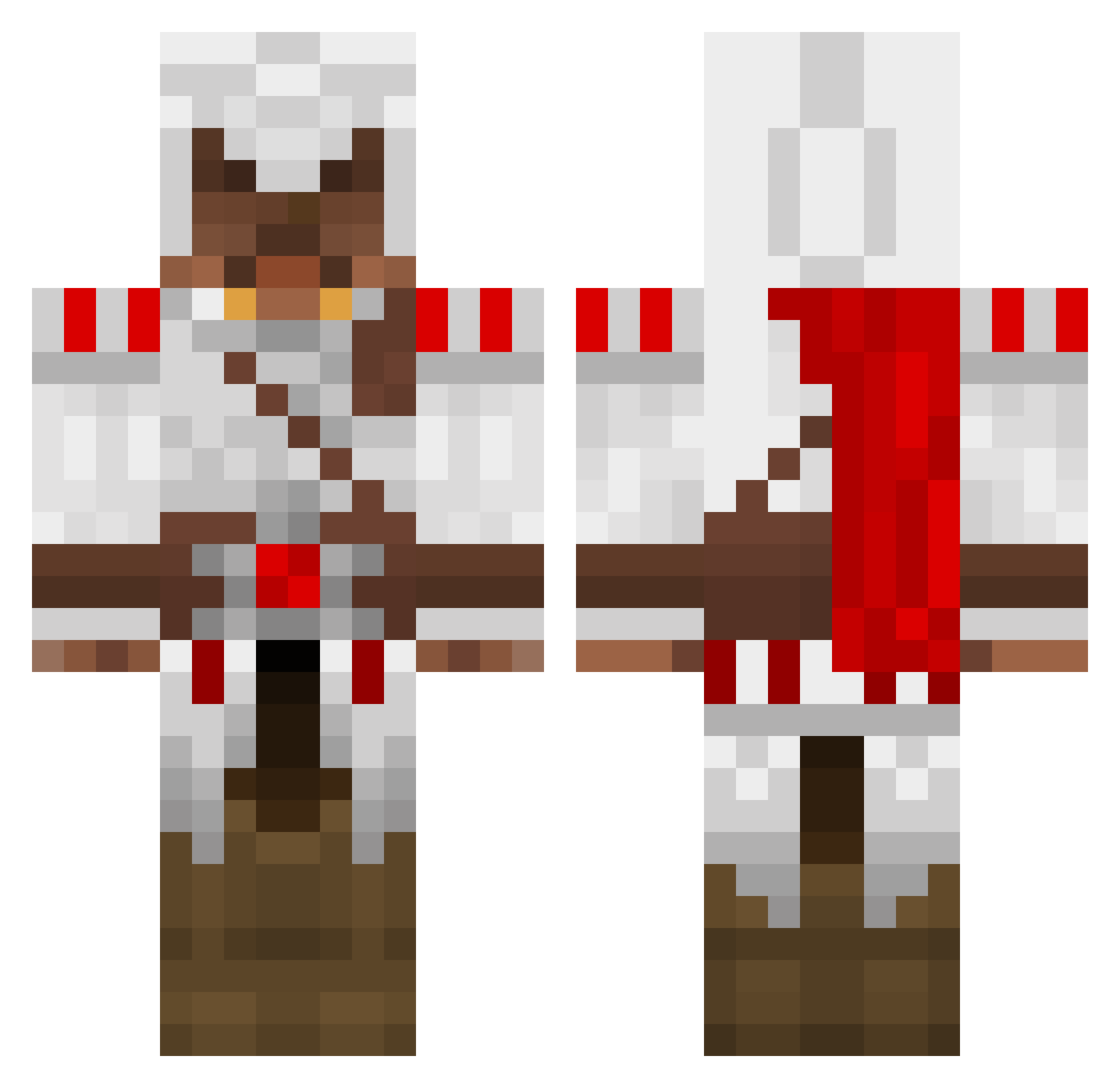
Current Minecraft skin of the player storanre, loaded from the official Mojang API. Rotate the 3D model with your mouse or finger, then download the skin as a PNG file and use it in Minecraft: Bedrock Edition or Java Edition for free. When storanre changes their skin, this page updates automatically and the old skin stays in the history below.
Other players with this skin (1695)
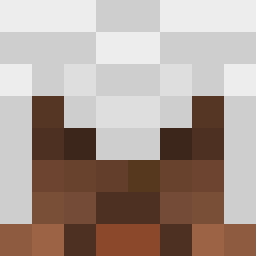
storanre was the 1472nd player we have seen with this skin, first spotted on 06.11.2026. The same skin was seen on these players. Open a nickname to see their current skin and skin history.
 spiggot1 Kaboom2004 jakexdubstep RamenGaiden iconnor98 Oidy1 cmine44 maxeyspal Stamoose cmarcolini peter1354 hoboden cmac773 stupido1 HawtMaxi BuddyMaaan DaiPeng Kevlin10 theotherguy916 Xconvict22 Thoerchen1337 harvey_bear2 Paulwilli FalkenXV superPACES Sawdogg S_Mac14 Doomsdayer WilhelmA007 Alaminprime moose5593 powershot55 LeFishmonger ladylol yuley2002 jojjsan13 Tylert112 yrovi Frankkrist123456 X_nathan_Xz jono_no UserDisplayName sudden_death95 GERRRDA Falor124 bambico meesterbacon patrickveprek krissy96 Patrick21297 wacky_Rhys zombx035 aznboii1221 Bob_Bobberson HDahly Soukaripa Caltazaro xXYoung_WolfXx DemonCrafter666 deathmannelson
More Altair Ibn La Ahad Minecraft skins
See all 226 Altair Ibn La Ahad skins
How to install the storanre skin
- Press the Download button above to save the skin as a PNG file.
- Minecraft: Bedrock Edition (PE): open the Dressing Room from the main menu (or tap your character → Edit Character), go to Classic Skins → Owned, press the + (new skin) button, choose the downloaded PNG and pick the Classic (Steve) model. Works on PC and mobile; consoles cannot import custom skins.
- Minecraft: Java Edition: open the Minecraft Launcher, go to the Skins tab, click New Skin, load the PNG, pick the Classic (Steve) model and press Save & Use. You can also upload it at minecraft.net → Profile → Change Skin.
The skin does not show up after import - what should I do?
Restart Minecraft and open the Dressing Room again - imported skins sometimes appear only after a restart. Also make sure you selected the imported skin and picked the Classic (Steve) model.
Which model should I choose, Classic or Slim?
This skin is designed for the Classic (Steve) model. If you pick the wrong model, the arms of the skin will look stretched or squeezed.
Is the skin of storanre free to download?
Yes. Press Download, save the PNG file and use it in Minecraft: Bedrock Edition or Java Edition - no payment or registration needed. The skin also works on multiplayer servers and Realms.
More skins
Looking for more? Go back to all Minecraft skins and check the top skins of the week, month and all time, or find any player's skin by nickname.