
stardust07 - Minecraft Skins & Skin History
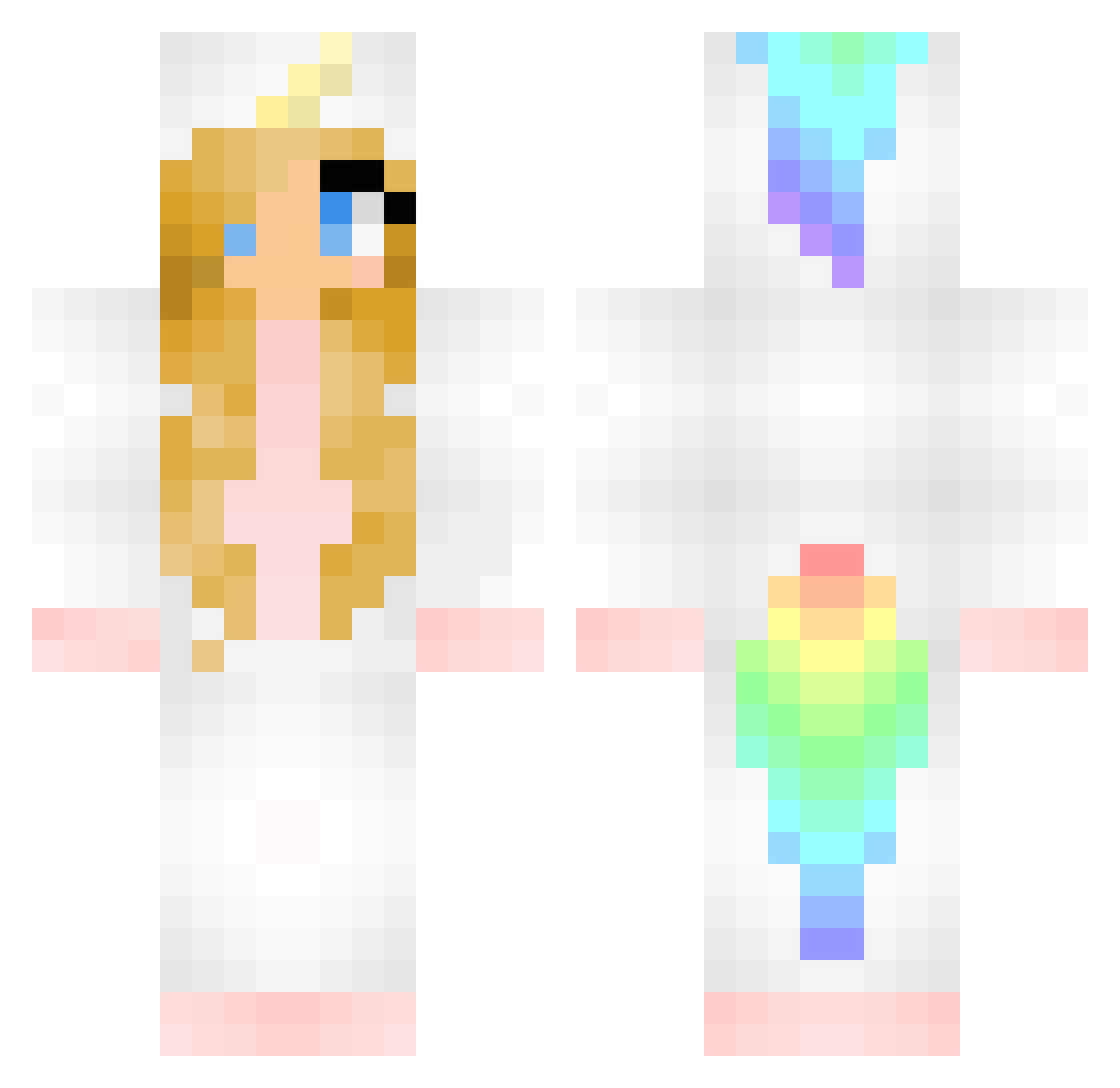
Current Minecraft skin of the player stardust07, loaded from the official Mojang API. Rotate the 3D model with your mouse or finger, then download the skin as a PNG file and use it in Minecraft: Bedrock Edition or Java Edition for free. When stardust07 changes their skin, this page updates automatically and the old skin stays in the history below.
Other players with this skin (374)
stardust07 was the 267th player we have seen with this skin, first spotted on 09.10.2026. The same skin was seen on these players. Open a nickname to see their current skin and skin history.
 a115wag ItsFluffie tjabannie KillerKitten2003 Ebba_O_07 Naiki_x lonatika SgtWebbPD SparkleShine07 unicorngirl74 FUZZYBUNNY101 DancingxHorse Jossan_kossan GraceRawi Nobodygun Chapp5 Kethlen mrkwel LegitEmz Spinellie Cakanator thelightgiver98 jebanv1 skylove909 Shimhol Siroskariam MrFreaxxx Gewibit rjcaribear 123wilma loveelo123 seje_Nico majacordua Unicorn_girl1825 yanran_chen ZoeAlana plooier AuroraZabeo french_katniss Barneyg1989 Linster123 DirkLeeuw BettyPurl KES12345678910 stephiAlina GlitterGamer20 JAZZY_GREEN Unicorn_Rain96 PonyoTheFish12 biihbarbosa ChernobylBarnet lordfluffy943 maeve2527 lucieclarke kittyGirl_11 Cheerios_101 FireTiger18 I_Got_Hackusated CharlieBear456 RSL
More Unicorn Minecraft skins
How to install the stardust07 skin
- Press the Download button above to save the skin as a PNG file.
- Minecraft: Bedrock Edition (PE): open the Dressing Room from the main menu (or tap your character → Edit Character), go to Classic Skins → Owned, press the + (new skin) button, choose the downloaded PNG and pick the Classic (Steve) model. Works on PC and mobile; consoles cannot import custom skins.
- Minecraft: Java Edition: open the Minecraft Launcher, go to the Skins tab, click New Skin, load the PNG, pick the Classic (Steve) model and press Save & Use. You can also upload it at minecraft.net → Profile → Change Skin.
The skin does not show up after import - what should I do?
Restart Minecraft and open the Dressing Room again - imported skins sometimes appear only after a restart. Also make sure you selected the imported skin and picked the Classic (Steve) model.
Which model should I choose, Classic or Slim?
This skin is designed for the Classic (Steve) model. If you pick the wrong model, the arms of the skin will look stretched or squeezed.
Is the skin of stardust07 free to download?
Yes. Press Download, save the PNG file and use it in Minecraft: Bedrock Edition or Java Edition - no payment or registration needed. The skin also works on multiplayer servers and Realms.
More skins
Looking for more? Go back to all Minecraft skins and check the top skins of the week, month and all time, or find any player's skin by nickname.