
stanster32 - Minecraft Skins & Skin History
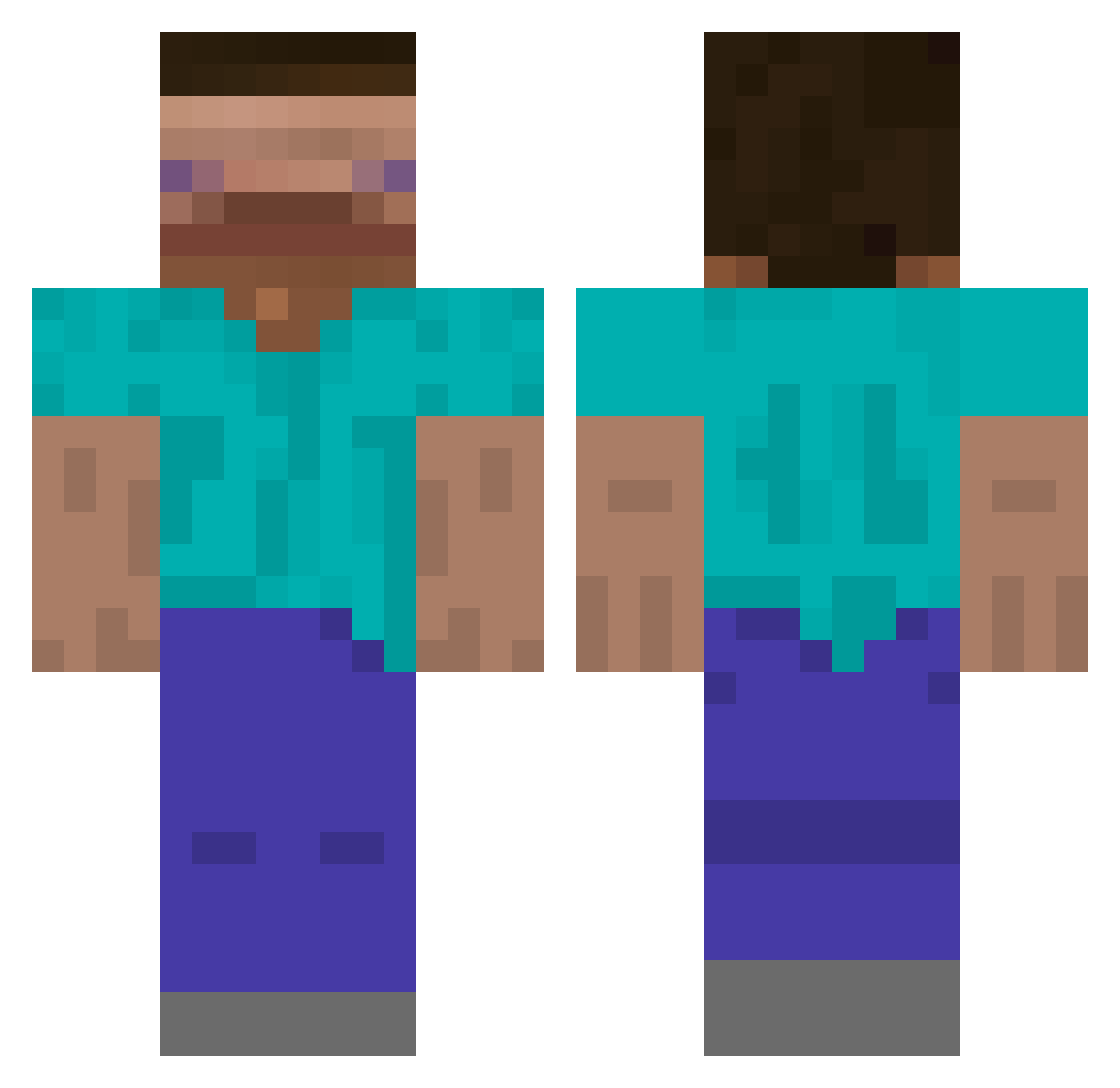
Current Minecraft skin of the player stanster32, loaded from the official Mojang API. Rotate the 3D model with your mouse or finger, then download the skin as a PNG file and use it in Minecraft: Bedrock Edition or Java Edition for free. When stanster32 changes their skin, this page updates automatically and the old skin stays in the history below.
Other players with this skin (601)
stanster32 was the 50th player we have seen with this skin, first spotted on 30.07.2026. The same skin was seen on these players. Open a nickname to see their current skin and skin history.
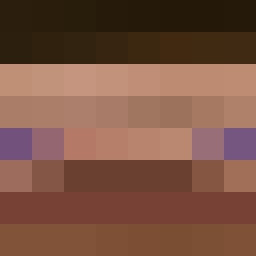 Mwayi
Mwayi thefirstpebble yeon48 OSSO9487 jman11bravo Scarecrow1700 Gab_Cool06 Olliegday TJRPasLaFibre
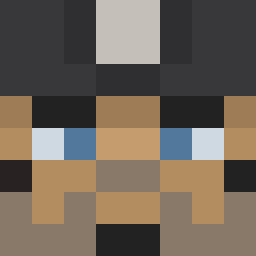 GrieferMushroom Rufix_one terata lenamary25 SuperbZOK ShabShab_ Gelis_Pro EggBreadLeg danthemcman Guatepan1 Th3Chick3n XINBLEX Kwangooroo Degustnegutter4l BigBoy667 DaddyBatter Hunk31 Cat_Wave 7rE0 DeepBlue17 Attila PNE_ UhhLucas gsntlln limitsterxcusety ISeeYouAtNight fjzc
 CHENGDIANMANGXIN 504scrub Hyew0n XXXTacoManXXX Trevstacks eunwoo1234 MegasProgoulios Jakzrobicbigos GammingCat altp_ PANG___ justquent8003 ggalssam Ste54k panterarussa KubuSMuss mup3ukkazah Father_Grigori billygoat9999999 westrider420
 opoff9453 MangerAPeach DESPAIR_1 WideSteeeve
How to install the stanster32 skin
- Press the Download button above to save the skin as a PNG file.
- Minecraft: Bedrock Edition (PE): open the Dressing Room from the main menu (or tap your character → Edit Character), go to Classic Skins → Owned, press the + (new skin) button, choose the downloaded PNG and pick the Classic (Steve) model. Works on PC and mobile; consoles cannot import custom skins.
- Minecraft: Java Edition: open the Minecraft Launcher, go to the Skins tab, click New Skin, load the PNG, pick the Classic (Steve) model and press Save & Use. You can also upload it at minecraft.net → Profile → Change Skin.
The skin does not show up after import - what should I do?
Restart Minecraft and open the Dressing Room again - imported skins sometimes appear only after a restart. Also make sure you selected the imported skin and picked the Classic (Steve) model.
Which model should I choose, Classic or Slim?
This skin is designed for the Classic (Steve) model. If you pick the wrong model, the arms of the skin will look stretched or squeezed.
Is the skin of stanster32 free to download?
Yes. Press Download, save the PNG file and use it in Minecraft: Bedrock Edition or Java Edition - no payment or registration needed. The skin also works on multiplayer servers and Realms.
More skins
Looking for more? Go back to all Minecraft skins and check the top skins of the week, month and all time, or find any player's skin by nickname.